Frequently Asked Questions (FAQ)
System requirements and files
Which OSes are supported?
Windows (64-bit) and macOS 11.0 or later.
Project files (.synapse) are common to both OSes, so a set built on Windows opens on a Mac.
Some features do differ between the OSes, though.
| Feature | Difference between OSes |
|---|---|
| Passing video around | Spout on Windows, Syphon on macOS (the node is the same one; only the name switches) |
| Playable codecs | See the table of supported formats |
.hlsl shader material | Windows only |
Which video formats can I use?
You can import .mp4 .mov .avi .mkv .webm .flv .wmv .m4v .mpg .mpeg .hap.
Images are .png .jpg .jpeg .gif .bmp .tga .tiff.
The codec inside matters more than the extension, though. Whether it plays is decided by the codec and the OS. The detailed table is in Loading video and image files.
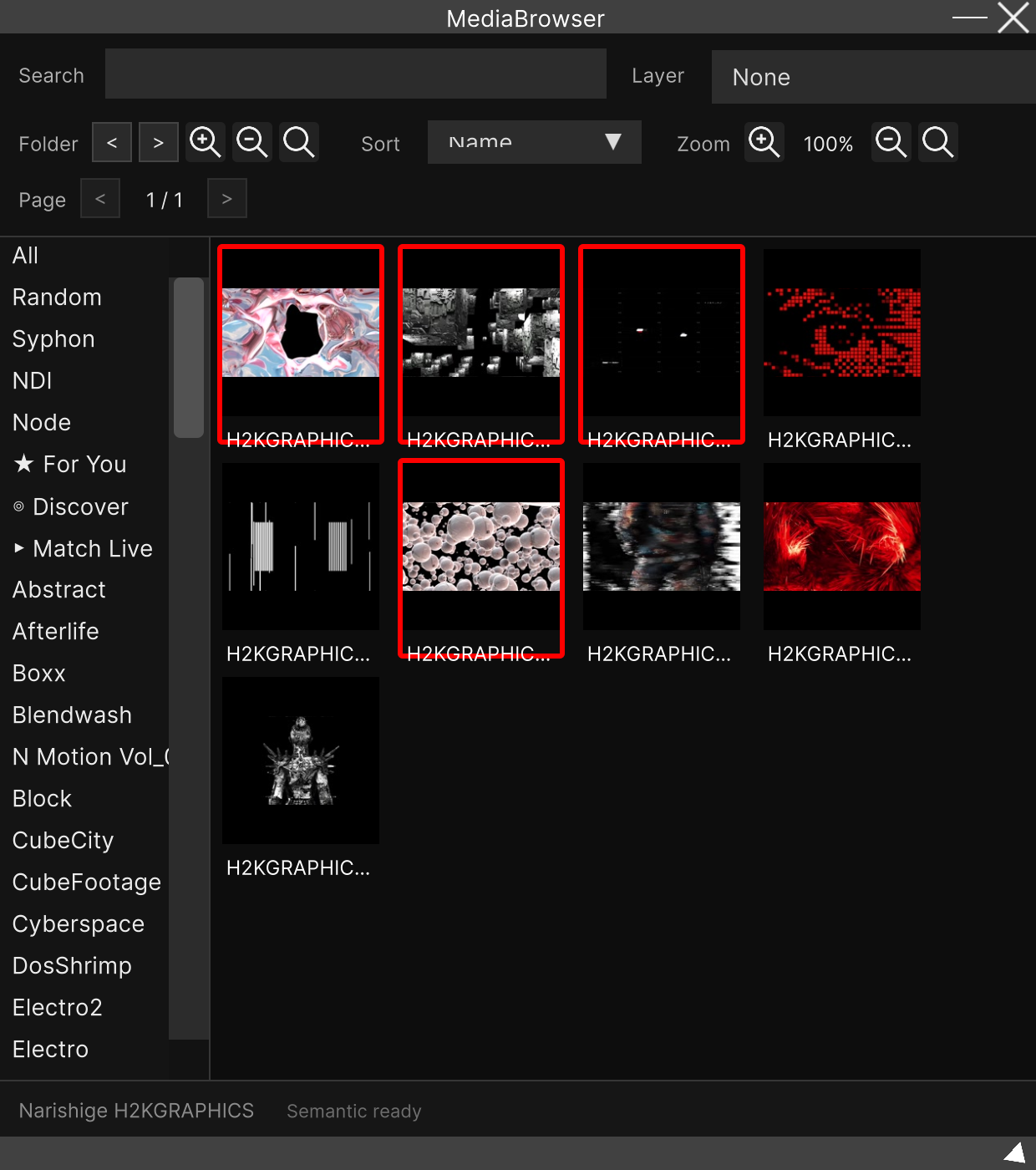
There is a ✕ or ⚠ on the thumbnail and it will not play
That is the mark for a codec that cannot be played on this OS (✕), or that can only be played conditionally (⚠). Hovering the mouse over the thumbnail shows the reason.
The most reliable fix is converting to the HAP codec. See What is the Hap codec.
Where are material and cache stored?
<parentPath>/SainaWorks/SynapseRack/The Windows default is C:/SainaWorks/SynapseRack/, and on macOS it is directly under the user
folder (~/SainaWorks/SynapseRack/).
Source (material), Cache (thumbnails and analysis results), CustomFx (your own effects),
Templates, Recordings and so on are created underneath it.
For how to change the location, see Specifying the path for loading VJ clips (Source Directory).
The original video files are not copied here. All the import creates is thumbnails and analysis results; the video stays where it is and is referenced from there. Moving or deleting the material puts it into a “not found” state.
It runs slowly
First look at the display in the top right of the screen. FPS / CPU / RAM are always shown.
The main cause of heaviness is the number and resolution of videos playing at the same time. Playing several clips above FullHD simultaneously is hard on any machine.
- Convert your material to HAP (the format with the lightest playback load) → What is the Hap codec
- Remove the video from layers you are not using
- Lower the output resolution (Setting → GlobalSettings → Output)
Settings
I want to change the display language
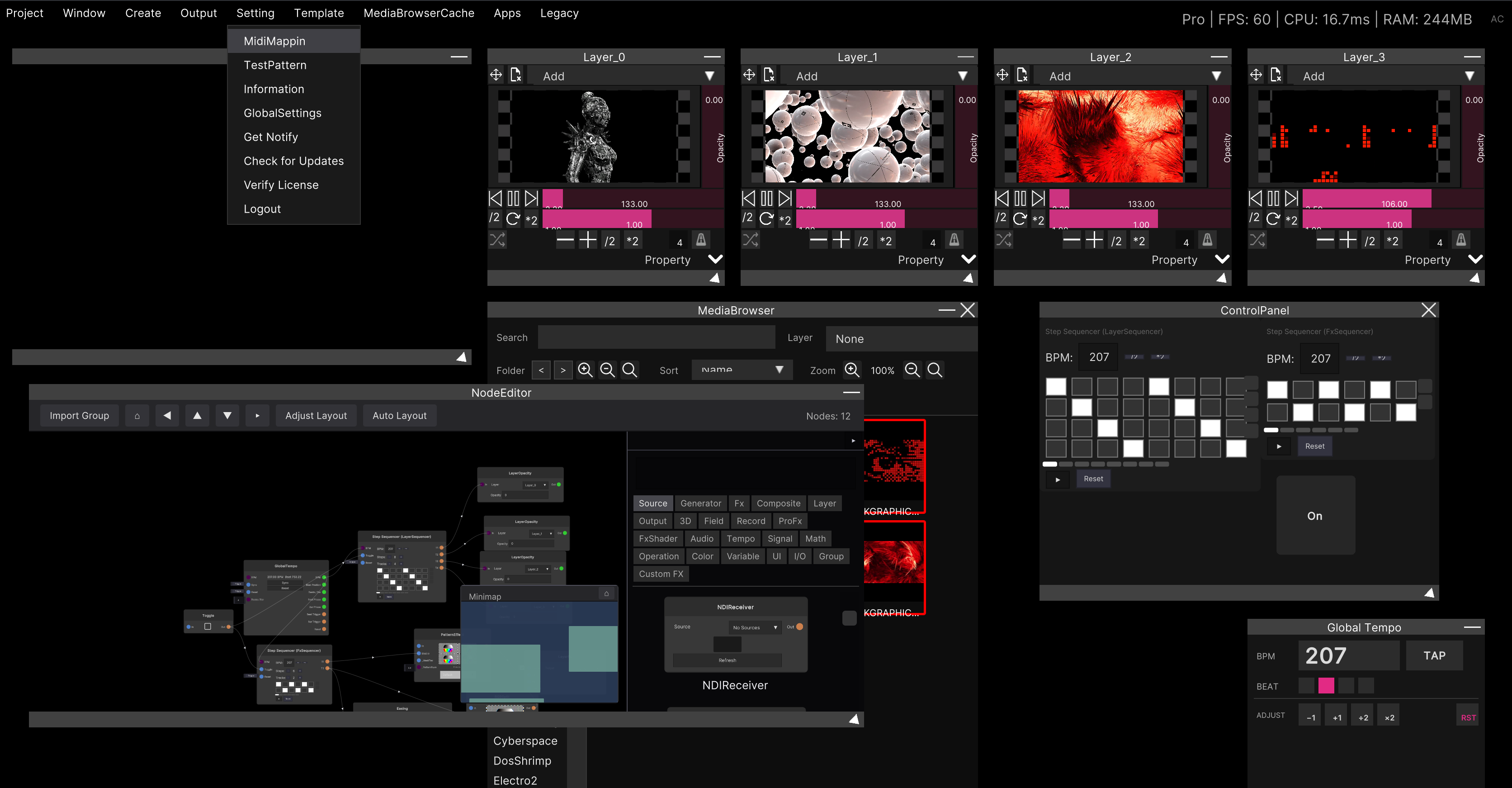
Choose System / English / Japanese in Language under Setting → GlobalSettings → General.
A restart is required for the change to take effect. (It also says “takes effect after a restart” below the field.)
I want the previous project to open at startup
Set it in Startup under Setting → GlobalSettings → General.
This setting is not saved in the project (it is a per-PC setting).
Are settings saved in the project, or per PC?
Only the output resolution is saved in the project (.synapse).
Everything else (language, startup behavior, OSC, MIDI, MediaBrowser, the node library) is a
per-PC setting.
The left side of the Settings dialog is also split under the headings Project and System.
Licensing
What are the limits of the free version (Demo)?
Up to 4 Layers and 2 Group Layers.
Beyond that, layers are deleted automatically and the notice “The free version of SynapseRack is limited to 4 Layers and 2 Group Layers.” appears. There are no other feature restrictions.
How do I activate a license?
Choosing Setting → Verify License opens your browser and takes you on to a Discord login. Authenticate with a Discord account already linked to FANBOX / Patreon.
The activation state is shown in the top right of the screen as Pro / Standard / Demo and so on.
To sign out, use Setting → Logout.
The older Pixiv ID method runs until September 30, 2026. After that it will be Discord authentication only. The license dialog also shows it separated off as ”— Legacy method (until Sep 30, 2026) —”.
How do I check for updates?
Setting → Check for Updates. New announcements can be checked from Setting → Get Notify.
Nodes and effects
What are the effects marked “legacy”?
They are old effects that have been superseded. Removing them would make older projects impossible to open, so their registration remains, but they are hidden by default from the candidates when you add a node.
To make them visible, turn on Show legacy effects in
Setting → GlobalSettings → Node Library.
Saved projects that use legacy effects always load, regardless of this toggle. All the toggle affects is “whether they appear in the list when adding something new”.
What is the ControlPanel under Legacy in the menu?
It is the previous generation’s control panel. Its current successor is the Widget Panel (Create → WidgetPanel), where you lay out widgets yourself to build a control screen in whatever shape you like.
I want to make my own effects
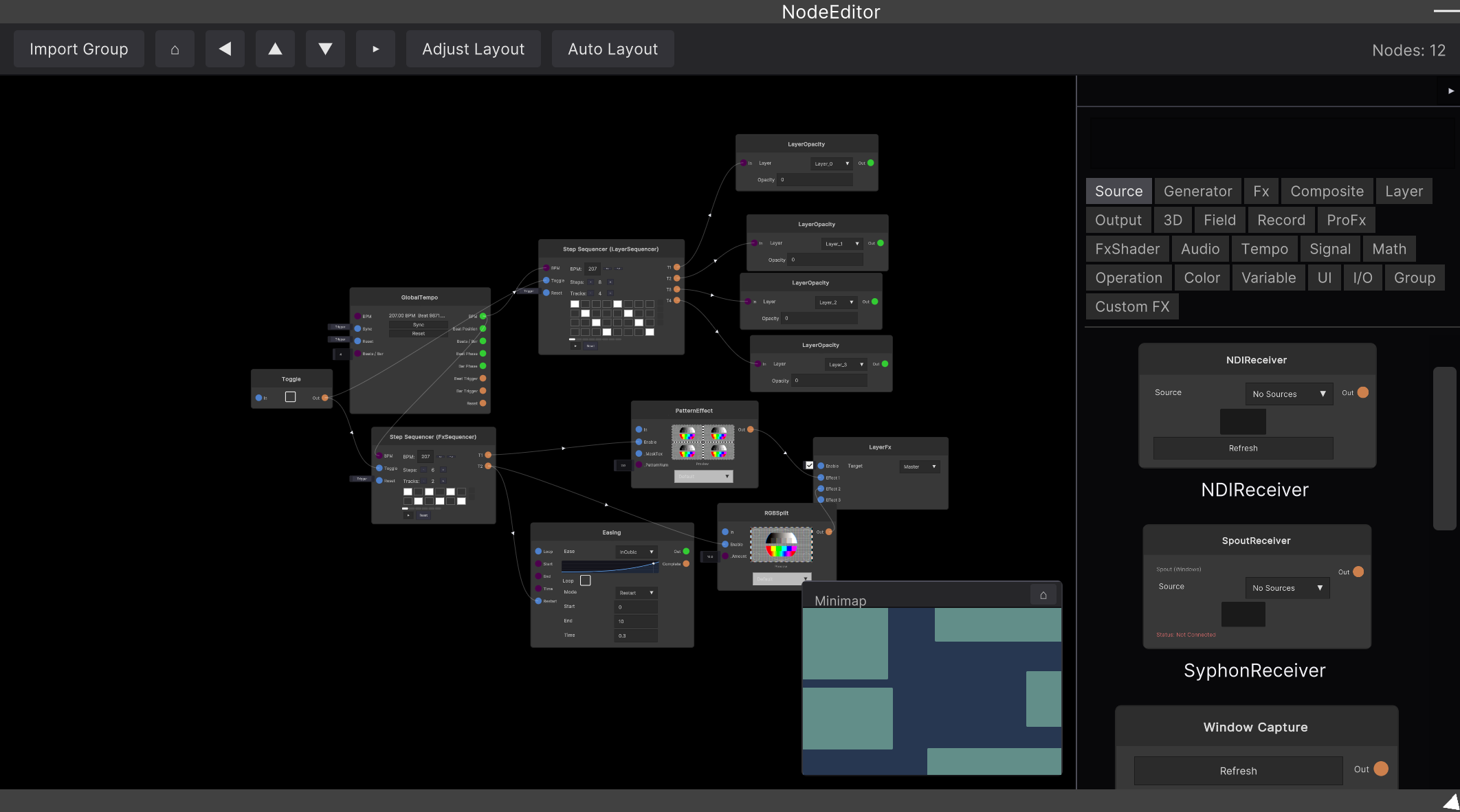
Use Fx Editor, which you can write in a browser. Write GLSL, export a .srfx and
put it in the CustomFx folder, and it becomes an effect node of your own. It works on both
Windows and Mac.
For the older method of placing .hlsl directly, see Loading Shader (.hlsl) files.
Other
Where do I send bug reports and questions?
To the Discord server. There is a link on Contact.
I want to exchange video with other software
- Sending: Output to OBS / Output to a projector
- Receiving: Receiving and sending Spout