Specifying the path for loading VJ clips (Source Directory)
SynapseRack keeps its own working data — thumbnails, plugins and so on — together in a single folder. The location of that folder is the Source Directory, and rewriting a settings file moves it to another drive.
The location
The working folder always takes this form.
<parent folder>/SainaWorks/SynapseRack/The default for <parent folder> differs by OS.
| OS | Default | The actual location |
|---|---|---|
| Windows | C: | C:\SainaWorks\SynapseRack\ |
| macOS | The user’s home | ~/SainaWorks/SynapseRack/ |
The contents
The following folders are created automatically on first launch.
| Folder | Contents |
|---|---|
Source/Video Source/Hap Source/Image Source/Shader | Where material placed by the app goes. The bundled sample videos go here |
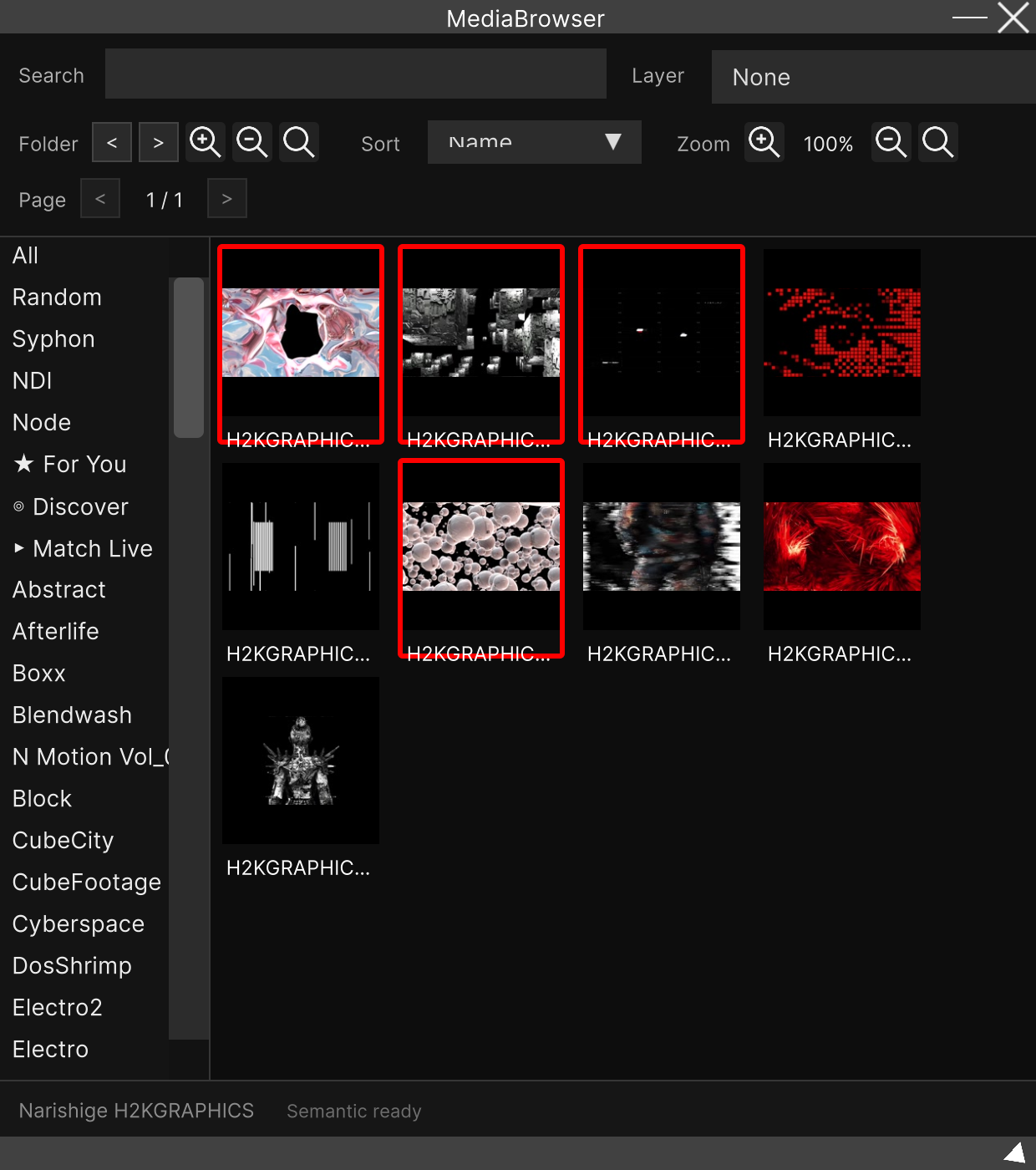
Cache/ | Thumbnails, analysis results and the semantic search index. The data used by the Media Browser |
Plugins/ | Node plugins |
Apps/ | Installed Synapse Apps |
CustomFx/ | Custom FX in .srfx |
Recordings/ | The output destination for recordings |
Templates/ | Project templates you exported |
Imported video files are not copied here. All the library records is the location of the original file; the actual thing stays where you put it. What accumulates here is thumbnails and analysis results. See Loading video and image files for details.
Changing the location
Edit the settings file that holds parentPath and restart SynapseRack.
There is no screen inside the app for changing it.
The settings file is in the following place.
| OS | Path |
|---|---|
| Windows | C:\Users\<username>\AppData\LocalLow\SainaWorks\SynapseRack\Settings\Settings.json |
| macOS | ~/Library/Application Support/SainaWorks/SynapseRack/Settings/Settings.json |
Its contents is a single line.
{"parentPath":"C:"}To put it under a folder called Test on the D drive, rewrite it like this.
{"parentPath":"D:/Test"}In that case the working folder becomes D:/Test/SainaWorks/SynapseRack/.
Writing a path that does not exist silently reverts to the default. The existence of the folder is checked at startup, and if it is not there the settings file itself is overwritten with the default. There is no error, so when “I rewrote it but nothing changed”, suspect the spelling and whether the drive is connected. When specifying an external SSD, it needs to be connected before you launch SynapseRack.
If the settings file is not there, it is created with the defaults at startup. Deleting it does not break anything.
The
settings.jsonin the same place (lowercase, outside theSettingsfolder) is a different thing. That one holds per-machine settings such as UI scale, OSC and MIDI devices, and has nothing to do with the Source Directory.
The cache does not come with you when you move
Change parentPath and SynapseRack starts using the new location from empty.
Thumbnails and analysis results in the old location are not moved automatically.
To get your library back after moving, do one of the following.
- Copy the old
SainaWorks/SynapseRackfolder by hand, as it is, under the new parent folder - Import your material folders once more (the original video files are safe, so it can be rebuilt)
Related
- Loading video and image files — the flow of importing, and the principle that original files are not copied
- Media Browser — the window on the side that uses the cache