Loading Shader (.hlsl) files
If you are about to make your own effects, use Fx Editor (.srfx). Write GLSL in a browser and export a
.srfx, and you get an effect node that works on both Windows and Mac. The direct.hlslplacement explained on this page is a different, older mechanism.
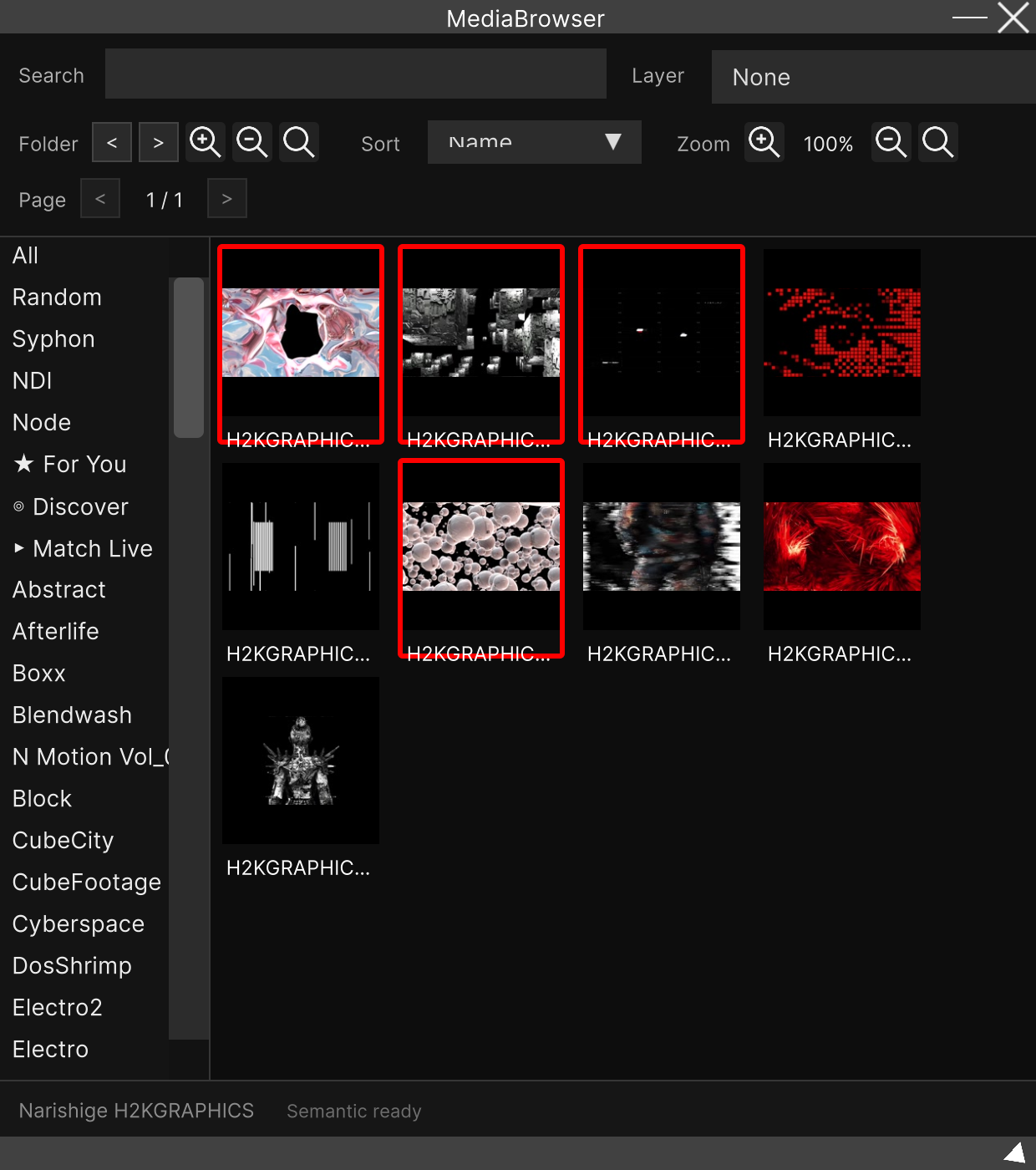
.hlsl files are treated as one kind of video material. Rather than being nodes, they line up
in the MediaBrowser just like videos and images, and you put them on a layer to play them.
The difference between the two mechanisms
.hlsl (this page) | .srfx (Fx Editor) | |
|---|---|---|
| What it becomes | Material you play on a layer | An effect node (takes video in and processes it) |
| Language | HLSL | GLSL (the Shadertoy dialect) |
| OSes it runs on | Windows only | Windows / Mac |
| Where it goes | Source/Shader | CustomFx |
| Parameters | Cannot be added | Writing a uniform gives the node a port |
.hlslonly works on the Windows build. The mechanism that compiles HLSL at runtime is Windows-only, so.hlslmaterial cannot be played on the macOS build.
Where to put it
<Source Directory>/SainaWorks/SynapseRack/Source/Shader/<any folder name>/○○.hlslThe Windows default is C:/SainaWorks/SynapseRack/Source/Shader/.
The position of the parent folder can be changed in
Specifying the path for loading VJ clips (Source Directory).
Put one folder in between. A file placed directly underneath, as in
Source/Shader/○○.hlsl, is not picked up. Always put it inside a folder, as inSource/Shader/MyShaders/○○.hlsl. Nesting further inside that folder is fine.
The current version has no way to import a new
.hlsl. The bulk load that used to be in the menu (Source → Load Source Files) is gone, and drag & drop onto the MediaBrowser does not import.hlsleither..hlslfiles imported in an earlier version remain in the MediaBrowser and can still be played. If you are writing something new, use.srfx.
How to write it
The contents of the file is a single fragment shader function. You do not write a shader declaration around the whole thing.
cbuffer Params : register(b0)
{
    float2 resolution;   // 描画先の幅・高さ(ピクセル)
    float  time;         // アプリ起動からの経過秒
    float  globalBPM;    // Global Tempo のBPM
    float  param0;
    float  param1;
    float  param2;
    float  param3;
};

float4 Frag(VsOutput input) : SV_TARGET
{
    float2 uv = input.uv;
    float  v  = sin(uv.x * 20.0 + time * 3.0) * 0.5 + 0.5;
    return float4(v, uv.y, 1.0 - v, 1.0);
}
The rules
| Item | Content |
|---|---|
| Function name | Frag, returning float4, with the SV_TARGET semantic |
| Argument type | VsOutput (you do not define it yourself. It has pos (SV_POSITION) and uv (TEXCOORD0)) |
| UV | input.uv runs 0 to 1 |
| Constant buffer | Passed in at register(b0) in the order in the table above. Changing the order shifts the values |
#include | Expanded relative to the StreamingAssets folder |
param0toparam3are reserved slots. The current UI has nowhere to operate these four. Declare them anyway so that the layout lines up.
There is no input texture.
.hlslmaterial is on the “make your own picture” side. When you want to take video in and process it, use an effect node from Fx Editor (.srfx).
When compilation fails
The screen becomes solid magenta (pink). If it is magenta rather than pure black, it is a syntax error in the shader.
Using it
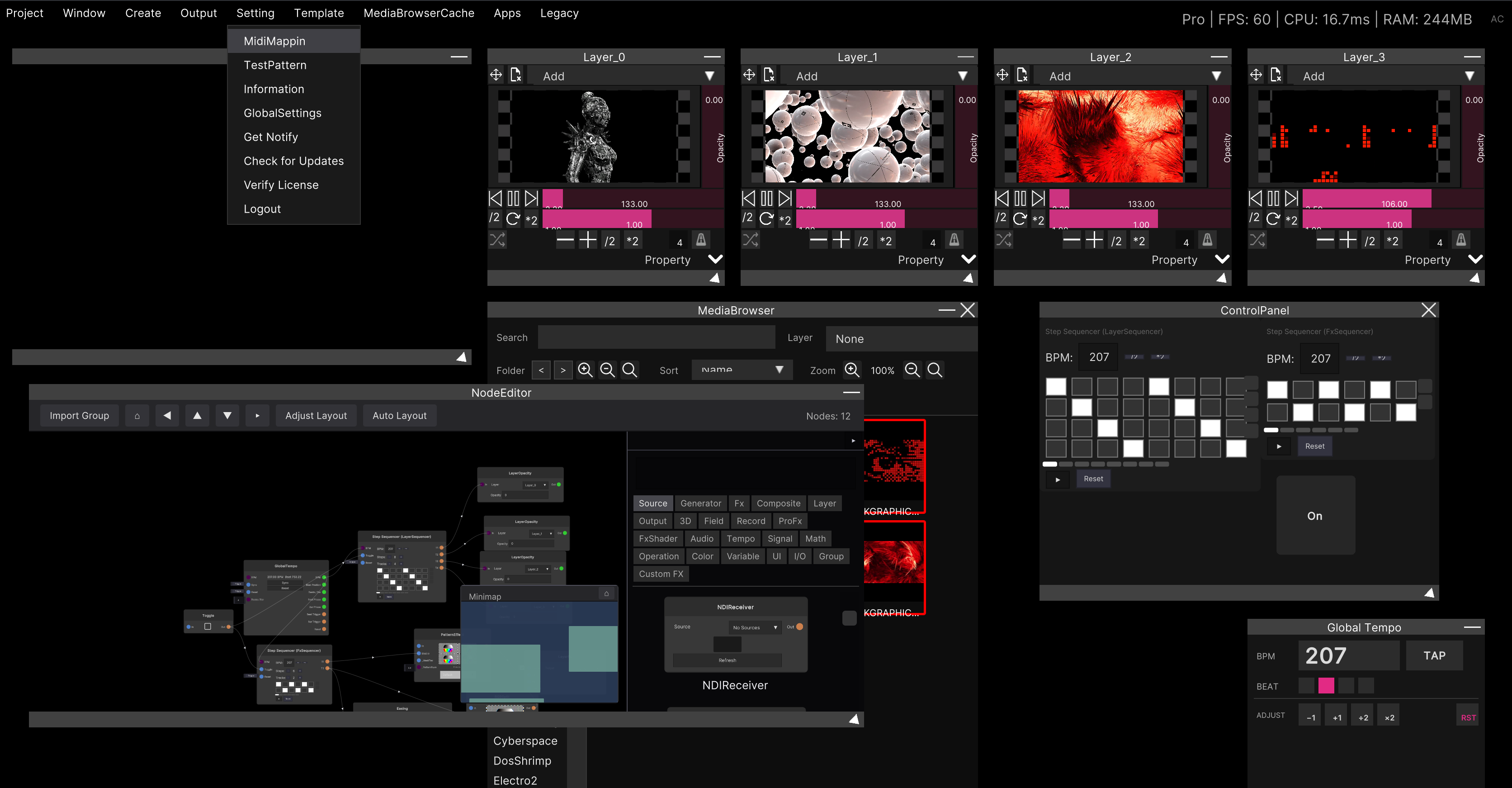
It lines up in the MediaBrowser as a clip with a thumbnail, just like a video or an image. Drag it to a layer, or select a layer and click it, and playback starts.
resolution receives that layer’s resolution, so changing the output resolution makes the shader’s
drawing size follow.
globalBPM receives the value of Global Tempo as it is, so you can write
movement that syncs to the beat.
Related
- Fx Editor (Custom effects, .srfx) — the recommended route today. Make your own effect nodes that run on both OSes
- Specifying the path for loading VJ clips (Source Directory) — changing the parent of the
Source/Shaderfolder - Loading video and image files — importing video and image material
- Global Tempo — the value that goes into
globalBPM