Presets
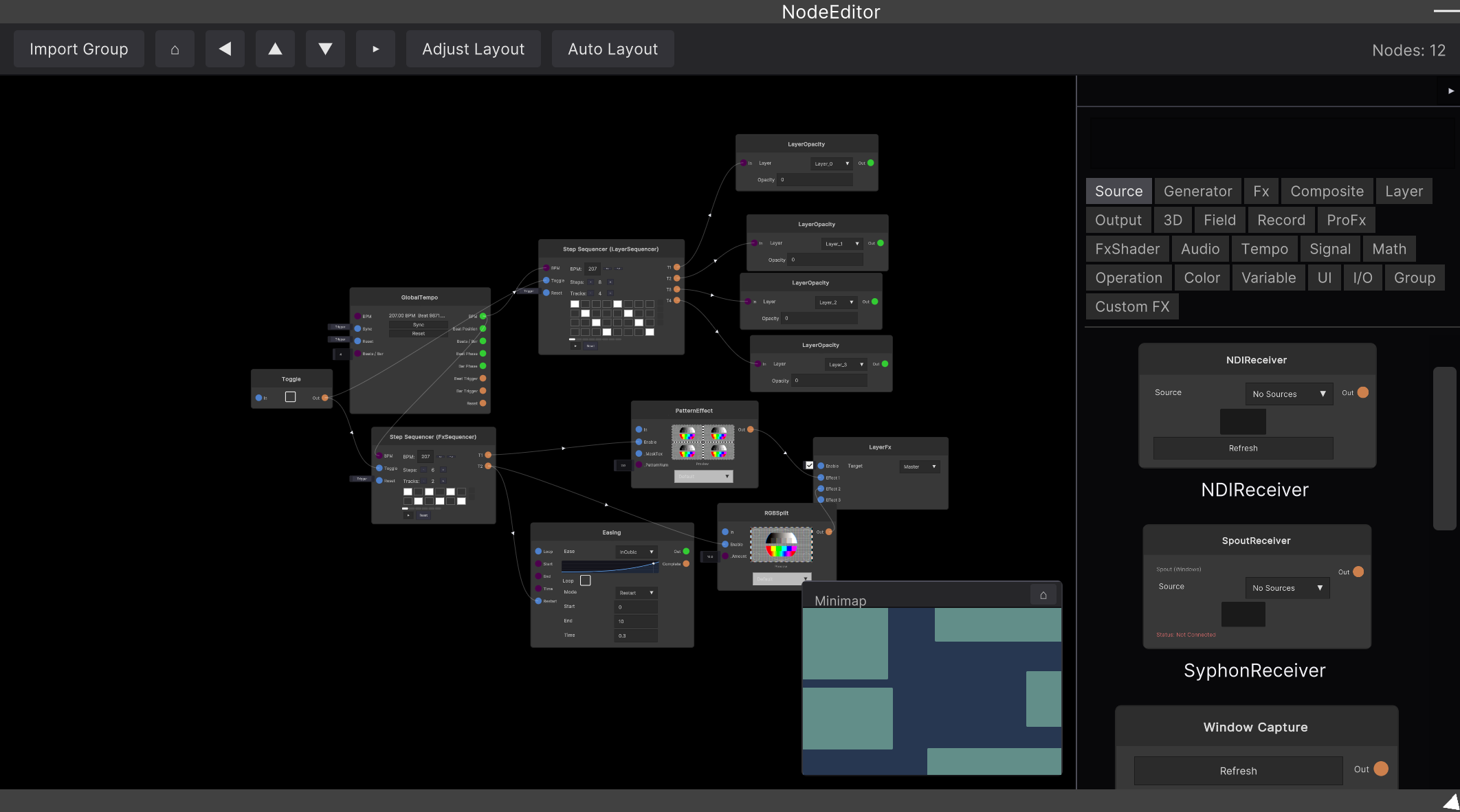
The Presets category at the top of the node list (right-click / side panel) holds finished patches built entirely from standard nodes. You place them like any other node — click or drag & drop onto the graph.
What you get is an ordinary group
Placing a preset instantiates it as a Group node right there.
- Press ”▶ Enter” to dive in and see exactly how it is wired. Since it is built from standard nodes only, it doubles as material to learn from and modify
- What you placed is an independent copy. Editing it or saving your project never affects the preset itself
- Multiple copies of the same preset run independently of each other
Making your own presets
The Save as Preset button on a Group saves that group as your own preset, and it appears in the node list immediately. See Group for details.
Where the files live
A user preset is a .synapsegroup file:
<Source Directory parent path>/SainaWorks/SynapseRack/NodePresets/<CategoryName>/- The folder name becomes the category name in the node list
- The file name is the display name. A numeric prefix like
01-controls the order (it is stripped from the display name) - A
.pngwith the same name next to the file is shown as its thumbnail (Save as Preset creates one automatically) - Files you place into this folder by hand are picked up on the next launch
Notes
- Presets (and exported
.synapsegroupfiles) do not include Control Panel / Widget Panel assignments, so loading one never overwrites your existing panel setup