Group In
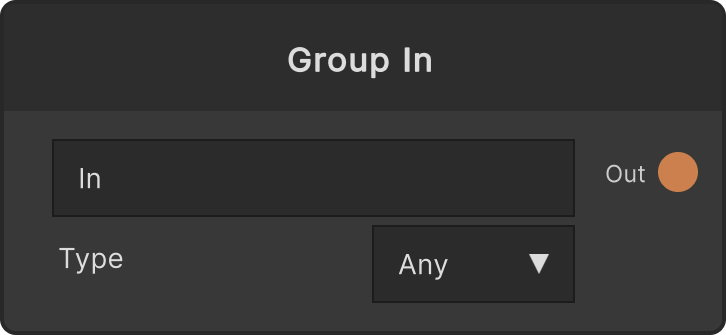
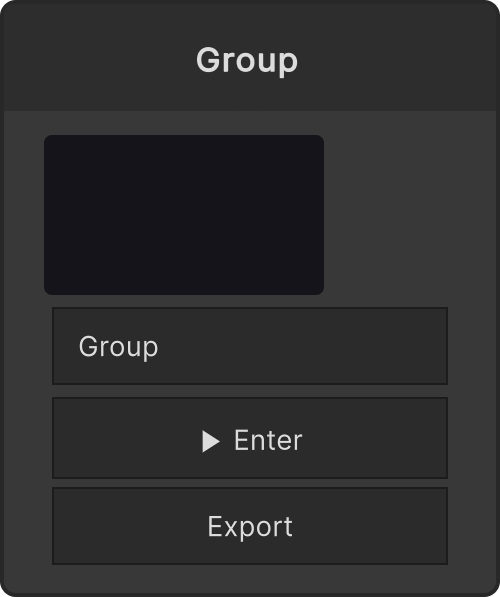
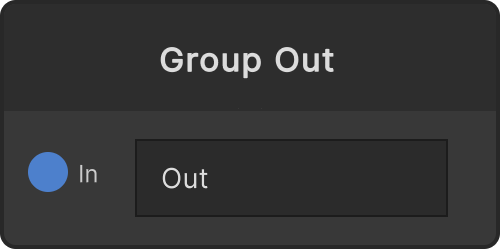
The “entrance” node you place inside a group. From the inside it is a source with an Out; from the outside one input port appears on the Group node. The value arriving on the outside is poured straight into the Out inside.
- The text field on the node (
label, defaultIn) becomes the name of the port exposed on the outside - The type is chosen explicitly from the Type dropdown. The ten choices are Any (default) / Texture / Float / Int / Bool / Color / String / Rect / Trigger / Material, and the type you pick is propagated to the outer input port
When the outer input is disconnected or muted, null flows inside. This keeps an old RenderTexture or value from lingering inside.
Input ports
None
Output ports
| Port ID | Type |
|---|---|
Out | PassthroughWrapper |
Scriptable members
| Path | Type |
|---|---|
label | string |
Synapse Apps (scripting)
await synapse.modules.create({ type: "GroupInput" })