Group
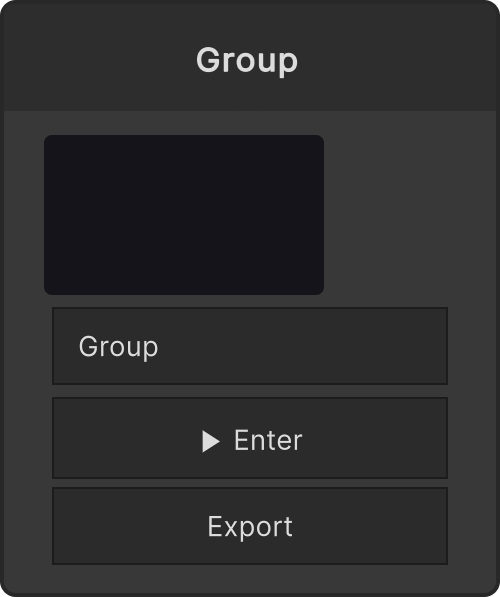
A node that collapses several nodes into one and lets you enter it. Use it to tidy up a graph that has grown large, and to reuse a mechanism you built as a building block.
Entering and leaving
- The ▶ Enter button on the node takes you in
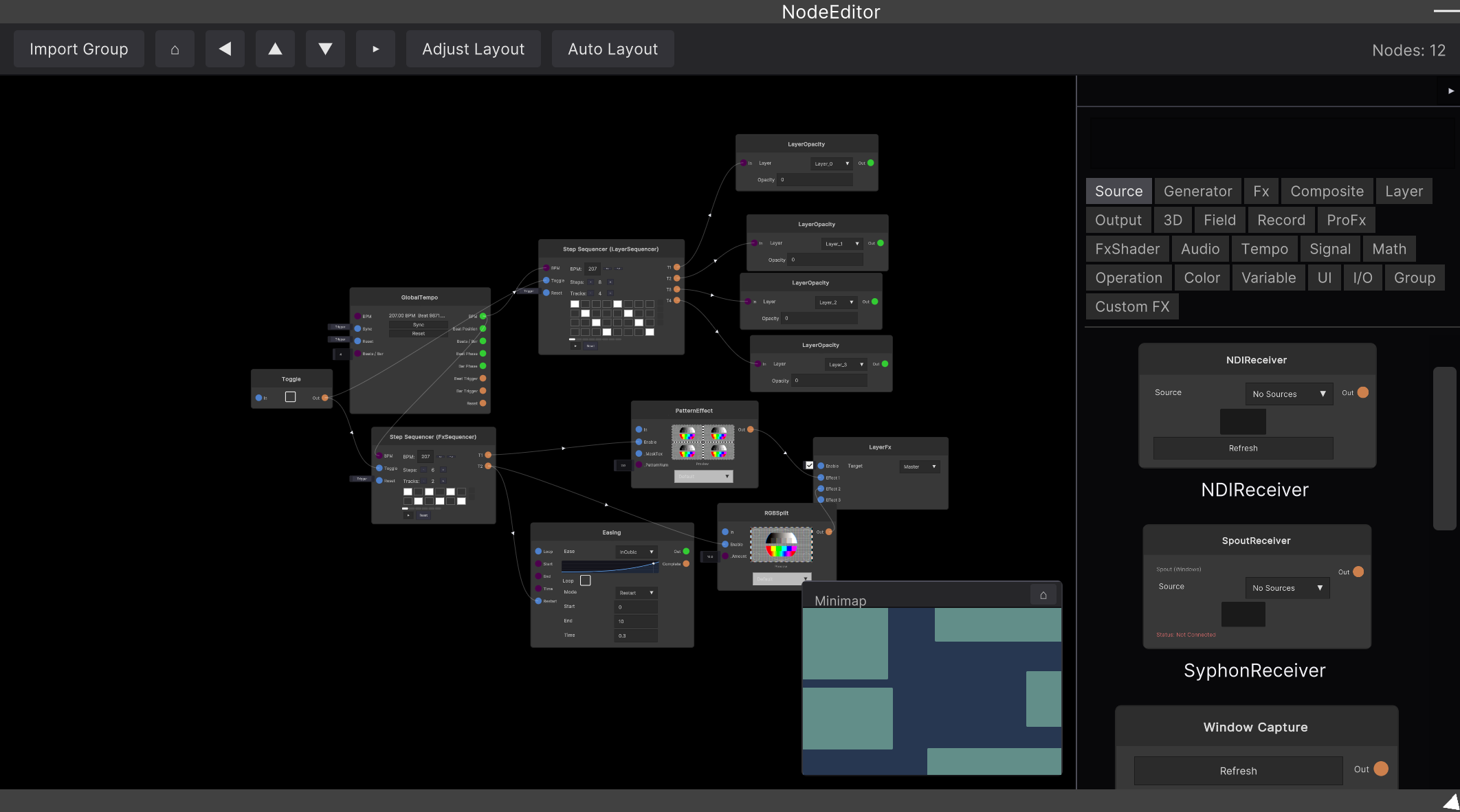
- Zooming also takes you in. Zoom in in the Node Editor almost to the limit, and if a group is at the center of the view you enter it
- To go back, scroll three more times from the most zoomed-out state (the back button in the navigation bar also works)
Boundary ports grow from the inside
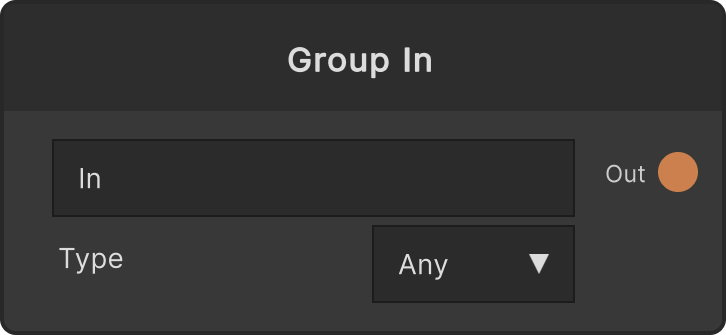
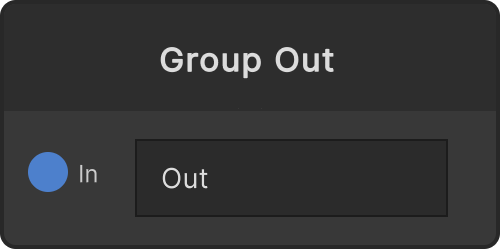
The Group node itself has no ports at first. Place a Group In / Group Out inside it and the corresponding ports appear on the outer Group node. The port names come straight from the label of the Group In / Out.
An outer input port can only accept one connection. This is a restriction that guarantees disconnection and muting are propagated inside (the output side can branch to multiple destinations).
What the node shows
A groupName text field and a thumbnail of the contents. The thumbnail updates about every 0.4 seconds, and shows the live video of a MediaOut in the child graph if there is one, otherwise a minimap of the node layout.
The Export button writes just the contents of this group out to a file (for reuse and sharing).
Shortcuts
Ctrl+G groups the selected nodes, and Ctrl+Shift+G with a group selected ungroups it (the nodes inside are expanded into the outer graph).
Video
Input ports
None
Output ports
None
Scriptable members
| Path | Type |
|---|---|
groupName | string |
Synapse Apps (scripting)
await synapse.modules.create({ type: "Group" })