Receiving and sending Spout / Syphon / NDI
These are the standards for exchanging video with other apps in real time. Video passes back and forth directly, with no file export in between.
| Standard | OSes | Partner |
|---|---|---|
| Spout | Windows | Within the same PC |
| Syphon | macOS | Within the same Mac |
| NDI | Windows / macOS | Another machine on the same network is fine too |
Spout and Syphon are the same thing on different OSes. SynapseRack handles them with the same operations and the same nodes, and only the displayed name switches with the OS. Project files travel between them as they are.
Receiving (playing on a layer)
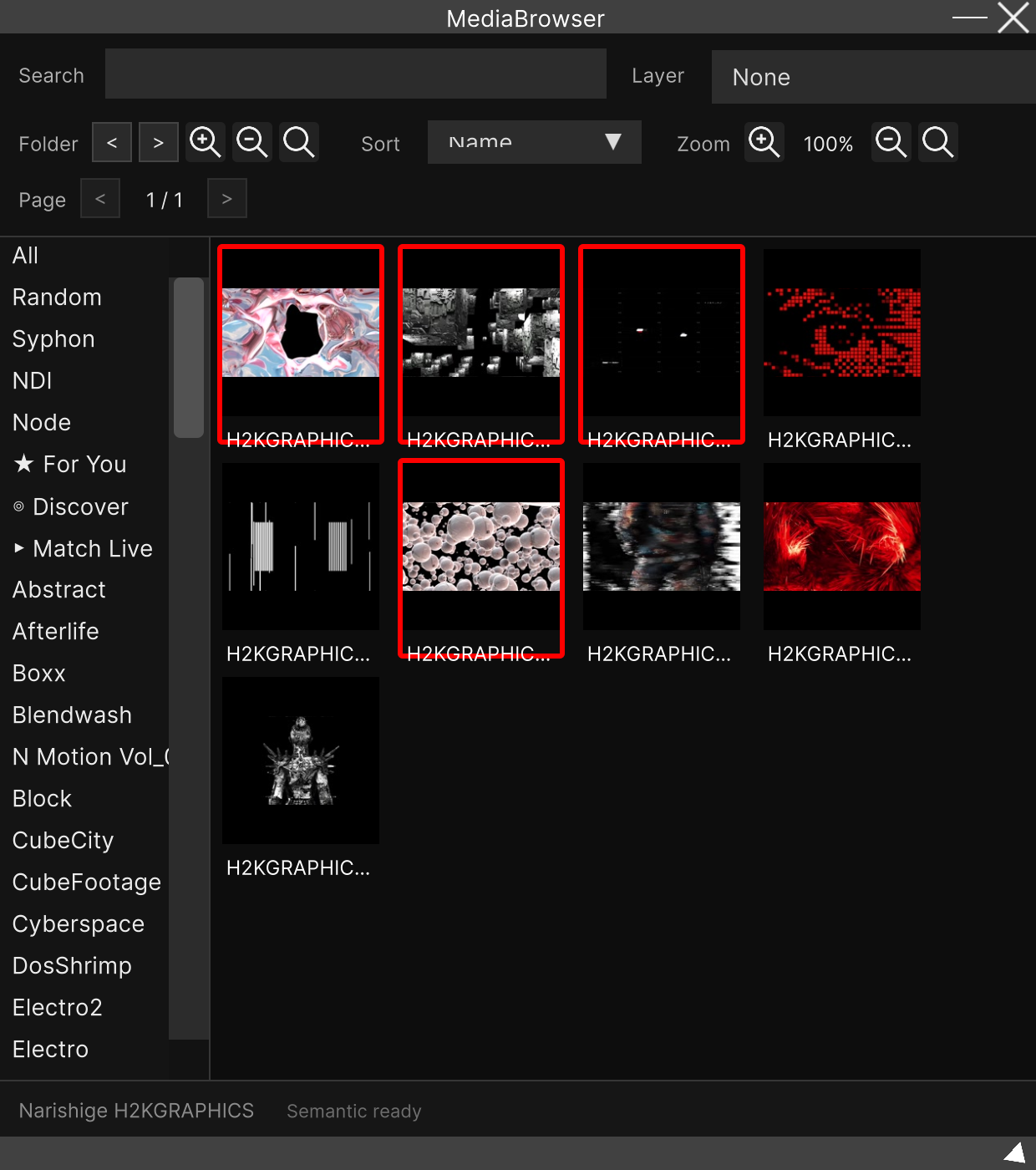
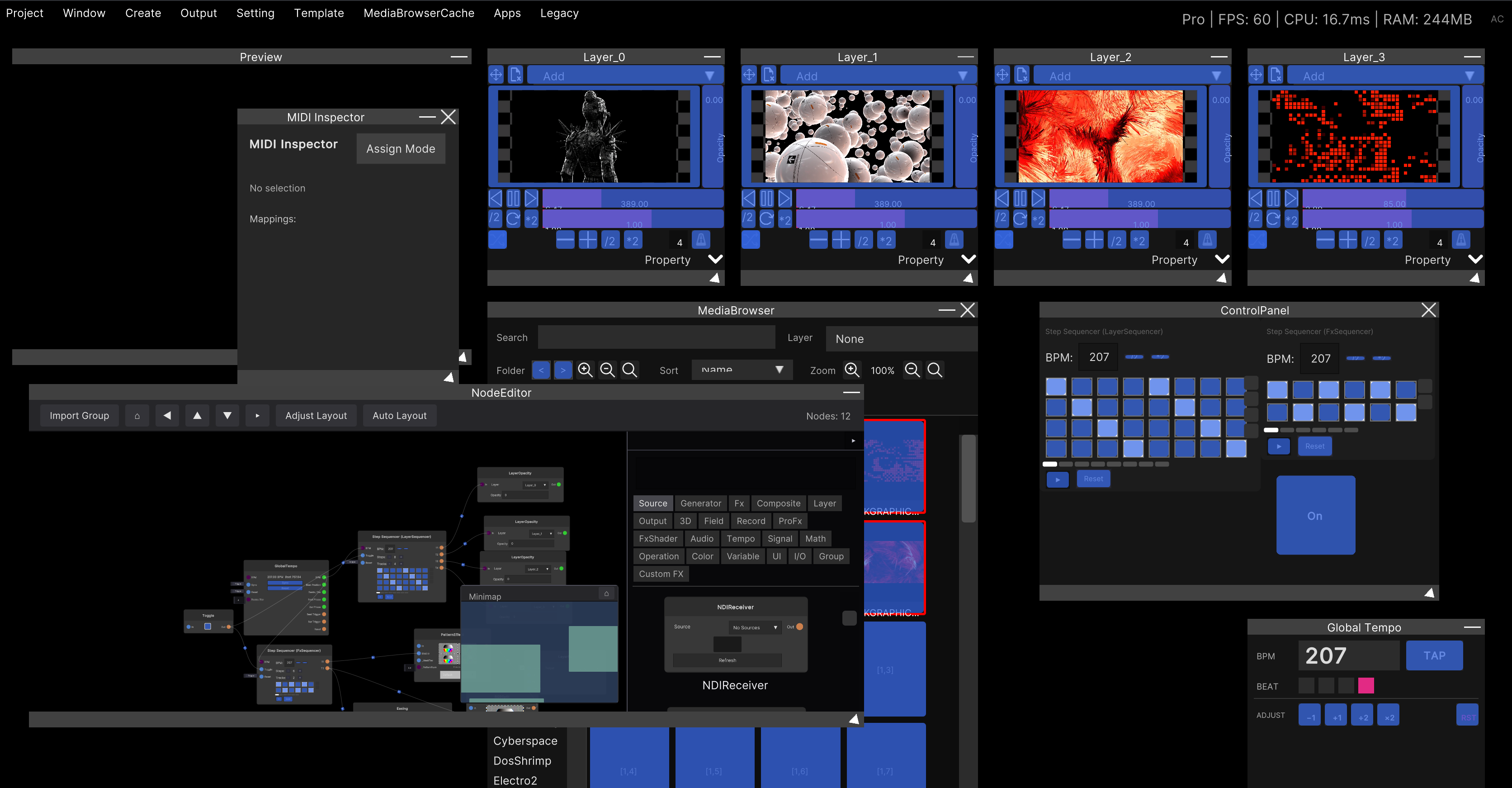
In the folder list on the left of the Media Browser, there are rows
for Spout (Syphon on macOS) and NDI.
Click the row and the sources currently being sent line up. After that it is the same as a video file: click or drag to send it to a layer. The assignment methods from Loading video and image files apply as they are.
The list is always updated automatically. There is no reload button. Start sending from another app and it appears in the list. The update is only visible while that row is open, though, so if something does not show up, click the row again.
You will not find them with the search box. Search only covers files imported into the library. Always pick Spout / Syphon / NDI from the folder row.
These tiles have no thumbnail; instead you get colored squares labeled SPOUT / SYPHON / NDI.
Since they are not actual files, the menus for tagging, deleting and updating thumbnails do not
appear either.
When the sending stops, the layer freezes on the last frame. It does not go black and there is no warning. The only sign is the tile disappearing from the list. If sending resumes under the same name, it reconnects automatically.
All that is saved in the project is “the name of the source”. When you open the project, if nothing is being sent under that name, the layer stays empty. Before a show, launch the sending app first and then open the project.
Receiving (handling it with nodes)
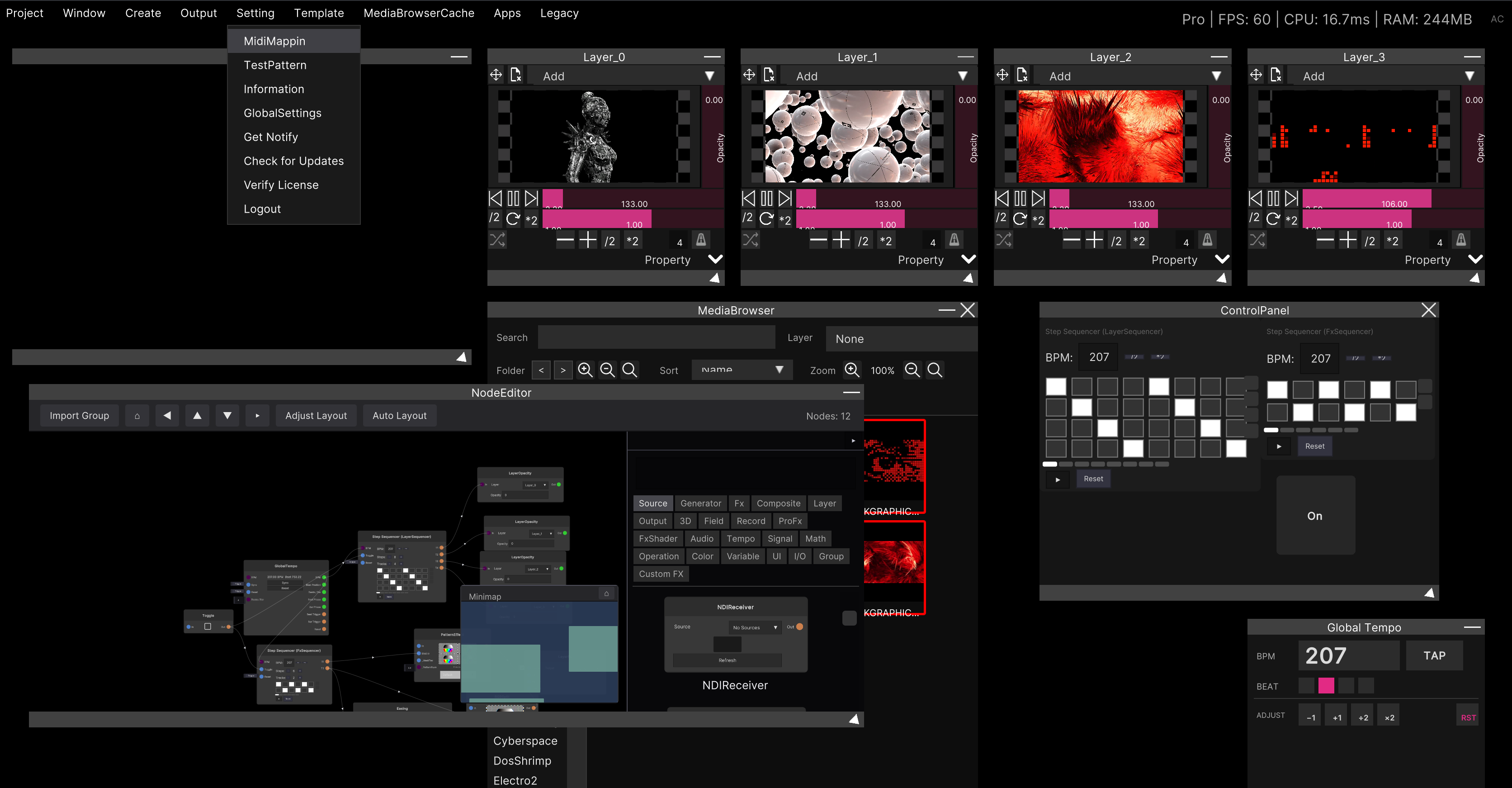
When you want to pull video into the node graph, use the receiver nodes.
| Node | Description |
|---|---|
| SpoutReceiver | Displayed as SyphonReceiver on macOS |
| NDIReceiver | The same on both OSes |
On both, choose the sender in the Source dropdown, and the video comes out of Out.
A small preview appears above the node, so you can check on the spot whether it is connected.
Nothing arrives unless you choose. It never connects automatically. The initial state is
None. Also, a source you have chosen once stays chosen even after it disappears (behavior that stops it wandering off to a different source when it comes back). Set it back toNoneand black flows downstream.
NDIReceiver has a Refresh button. SpoutReceiver / SyphonReceiver does not, but the lists are
updated automatically in either case.
The resolution of the received video is the sender’s resolution as it is.
Sending
The app’s own video is going out without you doing anything
For as long as SynapseRack is running, it keeps sending its final output to Spout (Windows) /
Syphon (macOS) under the name SynapseRackMain.
If all you want is to pick up the picture in OBS or the like, just choose that name on the
receiving side.
There is no setting for it and no on/off.
SynapseRackMaindoes not appear in SynapseRack’s own list. Receiving your own output loops the video, so it is deliberately hidden.
Sending under a name you choose, sending a picture you choose
Place a sender node in the Node Editor.
| Node | Description |
|---|---|
| SpoutSender | Displayed as SyphonSender on macOS |
| NDISender | The same on both OSes. It can send over a network |
Connect the video you want to send to In and put the send name in Name (the default is
OutputName).
It is sending once Sending: <name> appears above the node.
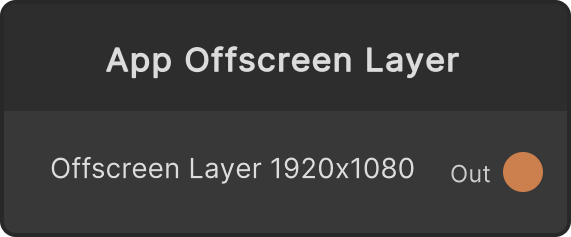
When you want to send the overall video under your own name, connect the Out of a
MasterOutput node to the sender node’s In.
MasterOutput is a read-only node that simply takes out the final output.
The send resolution is the resolution of the video you connected. For MasterOutput it is
Resolution under Setting → GlobalSettings → Project in the menu bar (default 1920 × 1080).
That figure can also be taken out from the
MasterResolution node.
NDI is the only one that keeps transparency (alpha). NDISender sends with alpha intact, but Spout / Syphon sending (including
SynapseRackMain) is opaque. There is no setting to switch this. When you want to hand keyed video to another app, use NDI.
Things to watch out for
Spout is Windows-only and Syphon is macOS-only. They are the same node and the saved data is the same, so project files can be carried between the two OSes as they are. Only the displayed name switches.
It can take a few seconds to connect. The receiving side waits up to about 5 seconds for the first frame to arrive. If it still does not arrive, it gives up and no video appears. Choose it again, or check the sending side.
Related
- Media Browser — where the received sources line up
- Layer — the window that plays the received video
- Loading video and image files — assigning to a layer works the same way
- Streaming with OBS — handing it to streaming software