Preview
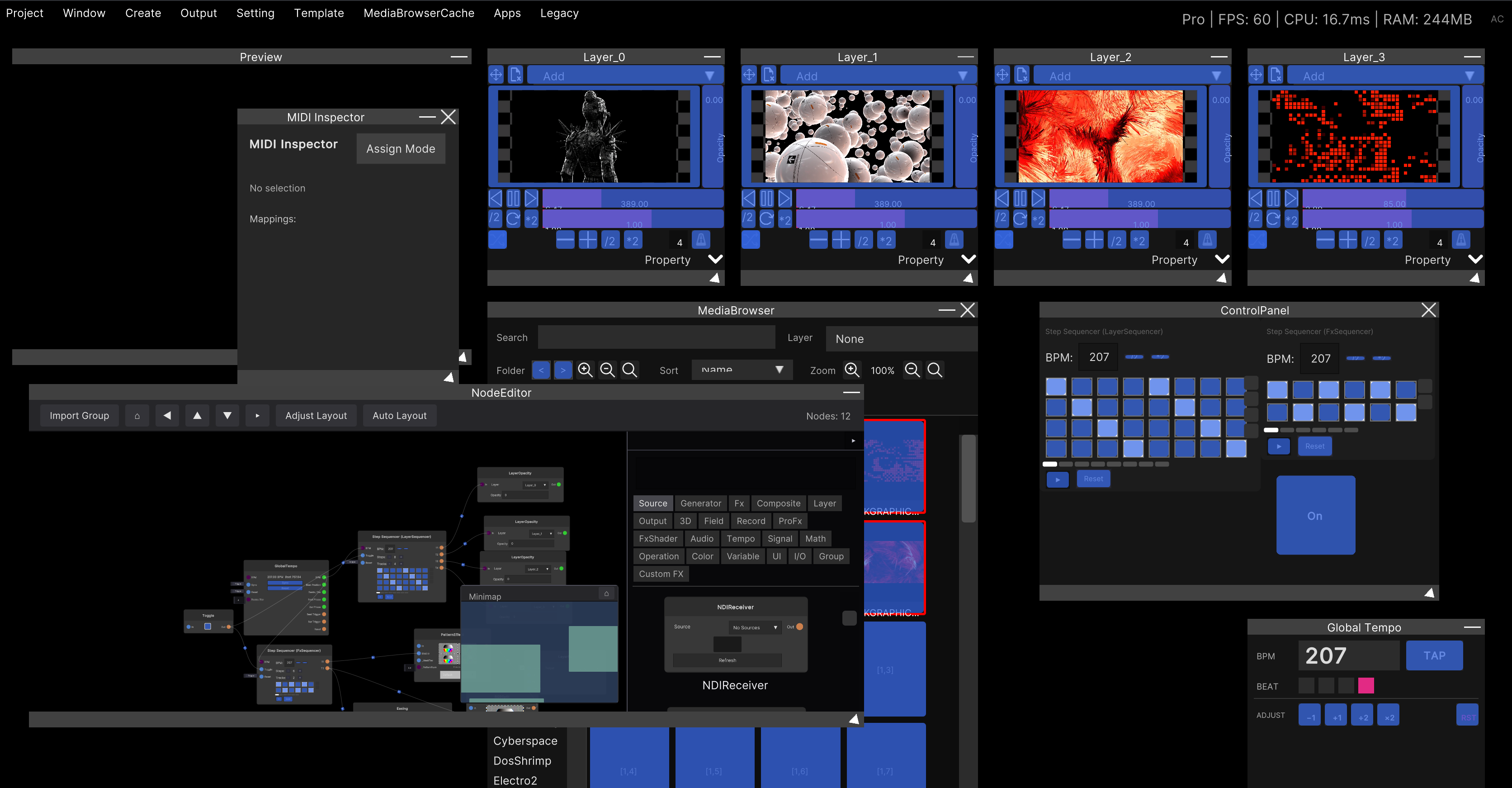
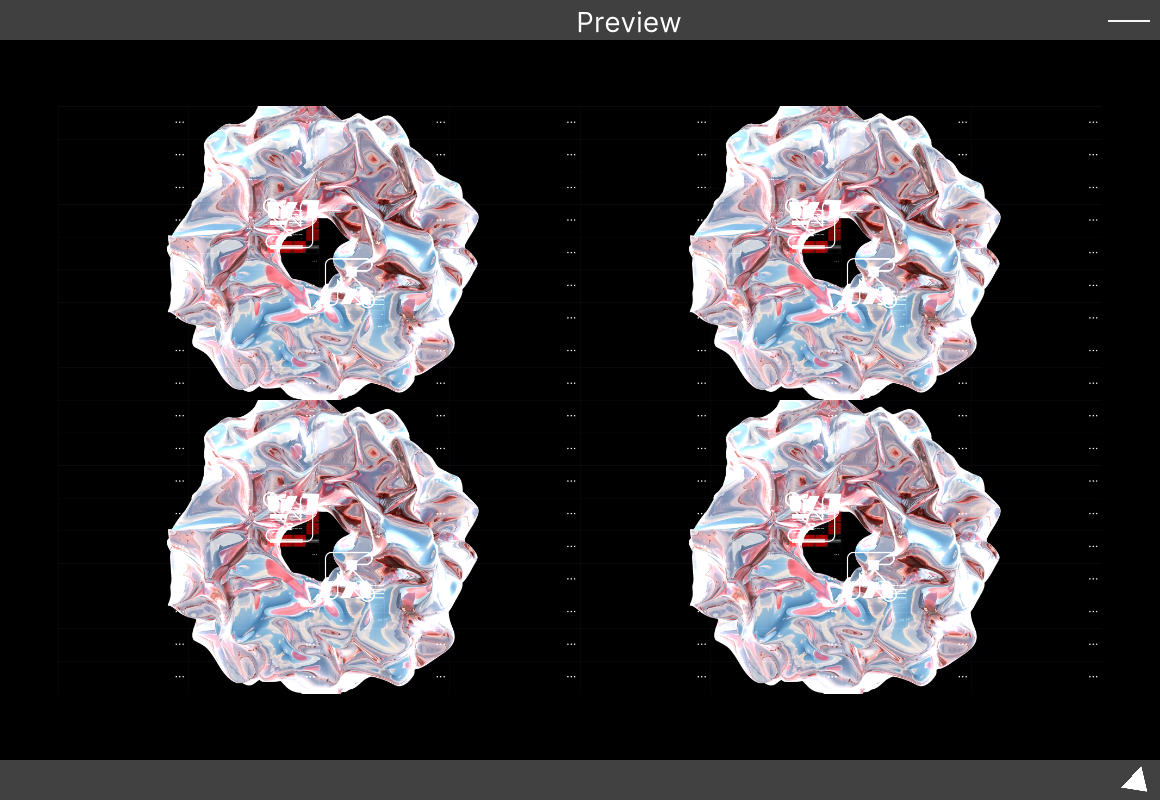
This window shows the master output, the result of compositing every layer. It is the same picture that is sent to the output window and to your projector.
Opening it
Menu bar: Window → Preview.
This window exists from startup and cannot be closed (there is no × in the title bar). The Preview entry in the menu does not “open” it — it brings it back to the center of the screen. Use it to recover the window after minimizing it, or after pushing it off-screen.
Minimize with the − at the right of the title bar.
What is shown
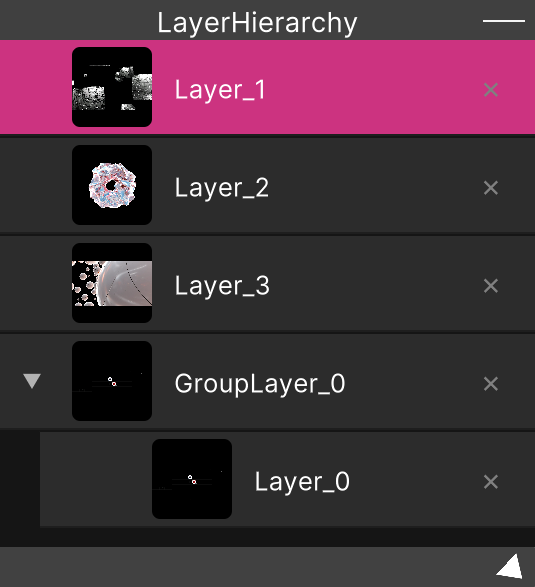
What you see is the master output render texture itself — the result of stacking the layers listed in Layer Hierarchy in order.
- The resolution is the Width / Height under Setting → GlobalSettings → Resolution (1920 × 1080 by default)
- That aspect ratio is preserved, and the image is scaled to fit within the inner 90% of the window
- The surrounding area is black. Making the window tall never stretches the image
Changing the resolution rebuilds the master RenderTexture and every layer’s resolution together.
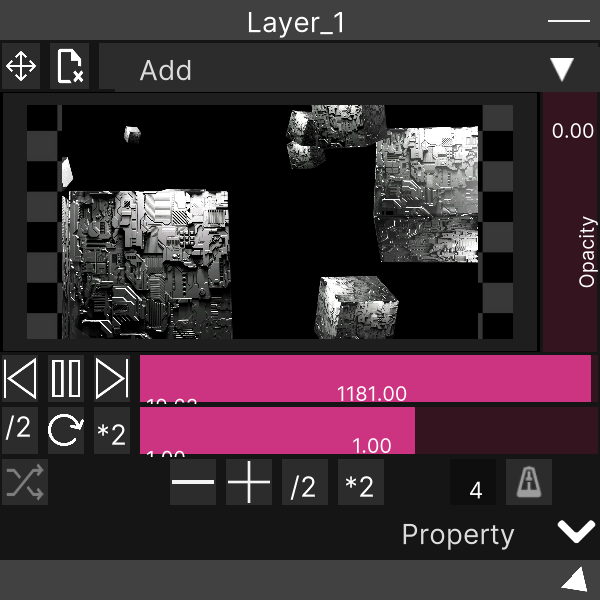
Preview is display-only. The drawing surface is configured not to accept pointer input, so it does not respond to clicks, drags or right-clicks. You cannot drop a video here to play it. Drop files onto the preview surface of a Layer or onto a row in Layer Hierarchy instead.
Operations common to all windows
These apply to every SynapseRack window, not just Preview.
| Action | What it does |
|---|---|
| Drag the title bar | Move |
| Drag while holding Shift | Move, snapped to a 20px grid |
| Drag the bottom-right corner | Resize (minimum 100 × 100) |
| Resize while holding Shift | Snap to a 20px grid |
Ctrl + F | Bring the selected window to the center of the screen |
F10 | Detach the selected window as a separate OS window |
The “selected window” is the window you clicked last.
A window detached with F10 returns to its original position when you close the OS-level window.
The detached state, position and size are saved with the project and restored when you reopen it
on the same OS. This is useful for keeping Preview permanently on a second display.
Related
- Layer Hierarchy — where the compositing order shown here is decided
- Output to a projector — the output window for live use