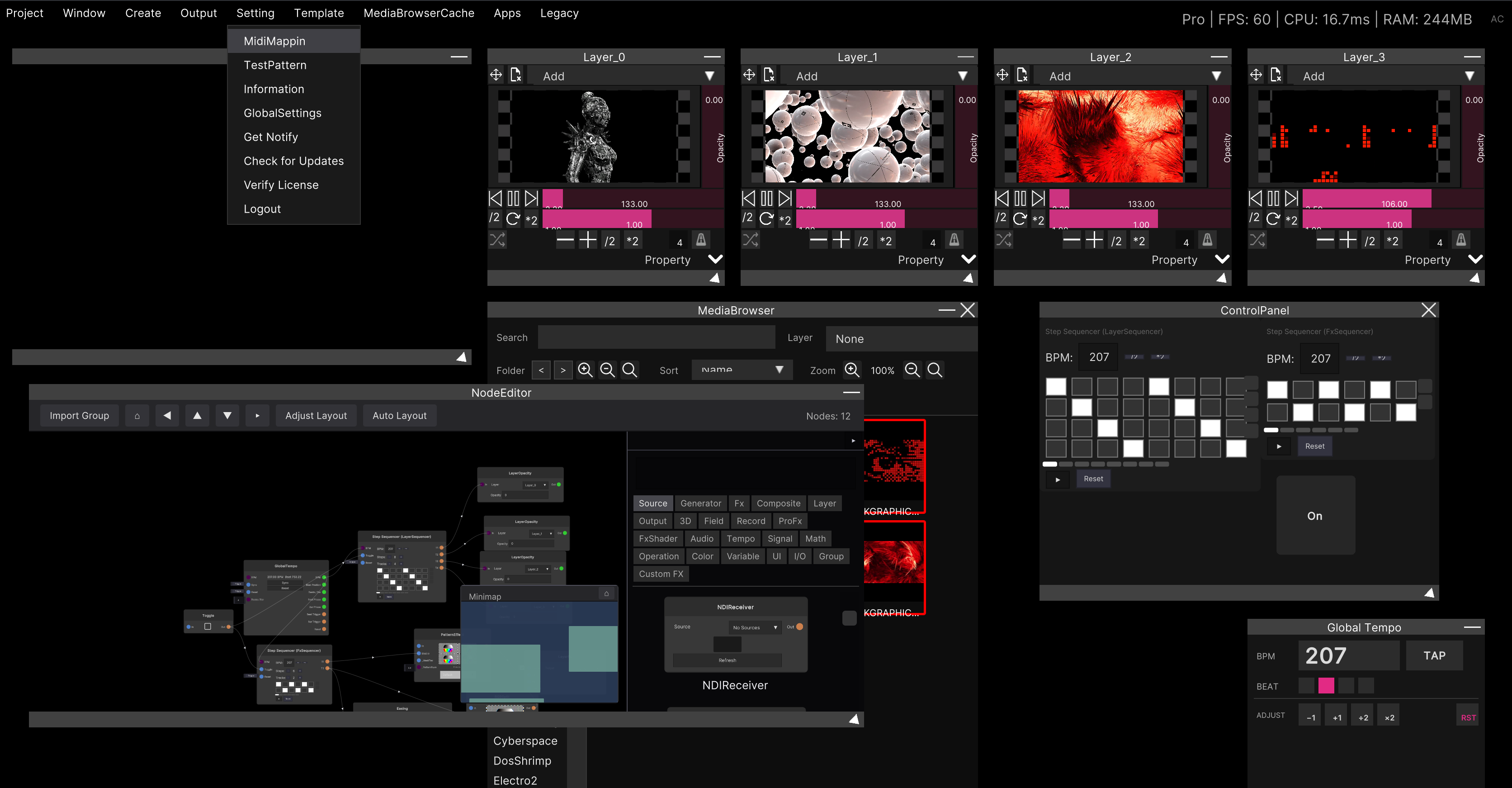
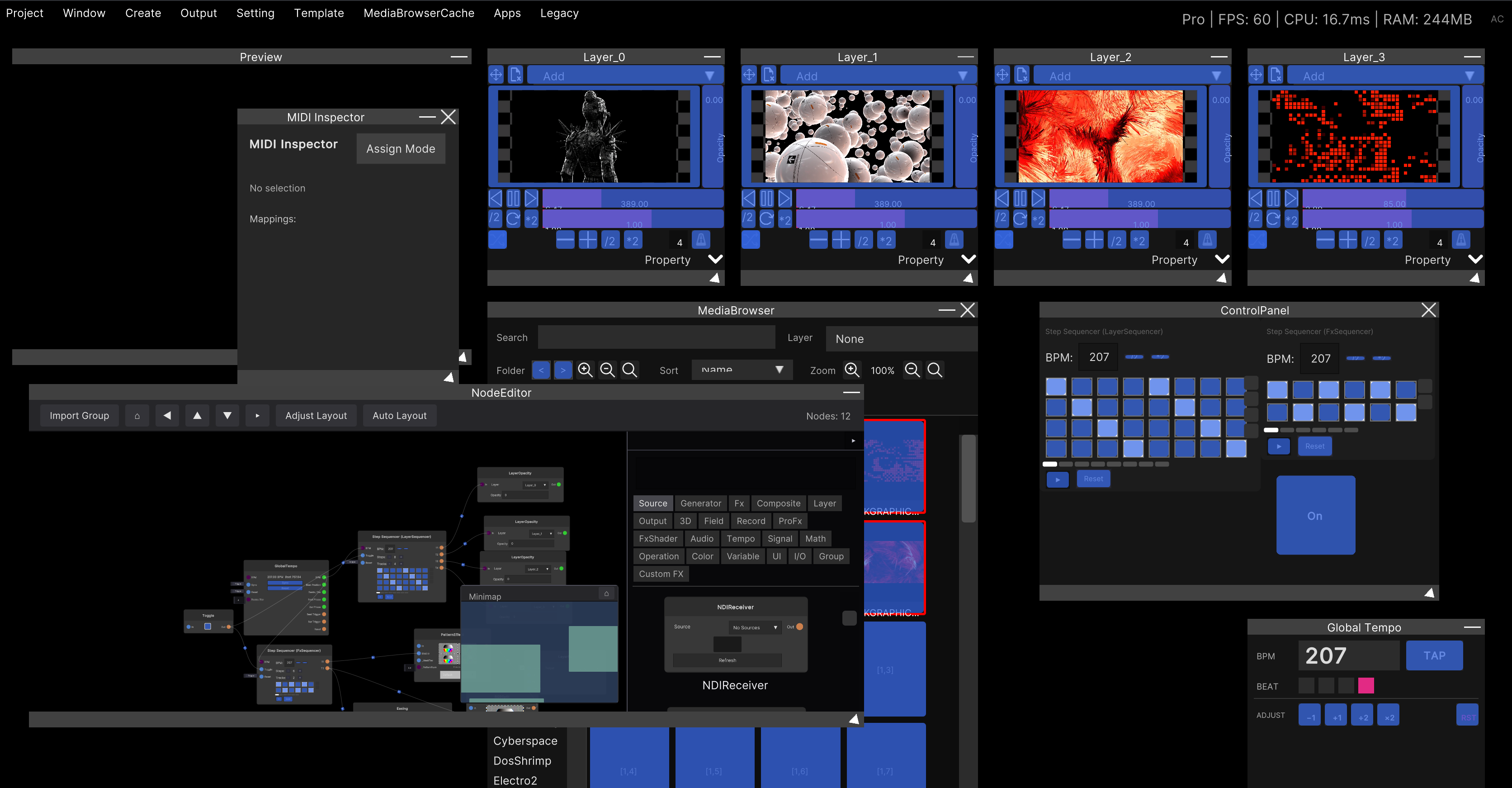
Global Tempo
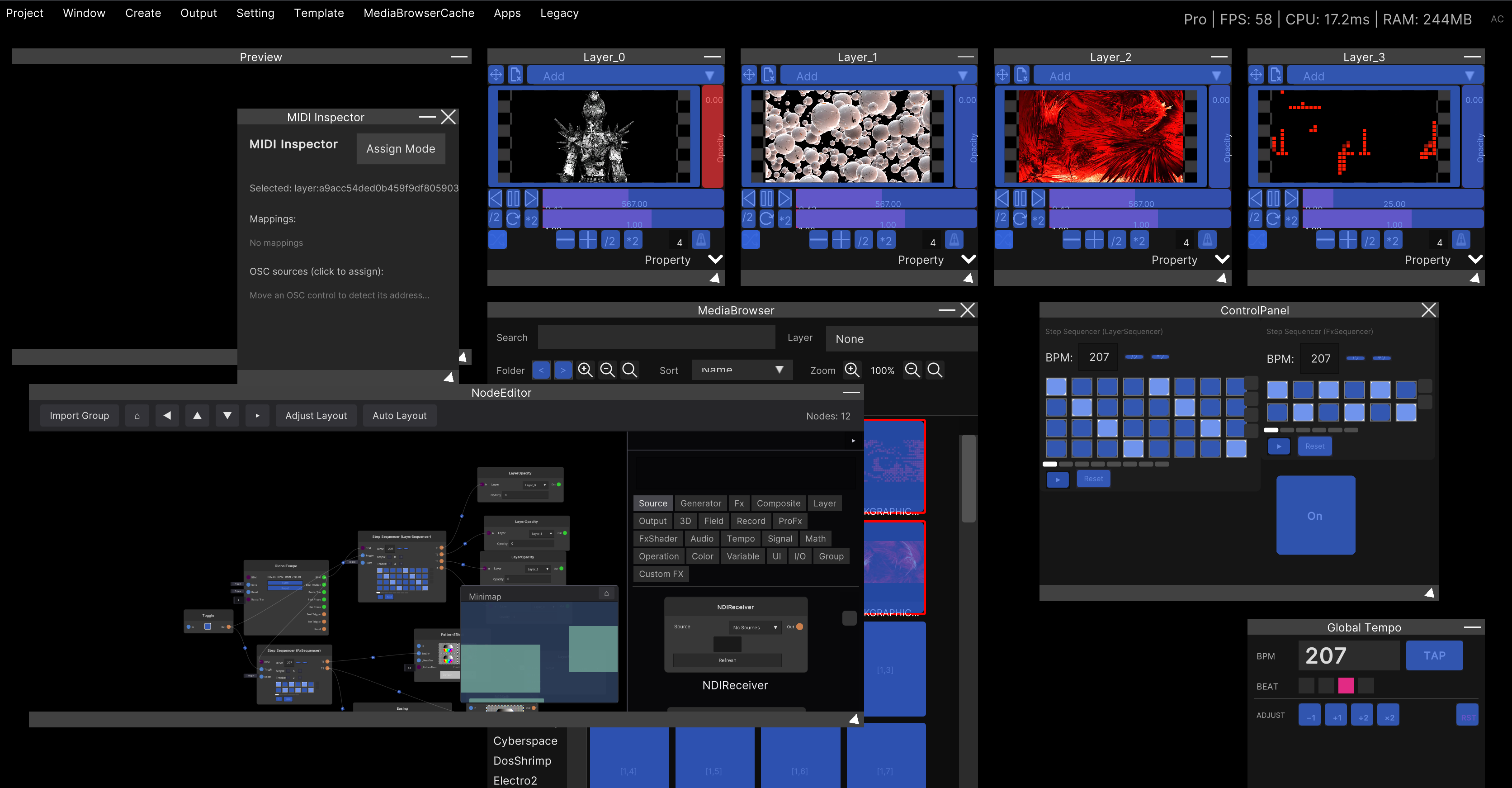
This window holds the BPM and beat that all of SynapseRack refers to. Beat Sync on a Layer and every tempo-related node read the numbers here.

Opening it
Menu bar: Window → GlobalTempo. This window exists from startup, so this brings it back to the center of the screen. It cannot be closed.
BPM
Click the BPM number to type a value directly. The default is 128 and the range is 1 to 500. Values outside the range are clamped automatically.
| Button | What it does |
|---|---|
| TAP | Tap tempo. Calculates the BPM from the interval between presses |
| −1 | Lower the BPM by 1 |
| +1 | Raise the BPM by 1 |
| ÷2 | Halve the BPM |
| ×2 | Double the BPM |
| RST | Return the beat to beat 1 (Resync) |
TAP resets its measurement after a 1.8 second gap. It keeps averaging the last 15 taps, so when you want to change the tempo significantly, the fastest route is to stop for a moment and then start tapping again.
The BEAT indicator
The BEAT squares show which beat you are on. The lit square is the current beat.
Pressing RST returns the beat position to 0 and broadcasts a Resync to everything at the same time. Any Layer with Beat Sync enabled jumps back to the start of its video on that notification. The standard way to use it is to press it on the downbeat to line things up again.
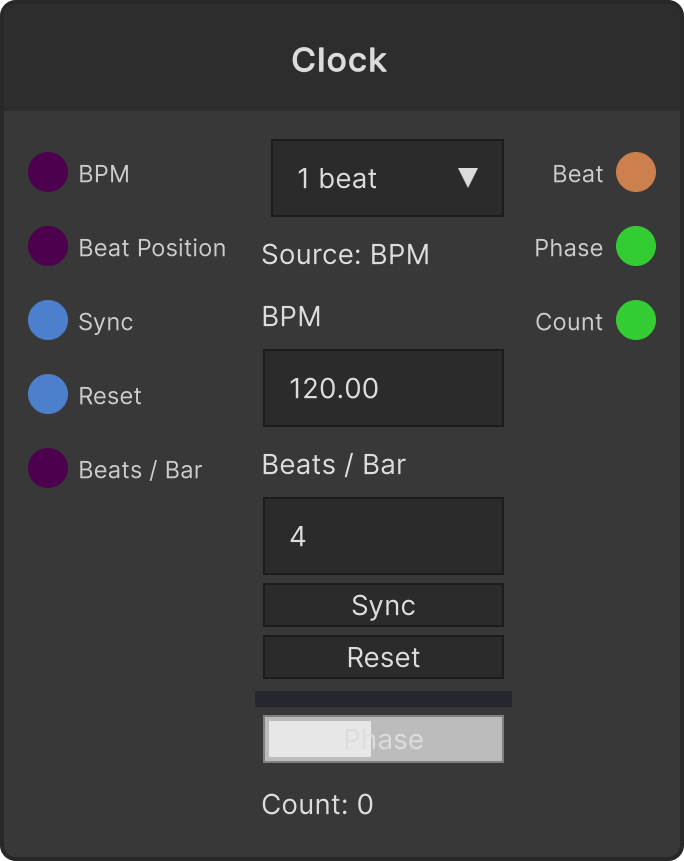
The time signature (beats per bar) cannot be changed in this window. The number of indicators grows and shrinks with the time signature, but the time signature itself is set with
Beats / Baron the GlobalTempo node (1 to 32). The time signature is saved with the project.
Controlling it over MIDI
All six buttons — TAP / −1 / +1 / ÷2 / ×2 / RST — can be assigned to MIDI. The procedure is the same as MIDI mapping: enter assign mode from Setting → MidiMapping in the menu bar.
They all fire the moment the value crosses 0.5, so they suit pads and buttons better than knobs.
What gets saved
The BPM and time signature, the window’s position, size and minimized state, and the MIDI mappings
are all saved together with the project (.synapse).
Related
- Beat sync — matching video to the beat on the Layer side
- MIDI mapping — how assign mode works in general