Group Layer
This is a layer for treating several layers as a single layer. The contents are composited first, and you can then apply another blend mode and opacity to that result.
Creating and deleting
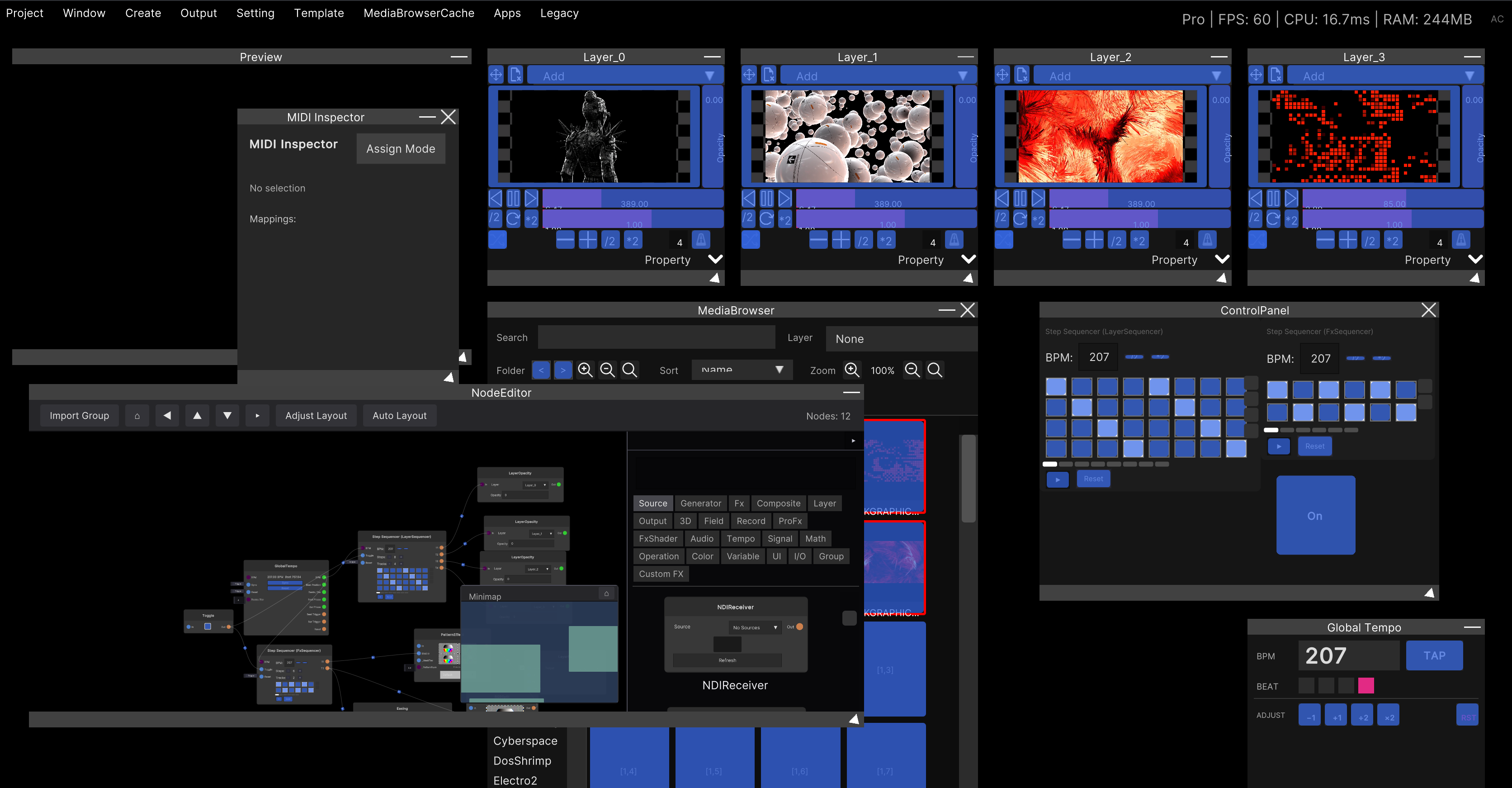
Menu bar: Create → GroupLayer. Names are assigned automatically as GroupLayer_0,
GroupLayer_1 and so on.
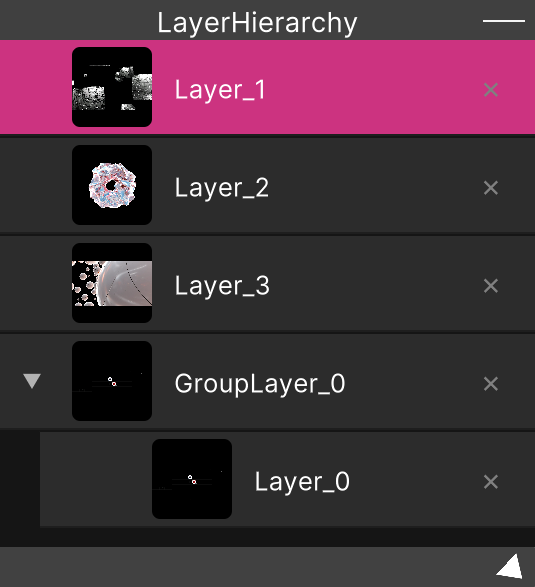
You put layers inside it from Layer Hierarchy. Grab the row of the layer you want to move and drop it near the middle of the group’s row.
Deleting is also done from the × in the Hierarchy. Deleting a group deletes the layers inside it as well.
Double-click the title bar to rename it.
A freshly created group has an opacity of 0. Even after you put layers inside, nothing appears in Preview. Raise
Opacityfirst.
Available controls
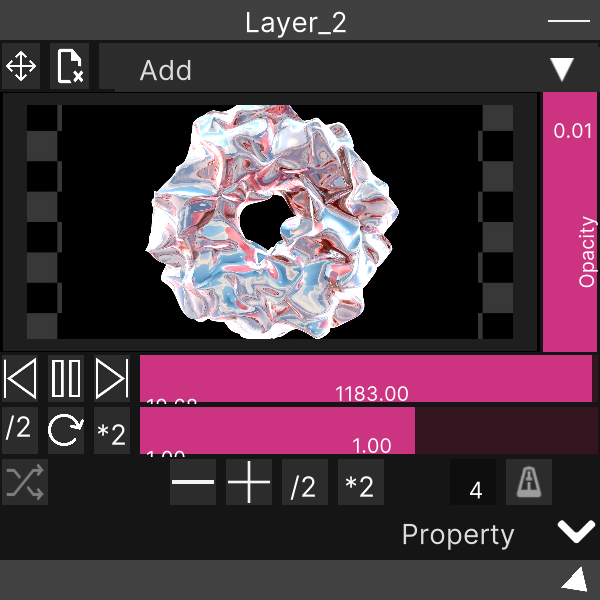
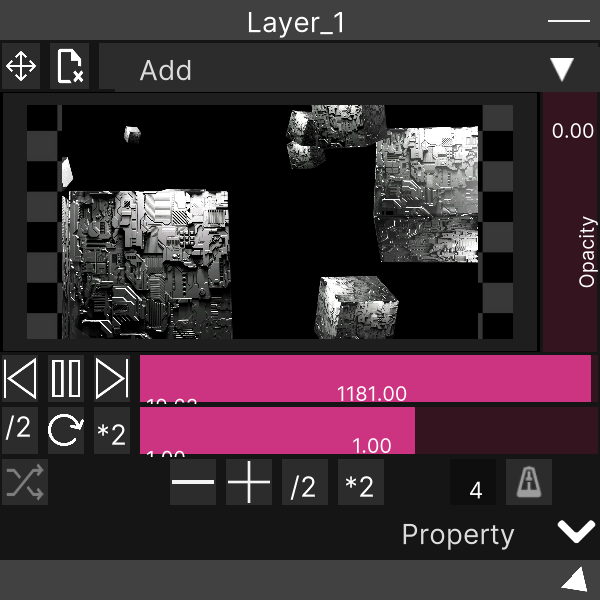
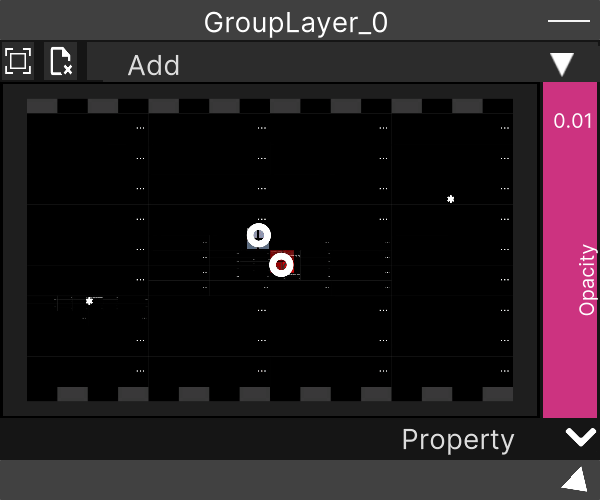
A group layer window looks the same as a Layer window, but only the following three actually do anything.
| Control | What it does |
|---|---|
| Blend mode dropdown | The mode used when compositing the group’s output into the master. The same eight options as Layer |
Opacity (vertical bar) | The opacity of the whole group |
| Property (the strip at the bottom) | Position, rotation, scale and rectangular mask (Layer Property) |
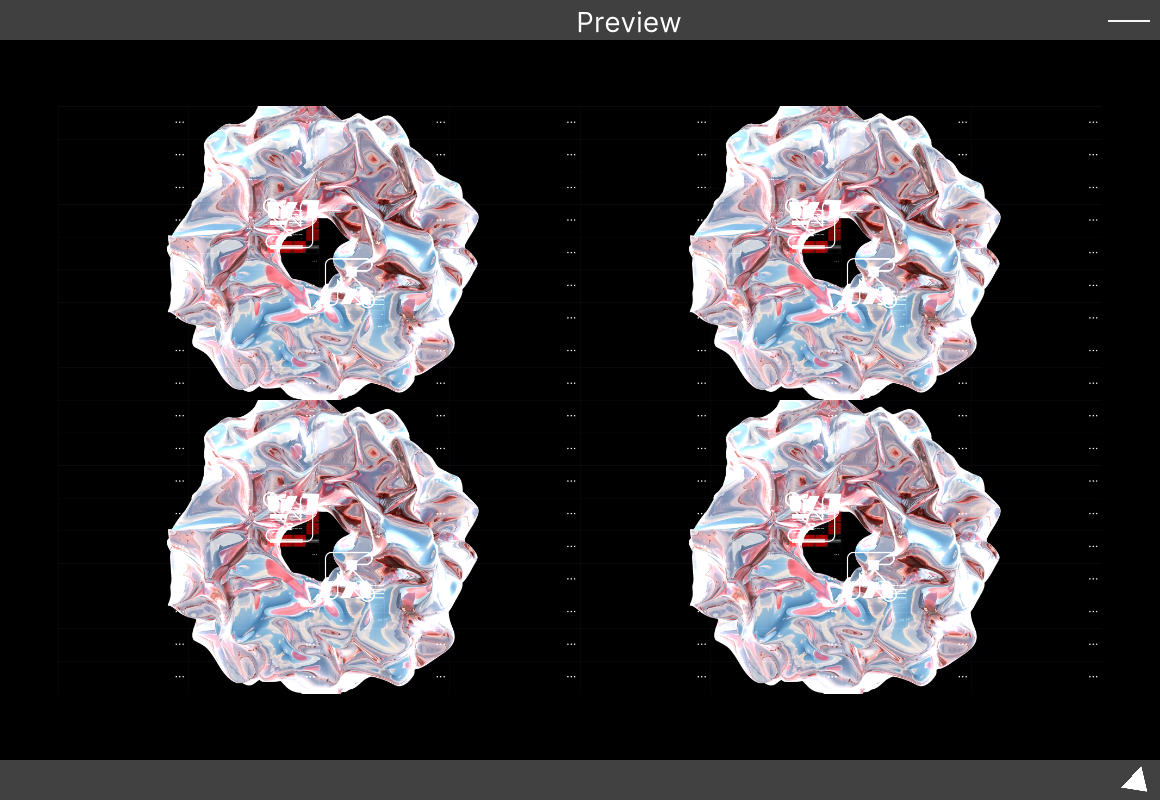
The large surface in the middle shows the composited result of the group’s contents.
The stretch toggle and content clear in the top row do nothing for a group. A group layer cannot hold video directly, so these buttons are simply left in the window and are not wired up. Clicking the preview surface does not put it into the “waiting for an assignment” state.
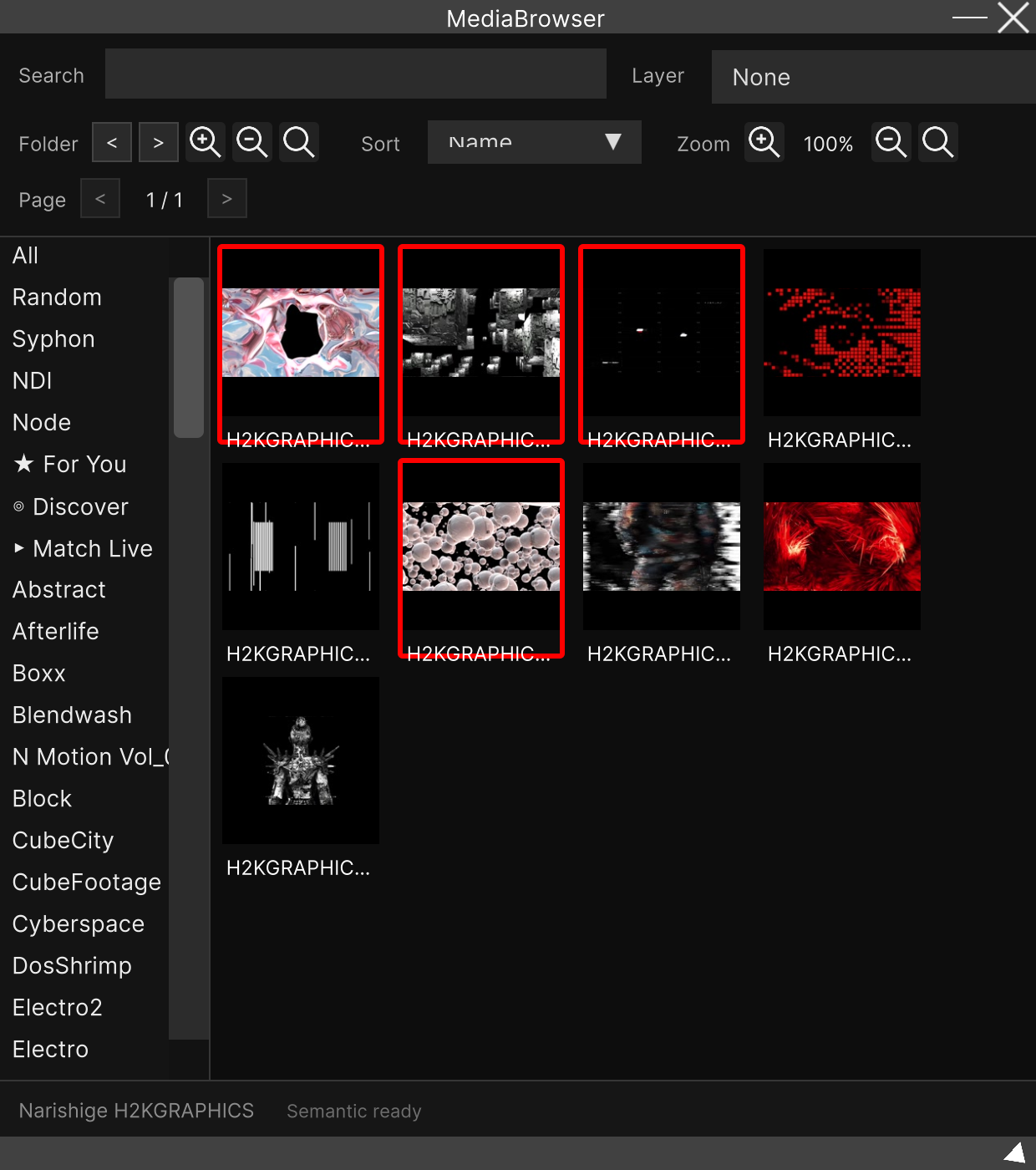
Dropping a file onto a group does not assign it. The same goes for dragging from the Media Browser and for dropping from the OS. The file is imported into the library, but it does not go into any layer. Always put video into a Layer inside the group.
Ordering inside the group
The order inside a group follows the same rule as outside. Top is back, bottom is front.
The group’s own position (up or down in the Hierarchy) determines whether the group as a whole sits behind or in front of the other layers.
MIDI
On a group layer, the two things that can be assigned to MIDI are Opacity and the
blend mode. The blend mode advances to the next mode each time it fires.
Related
- Layer — the window for handling a single piece of video
- Layer Hierarchy — moving layers in and out of groups, and ordering
- Layer Property — position, rotation, scale and rectangular mask