Clock
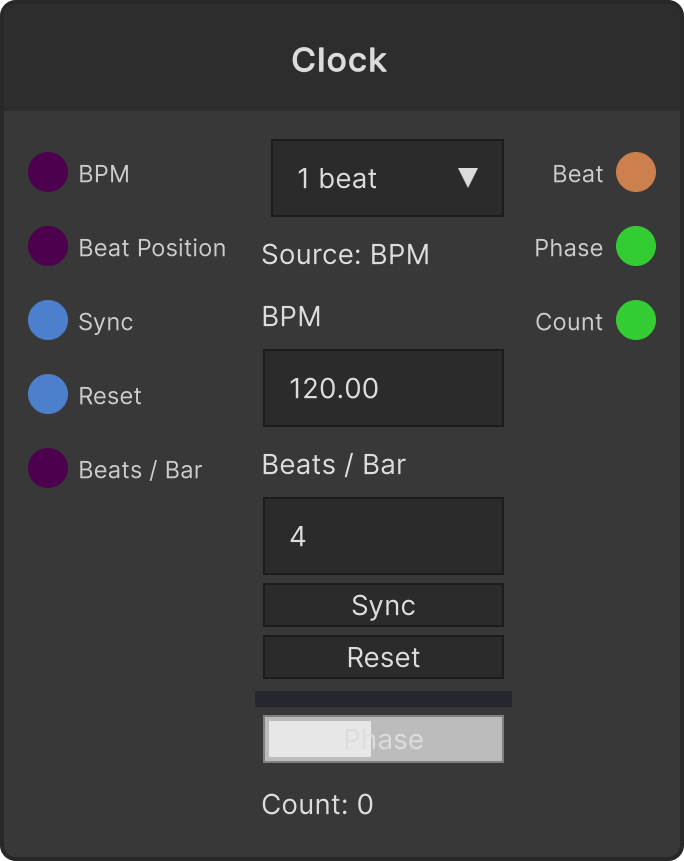
A node that ticks beats and outputs Beat (a trigger), Phase (0-1 within the cycle) and Count (the running number of fires). There are two references: while something is connected to the BeatPosition input it follows that beat position, and if nothing is connected it runs on its own BPM.
The beat division is a dropdown with seven steps, 1/4 beat, 1/2 beat, 1 beat (default), 2 beats, 1 bar, 2 bars, 4 bars. The lengths of the bar entries are BeatsPerBar × 1 / 2 / 4 beats.
- BPM default 120 (clamped to 1-500)
- BeatsPerBar default 4 (clamped to 1-32)
- Sync rounds the current position to the nearest beat, and Reset returns the beat position, Phase and Count to 0
- If a dropped frame spans several divisions, they fire together (up to 1024 times per frame. Count holds the actual number before truncation)
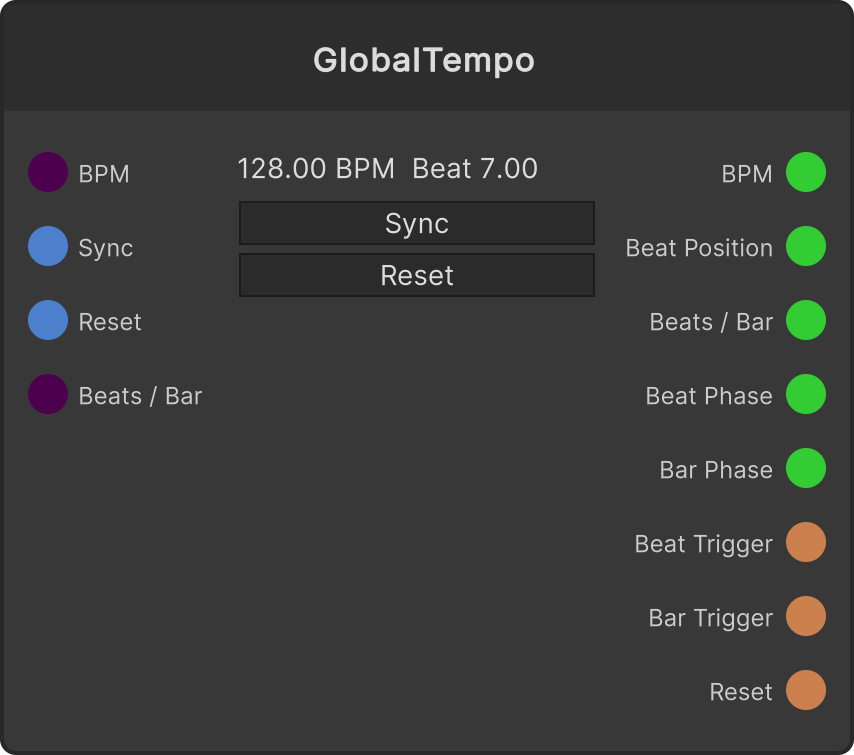
Clock does not watch the global tempo automatically. To sync it to the app tempo, connect the BeatPosition output of GlobalTempo to the BeatPosition input. An unconnected Clock runs independently on its local BPM (by design).
Changing the division dropdown or BeatsPerBar runs an internal reset, returning Phase and Count to 0.
Input ports
| Port ID | Type |
|---|---|
BPM | float |
BeatPosition | float |
Sync | trigger |
Reset | trigger |
BeatsPerBar | int |
Output ports
| Port ID | Type |
|---|---|
Beat | trigger |
Phase | float |
Count | int |
Scriptable members
| Path | Type |
|---|---|
bpmInput | float |
beatPositionInput | float |
beatsPerBarInput | int |
currentDivisionIndex | int |
currentBpm | float |
currentBeatsPerBar | int |
Synapse Apps (scripting)
await synapse.modules.create({ type: "Clock" })