Text Render
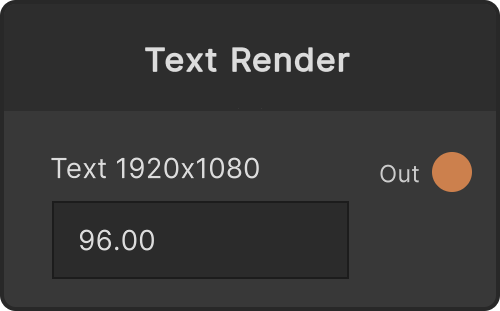
It draws a single string into a RenderTexture with a transparent background. As a normal node in the Generator category, it appears in the add-node menu just like any other (it used to be treated as a low-level Apps SDK node and was hidden by default, but it is now shown regardless of the “Show App SDK modules” setting. The node id is still AppTextRender as a leftover from that, so projects you have already saved open as they are).
The output resolution is fixed at creation time, and the default is the global resolution. The label at the top of the node shows the current resolution, like Text 1920x1080. Drawing is done once only when a parameter changes, so nothing costs GPU time while the values are not moving.
The body text and the font
- The body — write it directly into the text field on the node, or feed a string into the
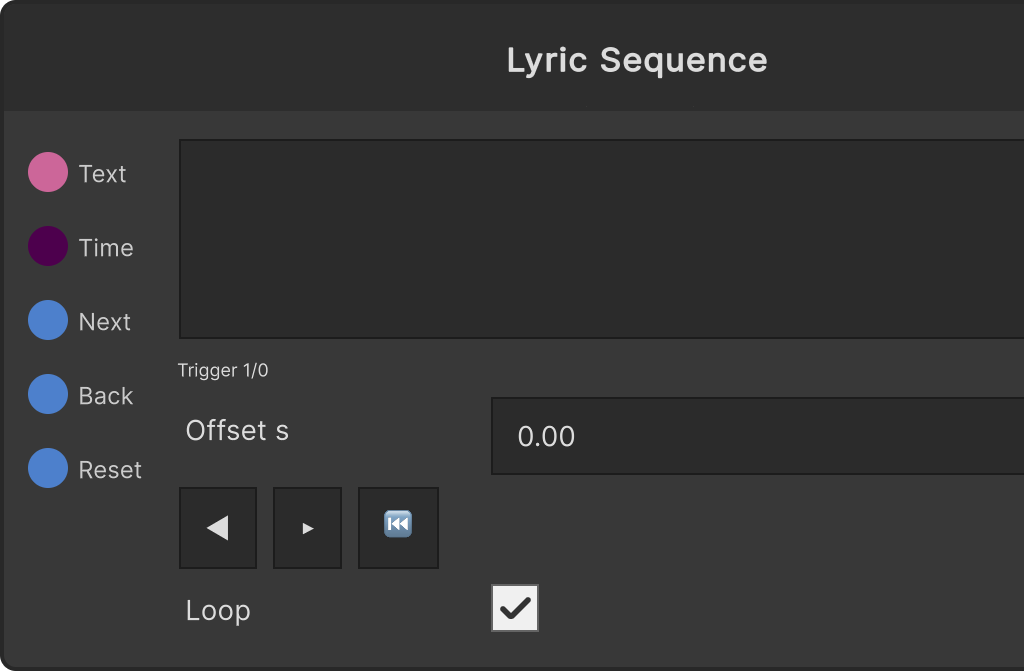
Textport (from Text Queue or Lyric Sequence). Connect the port and its value becomes the body. Lines are wrapped automatically to the output width, and the alignment is center by default (there is no port or UI for changing the alignment; from the Apps SDK you can writealignmentas 0 = left / 1 = center / 2 = right) - Font Size — default 96 (values below 1 are treated as 1). The field on the node and the port are the same value
- Color — the text color. The default is opaque white. The color picker on the node and the port are the same value
- Font — pick a font from the dropdown. Auto at the top means “look for a font on the OS that can display CJK such as Japanese”, trying candidates such as Yu Gothic, Meiryo, BIZ UDGothic and Hiragino Kaku Gothic in order. On a system where not a single candidate is found it falls back to TMP’s standard LiberationSans, and CJK comes out as missing-glyph boxes (tofu)
- The dropdown lists the fonts installed on your PC in alphabetical order (Windows: the
Fontsfolder and per-user fonts; Mac:/System/Library/Fonts,/Library/Fontsand~/Library/Fonts) - Feed a string into the
Fontport and you can switch fonts by the same names as in the dropdown (changing the typeface on every beat with StringArray, for instance). An empty string is Auto - The font you picked is saved by name, not by number. If that font is not present on another machine, or the name cannot be resolved, it falls back to Auto
- The Refresh Fonts button picks up fonts that were installed after the application started
- The dropdown lists the fonts installed on your PC in alphabetical order (Windows: the
Text style (outline, shadow, weight)
All of these can be modulated from ports.
- Bold (
FaceDilate) — the weight of the glyphs. Clamped to -1 to 1, default 0. Positive is bolder, negative is thinner - Outline Width / Outline Color / Outline Soft — the width of the outline (0-1), its color (black by default) and the softness of the edge (0-1). A width of 0 means no outline
- Shadow Color / Shadow X / Shadow Y / Shadow Dilate / Shadow Soft — the shadow. It is not drawn if the alpha of Shadow Color is 0 (the default). X / Y are the offset amount, where 1 corresponds to “the full extent of the spread”, proportional to the font size. Shadow Dilate is the weight of the shadow (-1 to 1) and Shadow Soft is the blur (0-1). Raising the blur with the offset at 0 gives you a glow
Placement
These are the ports for moving the whole text around without changing the font size. Wobbling it with an LFO or scaling it on the beat is what these are for.
- Pos X / Pos Y — normalized coordinates. 0 is the center and ±1 is the edge of the output. Default 0
- Rot — rotation (in degrees). Default 0
- Scale — the overall multiplier. Default 1 (negative values are treated as 0)
- Scale X / Scale Y — per-axis multipliers. They multiply Scale. Default 1
- Shear — slant. It offsets x in proportion to y (default 0). It is applied after scaling and before rotation, so the glyphs slant first and then the whole thing rotates
The speech-bubble box
It lays a rounded rectangle — the actual size of the text plus padding — underneath the text.
- Box Color — transparent by default, and it is not drawn while the alpha is 0
- Box Pad — the padding (in px, default 16, negative values become 0)
- Box Radius — the corner radius (in px, default 12, negative values become 0)
The box comes along with the text through the placement (position, rotation, scale, shear). It is not drawn when the body is empty.
The Distance output (distance field)
At the same resolution as Render Texture, it outputs a distance field of the text. The value 0.5 is the contour of the glyphs, and the range ±64px from the contour is mapped linearly into 0-1 (the inside towards 1, the outside towards 0. RGB all carry the same value, alpha is 1, and where there is no text it is 0). The color, outline and shadow styles are not reflected in the distance field; only the placement has an effect.
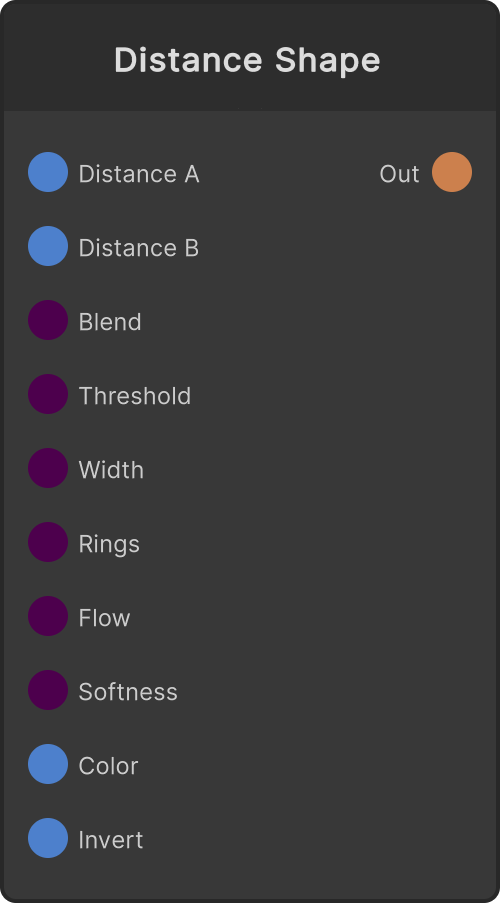
Cut it at a threshold for dilation, outlines or contour lines, or mix two of them to build a morph between fonts. On the receiving side, use Distance Shape.
From the Apps SDK you can still create it with
render.createTextas before, and writefontSize/colorR/colorG/colorB/colorA/text/alignment/fontName.
Input ports
| Port ID | Type |
|---|---|
Text | string |
Color | Color |
FontSize | float |
Font | string |
FaceDilate | float |
OutlineWidth | float |
OutlineColor | Color |
OutlineSoftness | float |
ShadowColor | Color |
ShadowOffsetX | float |
ShadowOffsetY | float |
ShadowDilate | float |
ShadowSoftness | float |
PosX | float |
PosY | float |
Rotation | float |
Scale | float |
ScaleX | float |
ScaleY | float |
Shear | float |
BoxColor | Color |
BoxPadding | float |
BoxRadius | float |
Output ports
| Port ID | Type |
|---|---|
Render Texture | RenderTexture |
Distance | RenderTexture |
Scriptable members
| Path | Type |
|---|---|
textInput | string |
fontSizeInput | float |
fontInput | string |
faceDilateInput | float |
outlineWidthInput | float |
outlineSoftnessInput | float |
shadowOffsetXInput | float |
shadowOffsetYInput | float |
shadowDilateInput | float |
shadowSoftnessInput | float |
posXInput | float |
posYInput | float |
rotationInput | float |
scaleInput | float |
scaleXInput | float |
scaleYInput | float |
shearInput | float |
boxPaddingInput | float |
boxRadiusInput | float |
fontSize | float |
colorR | float |
colorG | float |
colorB | float |
colorA | float |
text | string |
alignment | int |
fontName | string |
Synapse Apps (scripting)
await synapse.modules.create({ type: "AppTextRender" })