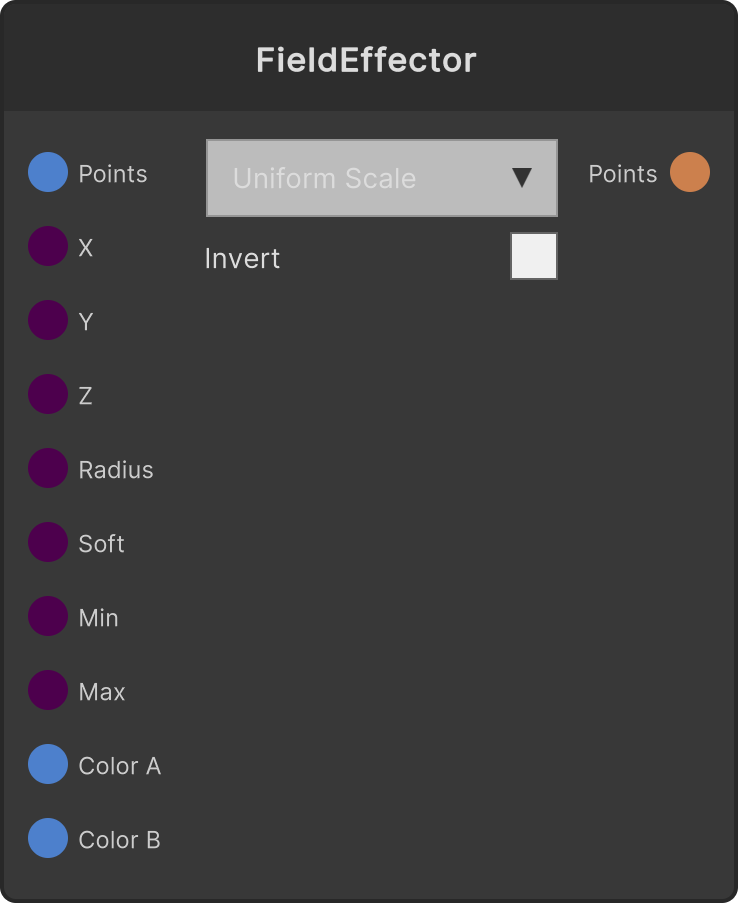
Maps the product of each point’s weight and the input T onto Min-Max and outputs a PointCloud with the value applied to the attribute chosen in the dropdown. It is the third stage of “make an order (Point Key) → turn it into a wave (Wave) → write it into an attribute (Attribute)”. You can also feed audio analysis or an LFO into T to make “the size swells with the sound”. The other dropdown (weight mode) decides how the effect is distributed across points, and what is actually mapped is T × weight.
Target attribute (dropdown)
- UniformScale (default) — multiplies each point’s scale by the mapped value (lower limit 0.001)
- ColorGradient — overwrites the color by interpolating ColorA→ColorB
- RotationY — adds
mapped value × 360 degrees to the Y-axis rotation
- PositionY — adds the mapped value to Y
- TimeOffset — clamps the mapped value to 0-1 and writes it as the point’s history offset (0 is now, 1 is the oldest). Used by materials that read a past frame per point, such as History on SpriteMaterial
Weight mode (dropdown)
- Points (default) — the per-point weight (0-1) written upstream by Point Key / Wave. For a point cloud without weights every point is 1 (
T applies as is)
- Uniform — 1 for every point
- IndexRamp — a ramp from 0 at the first point to 1 at the last
- DistanceFromOrigin — the distance from the origin, normalized by the largest distance in that point cloud
- Random — a fixed random value determined by the point’s index
Parameters
- T — clamped to 0-1 (default 1). The constant used while unconnected is saved as well
- Min / Max (default 0.5 / 2)
- ColorA / ColorB — used only by ColorGradient (default white / orange)
Only ColorGradient ignores Min / Max and uses T × weight directly as the ColorA→ColorB interpolation ratio.
The Random weight has no Seed input; it is a fixed pattern determined only by the point index.
When PointCloud is not connected, or the point count is 0, the output is empty as well.
Input ports
| Port ID | Type |
|---|
PointCloud | PointCloudInput |
T | float |
Min | float |
Max | float |
ColorA | Color |
ColorB | Color |
Output ports
| Port ID | Type |
|---|
PointCloud | PointCloudOutput |
Scriptable members
| Path | Type |
|---|
tInput | float |
minInput | float |
maxInput | float |
Synapse Apps (scripting)
await synapse.modules.create({ type: "AttributeMap" })