Attaches a Material to a Mesh and places exactly one of it in the Scene (draw list). This is the node for when you want to draw a Mesh from Text 3D, Image Extrude or Primitive directly, without going through a point cloud; the output connects to Render via SceneTransform / SceneRepeat. When you want to lay out the same Mesh once per point of a point cloud, use CopyToPoints.
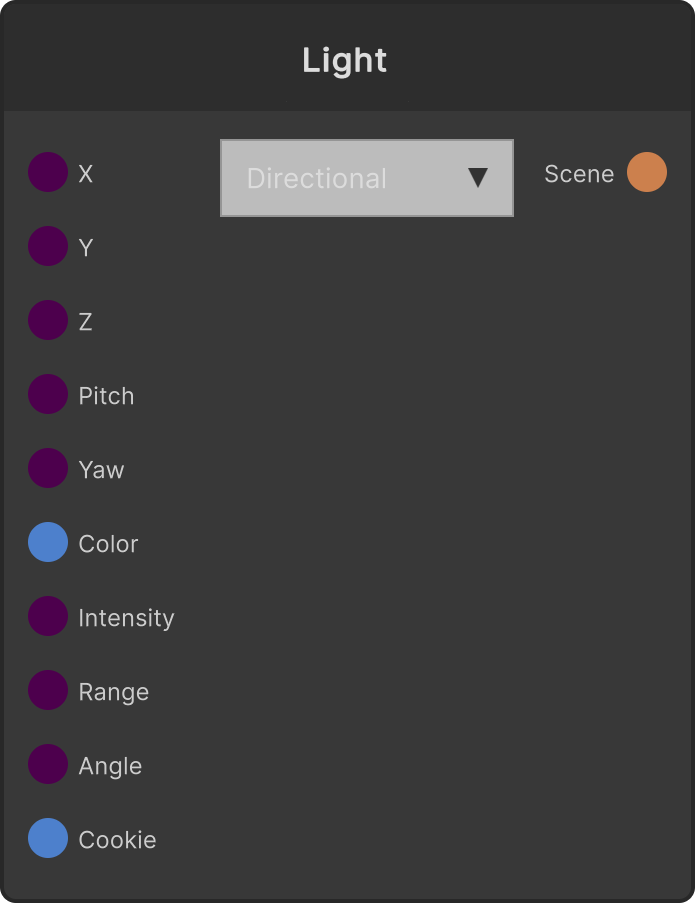
- Translate X / Y / Z (labeled X / Y / Z on the node) — position (default 0)
- Rotate X / Y / Z (labeled Rot X / Rot Y / Rot Z) — rotation (in degrees, default 0)
- Uniform Scale (labeled Scale) — a multiplier common to all axes (default 1, lower limit 0.0001)
- Color — passed to the material as an instance color (default white)
When Mesh is not connected it falls back to Cube, and when Material is not connected it falls back to the default SRLit material. The design is such that a picture appears just by connecting it.
The preview on the node shows the mesh with the Material applied.
Input ports
| Port ID | Type |
|---|
Mesh | MeshInput |
Material | MaterialInput |
Translate X | float |
Translate Y | float |
Translate Z | float |
Rotate X | float |
Rotate Y | float |
Rotate Z | float |
Uniform Scale | float |
Color | Color |
Output ports
| Port ID | Type |
|---|
Scene | SceneDataOutput |
Scriptable members
| Path | Type |
|---|
txInput | float |
tyInput | float |
tzInput | float |
rxInput | float |
ryInput | float |
rzInput | float |
scaleInput | float |
Synapse Apps (scripting)
await synapse.modules.create({ type: "MeshRenderer" })