Lyric Sequence
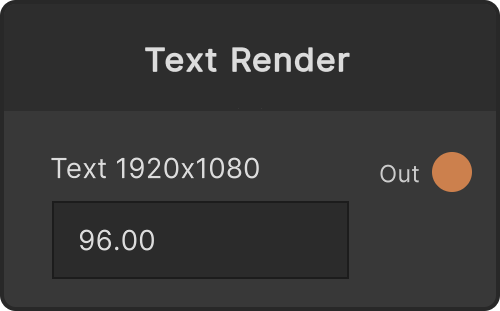
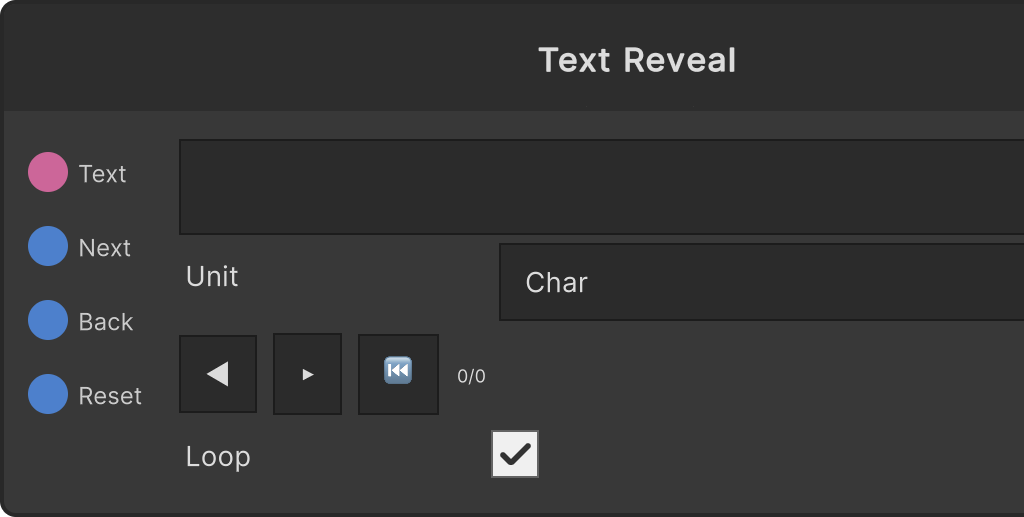
A node that loads timed lyrics and expands them into the current line, the next line, the progress within the line, and a trigger when they change. It does not draw anything, so you send it to Text Render or Text Reveal to use it.
You can write the body directly into the multi-line field on the node, and it is saved with the patch. When a path to an existing .lrc / .txt / .csv file (a single line, with no line breaks) arrives at the Text input, its contents are loaded and replace the body. If it could not be loaded, the body is left unchanged and the path string stays as it is. Any other string is treated as the body itself.
The body formats it accepts
The format is detected automatically from the body. If even one line has a time on it, it is treated as “timed”, and if not a single line does, it becomes a plain list of lines with no times.
Lines with time tags (LRC)
[minutes:seconds.fraction] at the head of a line is read as the time. Minutes are 1-3 digits, seconds 1-2 digits, and the fractional part is 1-3 digits and can be omitted (either . or : works as the separator).
[00:12.00]最初の行
[00:18.50][01:24.50]サビ(同じ本文を2か所に登録)- Several time tags can be lined up at the head of a line, and the same body is registered at that many different times
- Word-level timestamps within the body, such as
<00:12.00>, are stripped out - Metadata lines such as
[ar:...]and[ti:...]are ignored.[offset:+500]is read as milliseconds, though, and a positive value makes the lyrics come out earlier (it is added on top of the node’s Offset s)
Two columns of time and body (CSV / TSV)
The time,body form. The separator is a comma or a tab, and only the first one that appears in the line is treated as the separator (commas inside the body are left as they are).
12.5,秒で書いた行
1:02.5,分:秒で書いた行
0:01:30,時:分:秒でも書ける
The time can be written as plain seconds (12.5), or as minutes:seconds / hours:minutes:seconds (up to three colon-separated parts). Whitespace around the body is stripped, and if both ends are wrapped in " those quotes are removed too.
A list of lines with no times
A body where not a single line has a time is treated as a list with one item per line. Only trailing empty lines are dropped; empty lines in the middle are kept as “pauses”.
Note that lines without a time that are mixed into a timed body are treated as metadata and discarded. Timed lines are sorted into time order.
Time-driven and trigger-driven
- Time-driven — while the body has times and the
Timeport is connected. Every frame it looks atTime + Offset s + the body's offsetand makes the last line at or before that time the current line. Before the time of the first line it is in the no-line state, whereLineis empty andIndexis -1. During this, Next / Back / Reset are ignored (because the time wins every frame) - Trigger-driven — anything else (a body with no times, or
Timenot connected). Next for the next line, Back for the previous line, Reset to go back to the head. The head is number 0 - At most one connection to
Time. Removing the connection returns it to trigger-driven on the spot, and if it was in the no-line state it moves to the head - Offset s is a correction for nudging a sync offset by hand (in seconds; positive makes the lyrics come out earlier). It only has an effect when time-driven
- The Loop toggle (default ON) only affects Next / Back when trigger-driven. ON wraps around from one end to the other, OFF stops at the ends
- Editing the body keeps the current position, rounded back into range
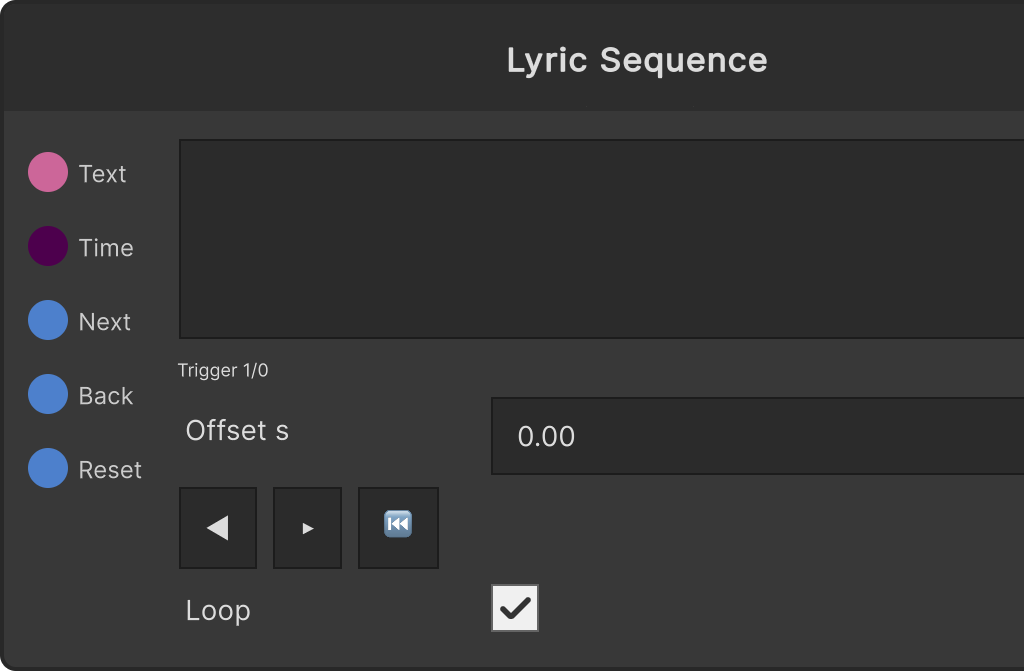
The small status line on the node shows the driving state (Time / Trigger, or Trigger (timed) for a timed body with Time not connected), the current position and the total, and when time-driven the time of the current line. The ◀ ▶ ⏮ buttons do the same thing as Next / Back / Reset.
Notes on the outputs
- Line — the current line. An empty string in the no-line state
- NextLine — the line one ahead (empty if there is none). Useful for a display that shows the next lyric faintly ahead of time
- Progress — 0→1 from the start of the current line to the start of the next. It only moves when time-driven, and is always 0 on the last line, in the no-line state, and when trigger-driven
- Changed — fires at the instant the line changes (a line advance, or the moment the time reaches the next line). It does not sound when the body is swapped, when a file is loaded, or when the driving method changes
- Index — the number of the current line (starting at 0; -1 before the first line when time-driven)
- Total — the number of lines
Input ports
| Port ID | Type |
|---|---|
Text | string |
Time | float |
Next | trigger |
Back | trigger |
Reset | trigger |
Output ports
| Port ID | Type |
|---|---|
Line | string |
NextLine | string |
Progress | float |
Changed | trigger |
Index | int |
Total | int |
Scriptable members
| Path | Type |
|---|---|
textInput | string |
timeInput | float |
text | string |
currentOffset | float |
currentLoop | bool |
Synapse Apps (scripting)
await synapse.modules.create({ type: "LyricSequence" })