Content Player
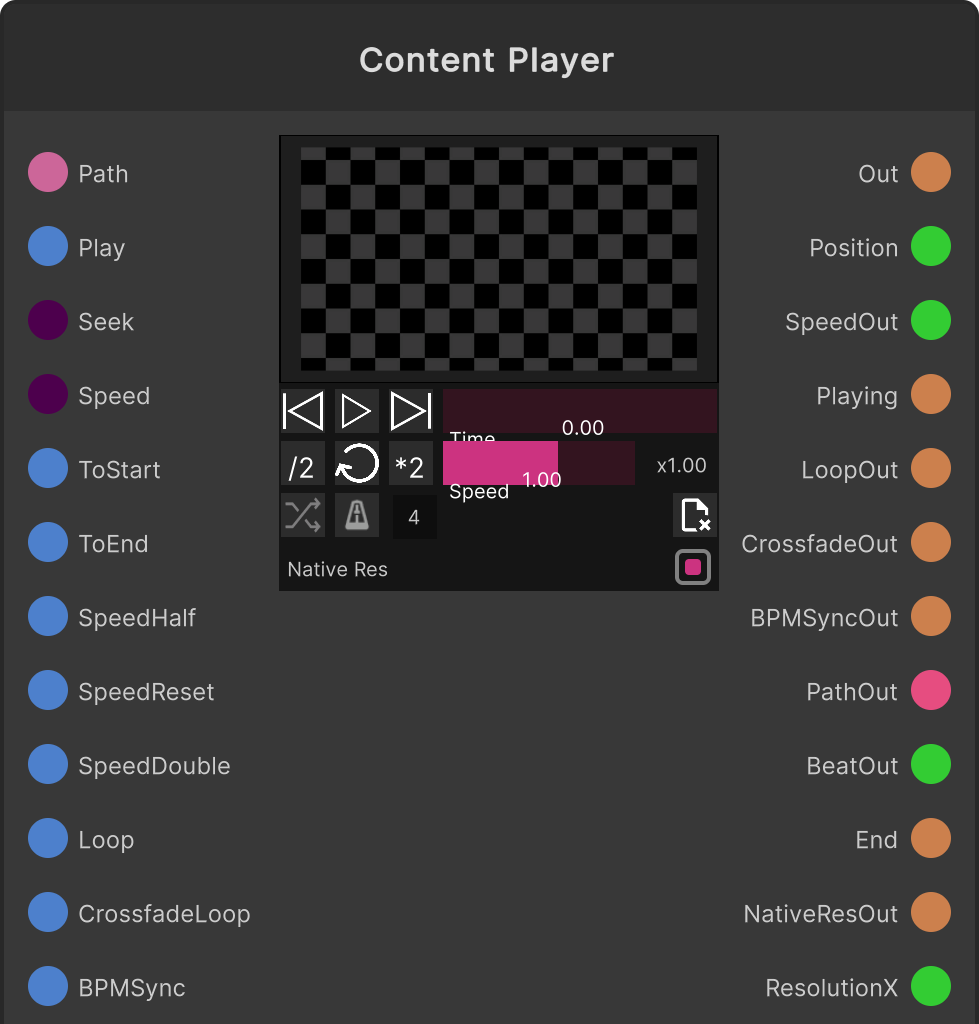
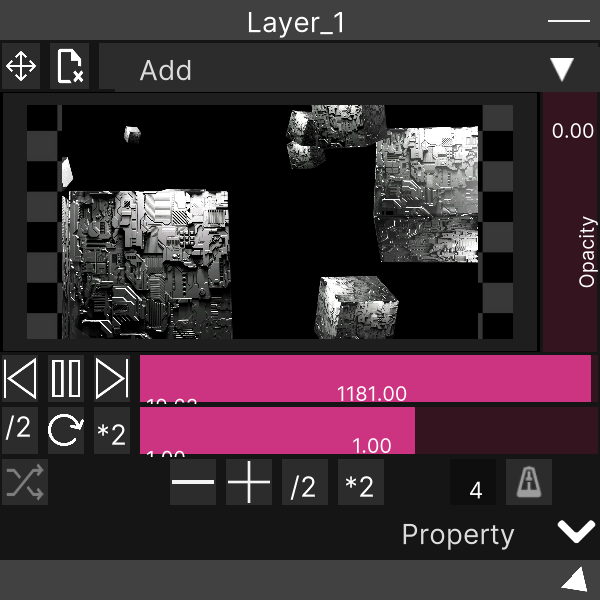
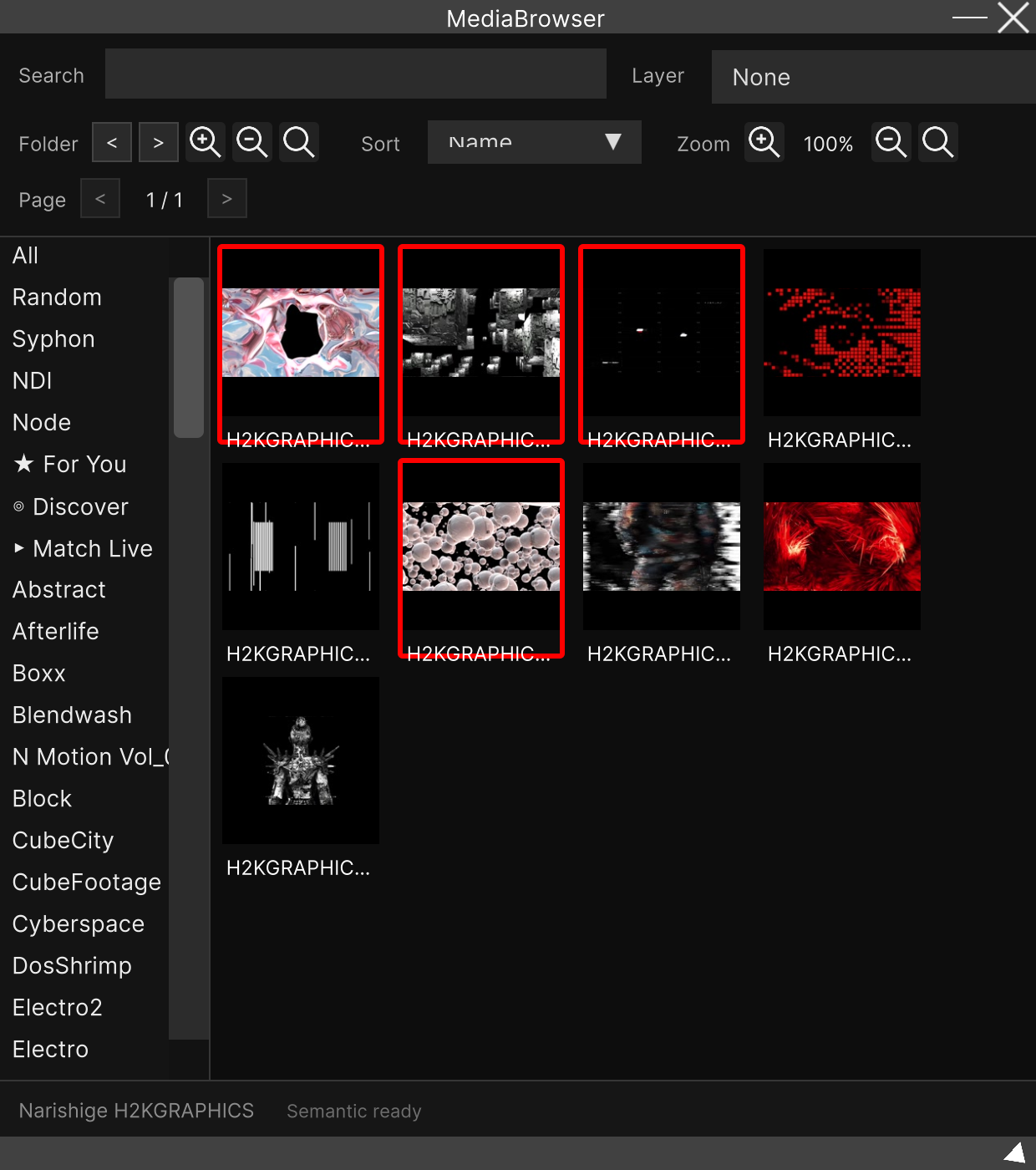
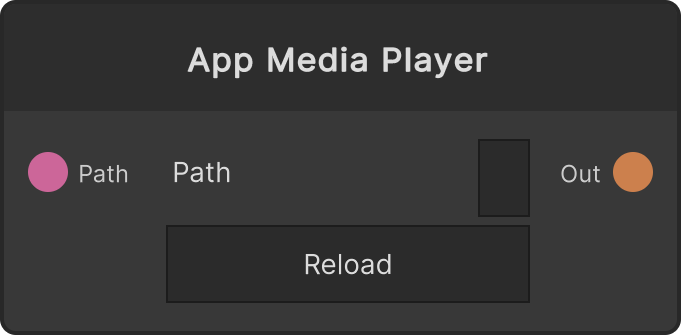
A node that plays media and outputs a RenderTexture. Playback itself is the same ContentPlayer core as a Layer, so codec detection (image / video / HAP / VLC / shader) is automatic. Drag & drop from the MediaBrowser is received on the node’s preview area, and with the Preview toggle on, clicking a thumbnail in the MediaBrowser assigns it as well. Feeding a string into Media Path loads through the same route.
Transport
- Play — true plays, false pauses
- Seek — normalized position, 0-1
- Speed — playback rate. Clamped to -5 to 5, and negative values play in reverse (whether that is supported depends on each codec). 0 is ignored as “unspecified”
- To Start / To End — to the start / to the end. To End jumps to
(duration - 0.1) / durationrather than the exact end, to avoid spurious end-of-content events - Speed /2, Speed Reset, Speed *2 — half the current rate / 1.0 / double
- Reset Content — stops playback, clears the output to black, and resets the path to empty
Loop and BPM sync
- Loop — default ON. There is no toggle in the node UI, only In/Out ports. Even if the codec’s loop state changes when the content is switched, it is forced back to this node’s value every frame
- Crossfade Loop — switches the crossfade loops of all three implementations (HAP / UnityVideo / VLC) at once
- BPM Sync / BPM Sync Beat — enables sync on the speed controller. Beat counts of 0 or less are ignored as “unspecified”
BPM Sync Beat is by design overwritten at load time by the asset’s metadata (the beat of HAP content, etc.). Because of that, the display and the
BPM Sync Beatoutput are not the input value but the result of polling the actual value of the active controller.
Output resolution (Native Resolution)
The default is Native = ON, and the output RT is the actual size of the content. When it is OFF, it is scale-Blitted every frame into a fixed RT that follows the master resolution. The current output RT size is available from Resolution X / Resolution Y.
With Native, sources whose native size cannot be determined (shaders, Node sources, etc.) return to the master resolution so that an RT size changed by the previous asset does not linger.
Other outputs
Position (0-1), Speed, Playing and Media Path are mirrors of state and are pushed only when they change. Reached End is a trigger at the moment playback reaches the end.
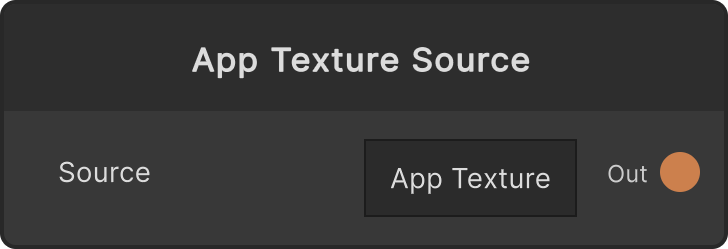
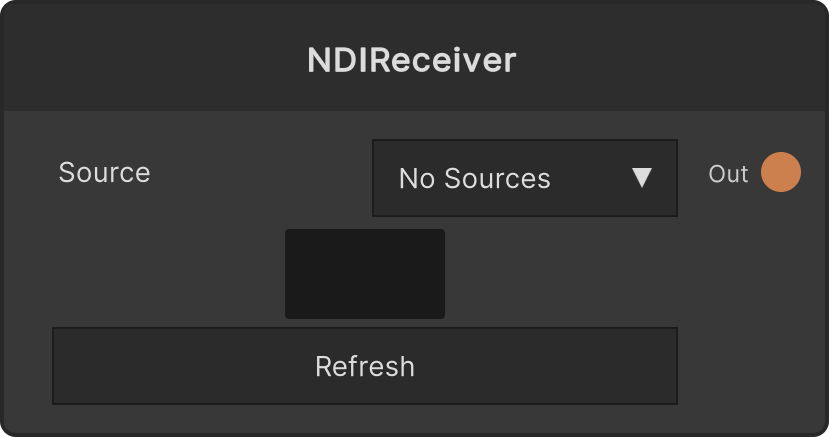
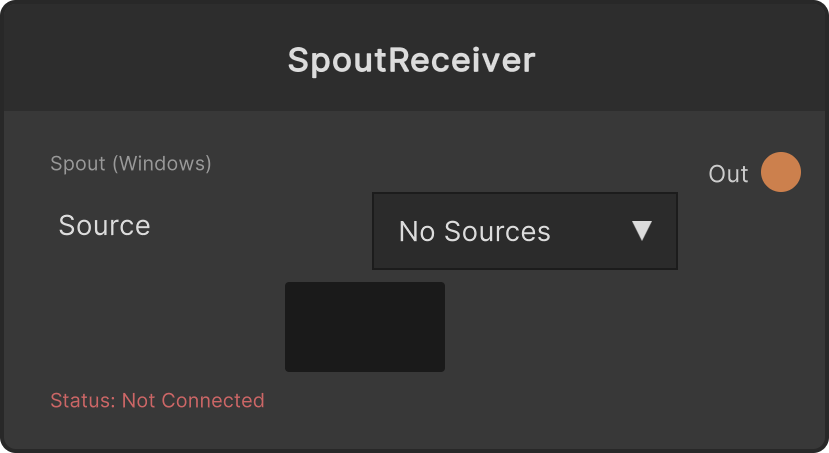
Assignments of live sources that have no file path (Spout / NDI / other nodes) are saved too, but restoring them is best-effort (a Node source is searched for up to 180 frames, and given up on if it is not found).
Video
Input ports
| Port ID | Type |
|---|---|
Media Path | string |
Play | bool |
Seek | float |
Speed | float |
To Start | trigger |
To End | trigger |
Speed /2 | trigger |
Speed Reset | trigger |
Speed *2 | trigger |
Loop | bool |
Crossfade Loop | bool |
BPM Sync | bool |
BPM Sync Beat | int |
Reset Content | trigger |
Native Resolution | bool |
Output ports
| Port ID | Type |
|---|---|
Render Texture | RenderTexture |
Position | float |
Speed | float |
Playing | bool |
Loop | bool |
Crossfade Loop | bool |
BPM Sync | bool |
Media Path | string |
BPM Sync Beat | int |
Reached End | trigger |
Native Resolution | bool |
Resolution X | int |
Resolution Y | int |
Scriptable members
| Path | Type |
|---|---|
playInput | bool |
seekInput | float |
speedInput | float |
loopInput | bool |
crossfadeInput | bool |
bpmSyncInput | bool |
beatInput | int |
nativeResInput | bool |
pathInput | string |
mediaPath | string |
Synapse Apps (scripting)
await synapse.modules.create({ type: "ContentPlayer" })