Math
Nodes that do arithmetic on numbers. 16 in total. They take a float and return a float, so you use them as relays that convert a knob’s value into another value.
Three structures
The port layout is decided by the base class the node inherits, not by the node itself.
| Structure | Ports | Nodes |
|---|---|---|
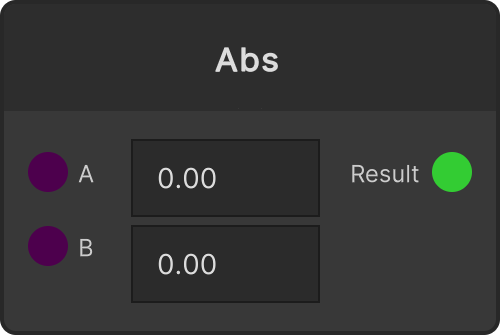
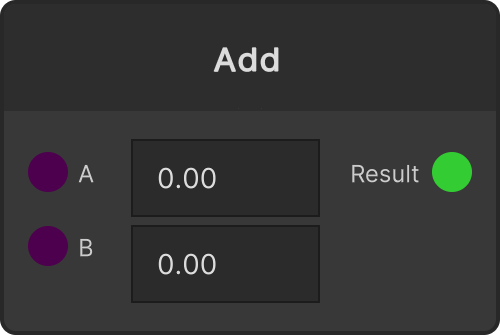
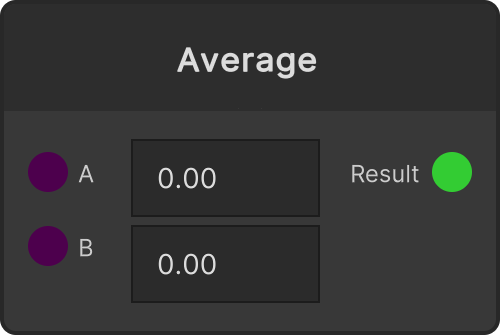
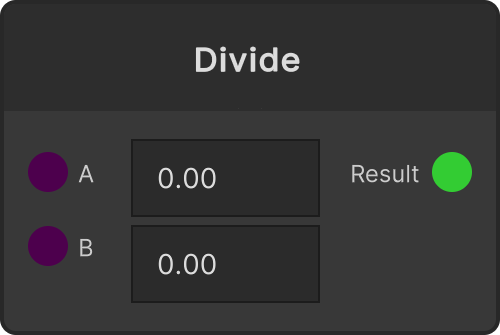
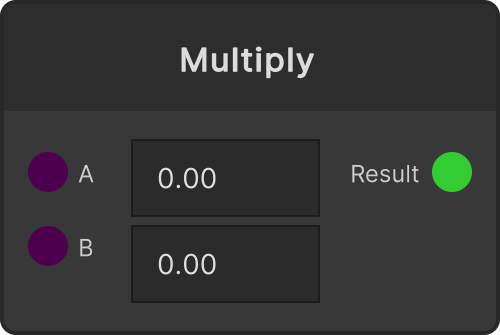
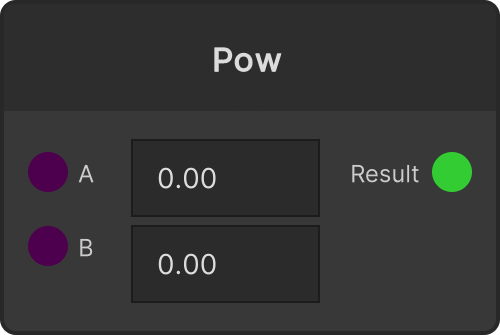
| Binary operation | A / B → Result | Add / Minus / Multiply / Divide / Modulo / Pow / Max / Min / Average / Abs |
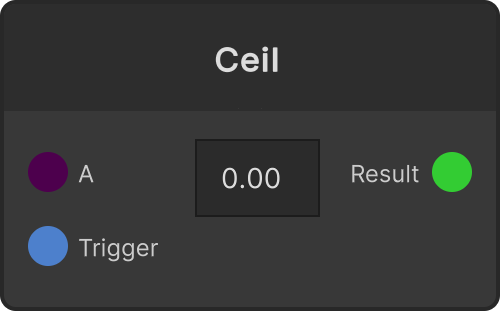
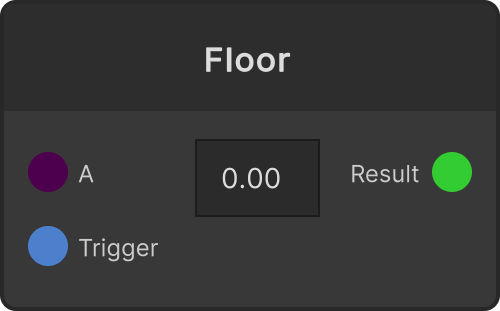
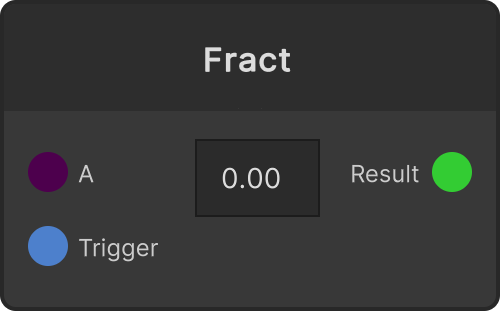
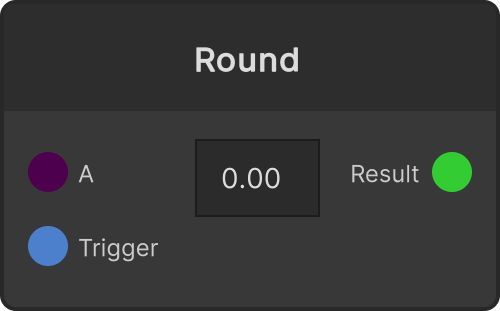
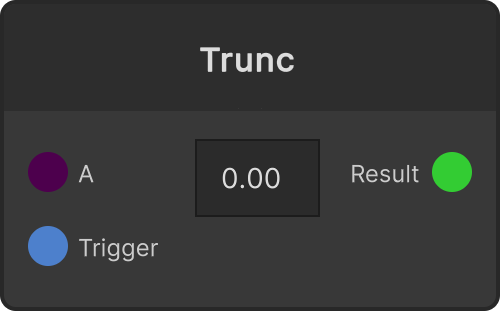
| Unary operation | A / Trigger → Result | Ceil / Floor / Round / Trunc / Fract |
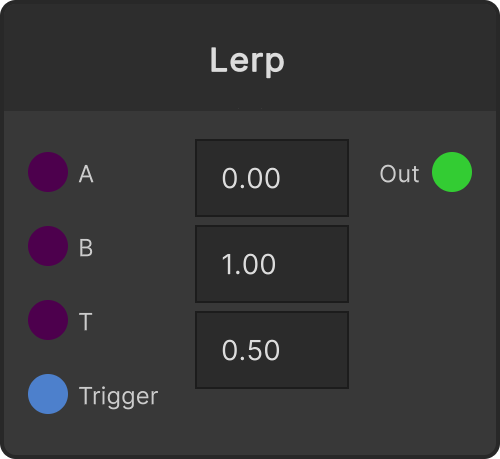
| Custom | A / B / T / Trigger → Out | Lerp |
Node list
| Node | Description |
|---|---|
| Add | A + B |
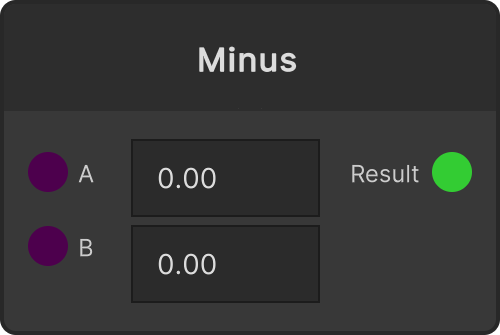
| Minus | A − B |
| Multiply | A × B |
| Divide | A ÷ B. When B is 0, the output is not updated (see the note below) |
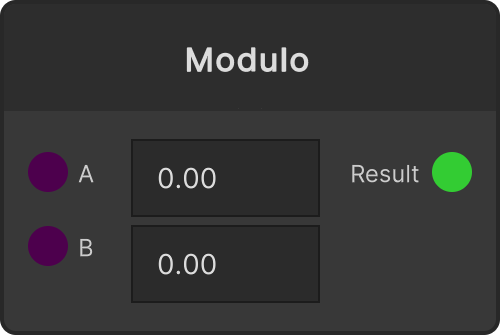
| Modulo | The remainder of A divided by B. Use it when building a counter that loops |
| Pow | A raised to the power of B |
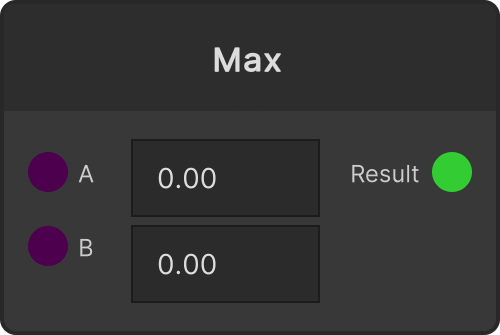
| Max | The larger of A and B. Use it to put a floor under a value |
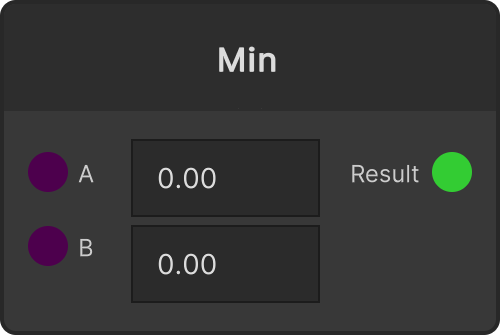
| Min | The smaller of A and B. Use it to cap a value |
| Average | The average of A and B |
| Abs | The absolute value of A. The B port is unused (see the note below) |
| Ceil | Rounds A up |
| Floor | Rounds A down |
| Round | Rounds A to the nearest integer |
| Trunc | Truncates A toward zero |
| Fract | Extracts only the fractional part of A. Lets you build a signal that repeats from 0 to 1 |
| Lerp | Linearly interpolates between A and B using T |
Things worth knowing
Trigger is not a “sample & hold”
The Trigger on Ceil / Floor / Round / Trunc / Fract does not stop the input and hold the value.
A always flows through, and Result is emitted every time the value changes. All Trigger does is push the current result downstream once more.
triggerInput.OnTriggerChanged.Subscribe(_ => { OutResult(); }).AddTo(this);Use it when you want to re-fire the downstream in time with the beat. It cannot be used to stop A.
Division by zero in Divide is “ignored”
When B is 0, Divide does not update the output at all.
if (currentValueB.Value == 0) return;Instead of emitting NaN or 0, the previous value stays in place. Nothing crashes, so it is safe, but from downstream it just looks like the value froze. If motion stops, suspect B.
Lerp’s T is clamped to 0 to 1
Because it uses Mathf.Lerp, feeding T a value outside the range will not take the output beyond A and B. It stops at the ends.
If you want to overshoot A→B, combine Multiply and Add instead of using Lerp.
Abs’s B port is not connected to anything
Abs inherits the binary operation base class, so both the A and B ports appear, but the
implementation is only Mathf.Abs(A) and never references B. Plugging anything into B does nothing.
Binary operations recalculate when either A or B moves
Binary operations such as Add and Multiply re-emit the result the moment either A or B changes. It is fine to wire one side as a “setting” and the other as a “moving signal”.