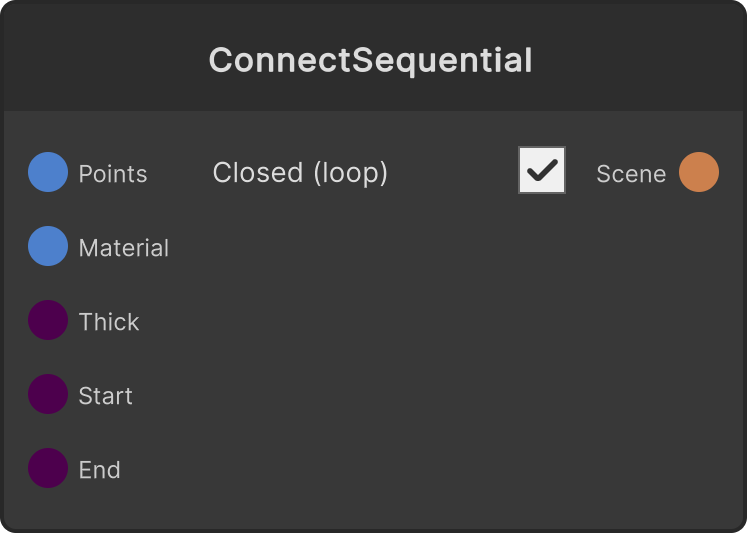
Connects the input PointCloud with line segments in vertex order and outputs each segment to the Scene as an instance of a Cube squashed into a thin bar. Trim Start / Trim End are a window within the segment-number space [0, segment count], and a segment that straddles the edge of the window is drawn only partway, so animating Trim gives an expression where the line draws more of itself. The color of a segment is the midpoint of the colors of the points at its two ends.
- Thickness — line thickness (default 0.15, lower limit 0.001)
- Trim Start / Trim End — clamped to 0-1 (default 0 / 1)
- Closed (loop) toggle — on connects the end to the start (default on)
If Trim Start is greater than Trim End they are automatically swapped, so reversing them does not make the line disappear or flip.
Nothing is drawn when the input has fewer than 2 points.
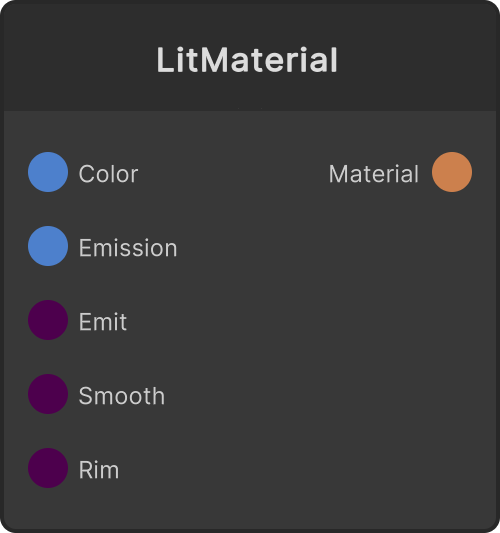
When Material is not connected, the default SRLit material is used.
Input ports
| Port ID | Type |
|---|
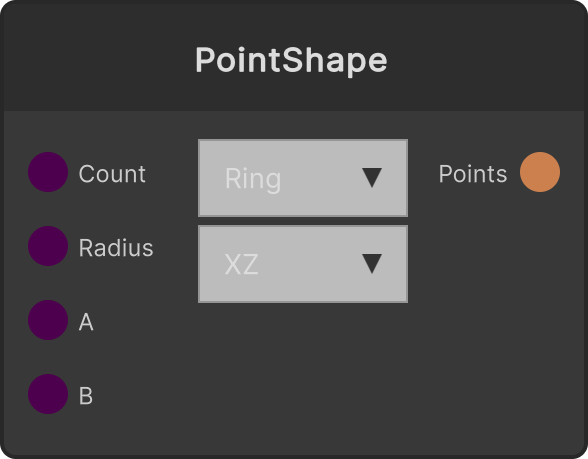
PointCloud | PointCloudInput |
Material | MaterialInput |
Thickness | float |
Trim Start | float |
Trim End | float |
Output ports
| Port ID | Type |
|---|
Scene | SceneDataOutput |
Scriptable members
| Path | Type |
|---|
thicknessInput | float |
trimStartInput | float |
trimEndInput | float |
closed | bool |
Synapse Apps (scripting)
await synapse.modules.create({ type: "ConnectSequential" })