Receive RT
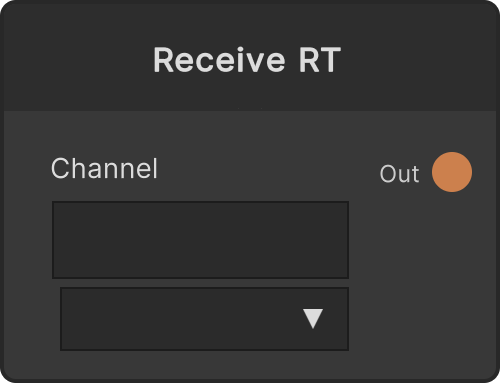
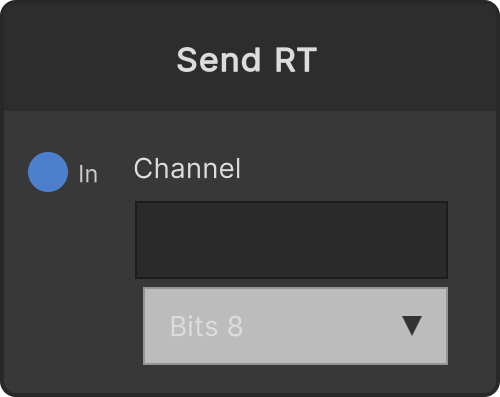
Outputs to Out the video being pushed by the SendRT whose name matches the Channel field. The dropdown in the node UI lists the channel names that exist at that moment, refreshed once per second.
- Scope dropdown: Group (default for new nodes) and Global. Group only receives from Sends at the same graph level (the surrounding group, if it is inside one); Global only receives from Global-scope Sends. The channel dropdown also lists only the names visible in the current scope
- The output resolution and format follow the Send side (the Send’s Precision setting propagates as-is through the whole loop)
- When there is no matching channel, the output is black. The moment you switch channels or scope it is also cleared to black once
- What it receives is the image Send pushed on the previous frame
- Nodes saved in older projects load as Global (behavior unchanged)
Thanks to this one-frame delay, building a Receive → process → Send loop does not become a circular reference, and you can build framebuffer-style feedback.
Video
Input ports
None
Output ports
| Port ID | Type |
|---|---|
Out | RenderTexture |
Scriptable members
| Path | Type |
|---|---|
currentChannel | string |
Synapse Apps (scripting)
await synapse.modules.create({ type: "ReceiveRT" })