Easing
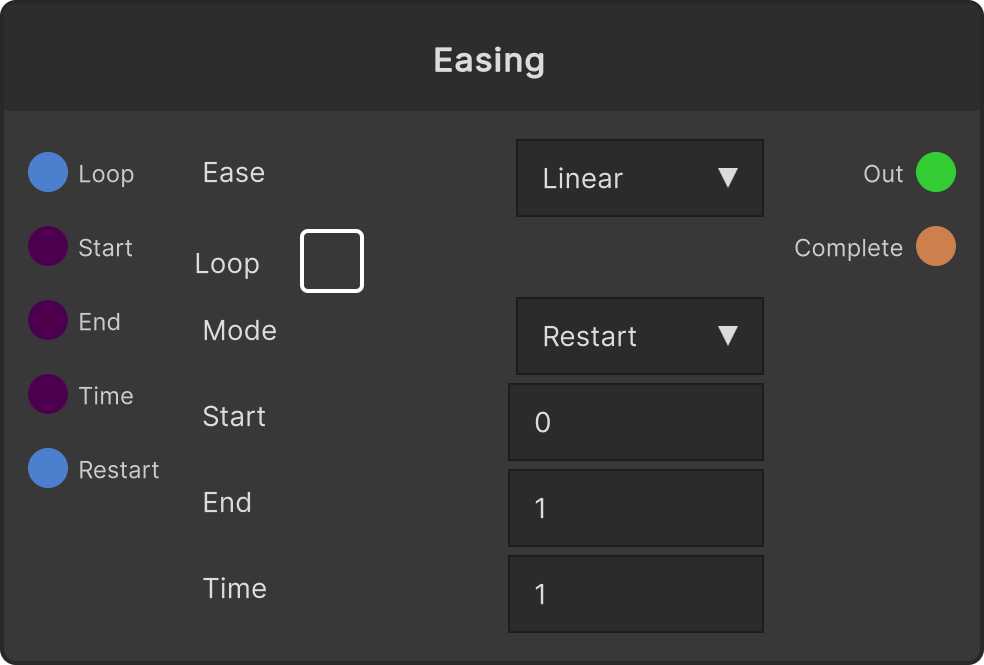
Outputs to Easing Value a value that moves from Start Value to End Value over Duration seconds along the selected Ease curve. On Complete fires once it has run all the way through. The node shows a graph of the selected Ease and a dot for the playback position.
- Defaults: Start 0 / End 1 / Duration 1 s / Ease Linear / Loop OFF / Mode Restart
- Turning Is Loop ON repeats indefinitely according to Mode (Restart = from the beginning every time / Yoyo = back and forth)
- Restart Trigger replays from the beginning
- On the control UI the slider ranges are -10 to 10 for Start / End and 0.1 to 10 for Duration (the values themselves are not clamped)
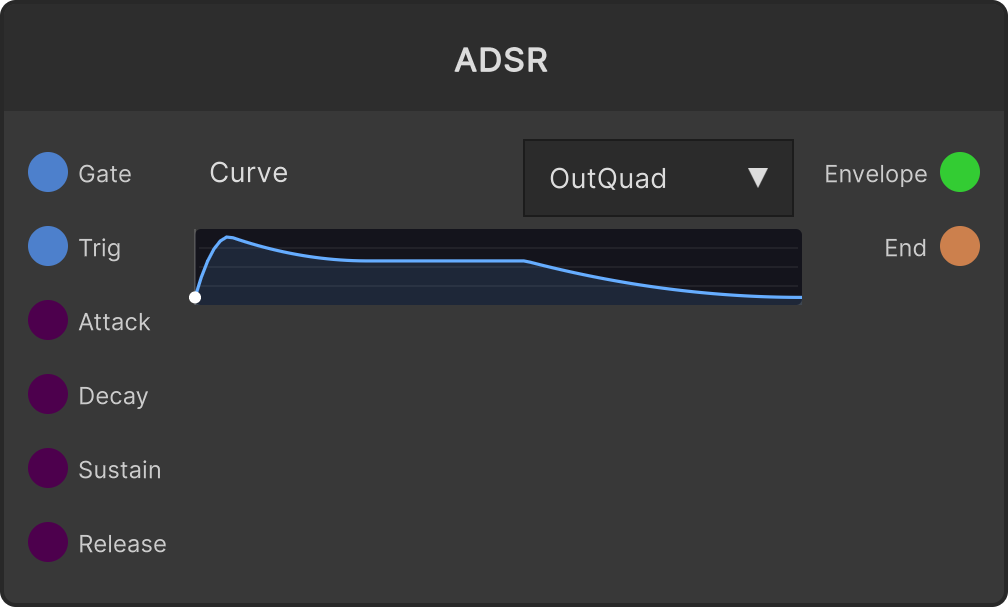
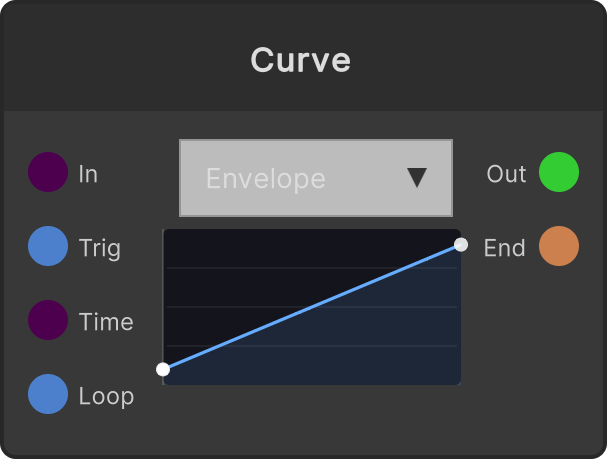
When you want a shape that “stays open for as long as it is held”, use ADSR; when you want to break away from a fixed shape, use Curve.
Changing any of Start / End / Duration / Ease / Loop / Mode rebuilds the Tween each time and replays it from the beginning. This is why the value jumps when you touch parameters during a live show.
Input ports
| Port ID | Type |
|---|---|
Is Loop | bool |
Start Value | float |
End Value | float |
Duration | float |
Restart Trigger | trigger |
Output ports
| Port ID | Type |
|---|---|
Easing Value | float |
On Complete | trigger |
Scriptable members
| Path | Type |
|---|---|
isLoopInput | bool |
startInput | float |
endInput | float |
timeInput | float |
startValue | float |
endValue | float |
timeValue | float |
isLoop | bool |
isLoopA | bool |
Synapse Apps (scripting)
await synapse.modules.create({ type: "Easing" })