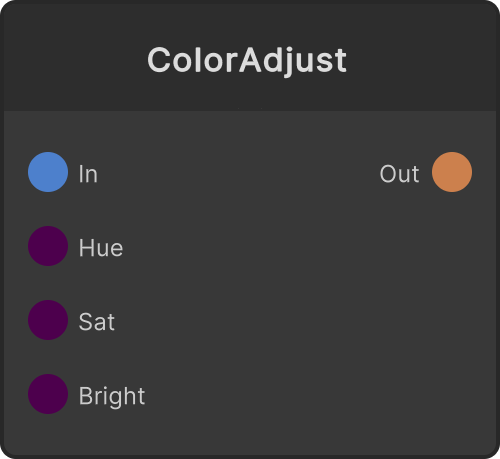
Converts the input color to HSV, adjusts it there, then converts it back to RGB for output. Hue Shift is added (0-1 is one full turn, and anything past that wraps), while Saturation x and Brightness x are multiplied, and both results are clamped to 0-1. Alpha is not adjusted and passes through as it came in. Plugging an LFO into Hue Shift keeps the hue rotating.
- Hue Shift — the amount added to the hue. Default 0. 1 is one full turn (it keeps rotating even as the value keeps increasing)
- Saturation x — the saturation multiplier. Default 1. 0 is grayscale
- Brightness x — the multiplier for brightness (V in HSV). Default 1. 0 is black
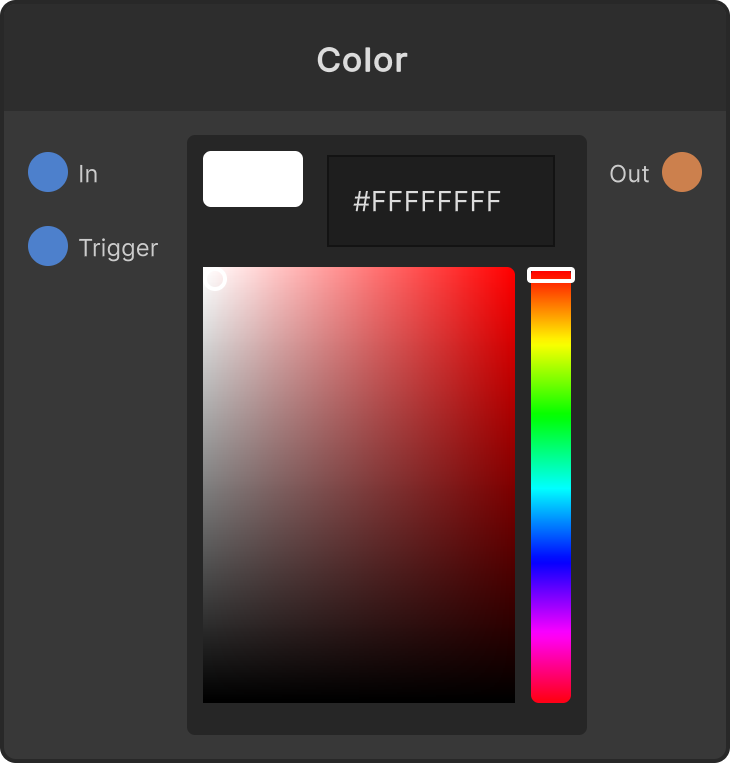
- Color — when not connected, the value of the inline color field (default is white)
Colors with zero saturation (white, black, gray) have no hue in HSV, so no matter how far Hue Shift is moved the look does not change. Even if you add color first with Saturation x, saturation stays at 0 when the source is gray (0 × multiplier = 0).
Input ports
| Port ID | Type |
|---|
Color | Color |
Hue Shift | float |
Saturation x | float |
Brightness x | float |
Output ports
Scriptable members
| Path | Type |
|---|
inHue | float |
inSat | float |
inVal | float |
Synapse Apps (scripting)
await synapse.modules.create({ type: "ColorAdjust" })