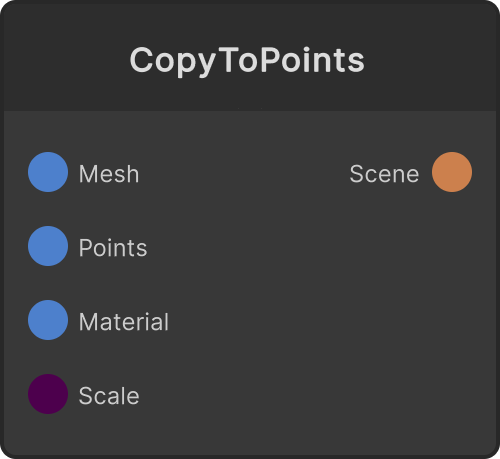
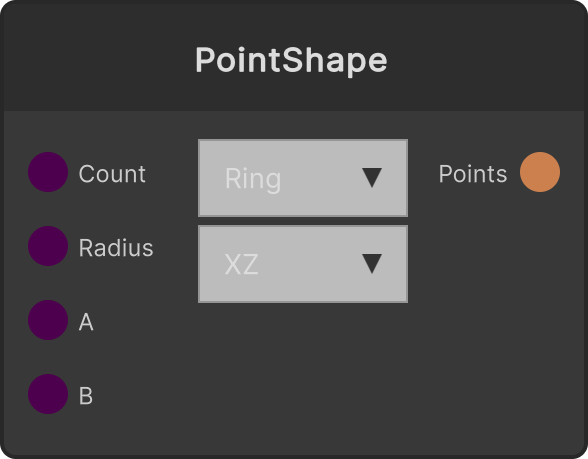
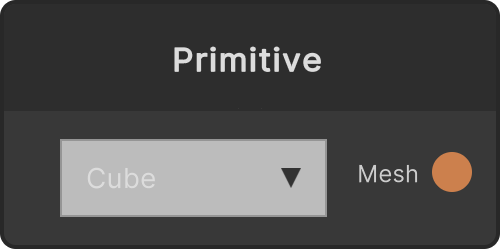
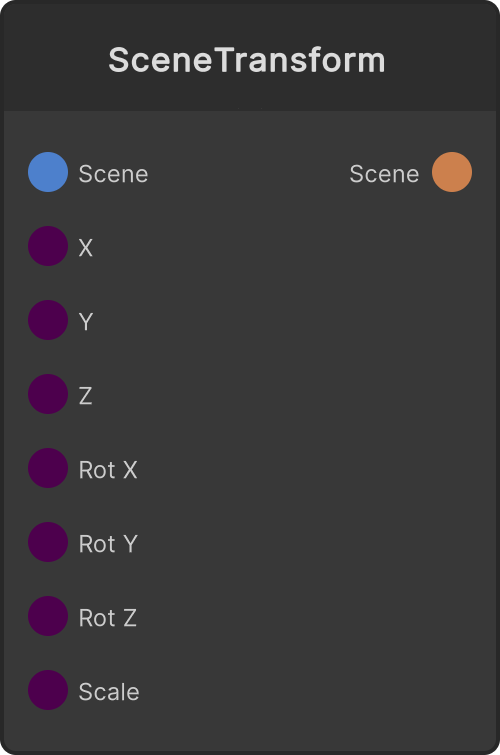
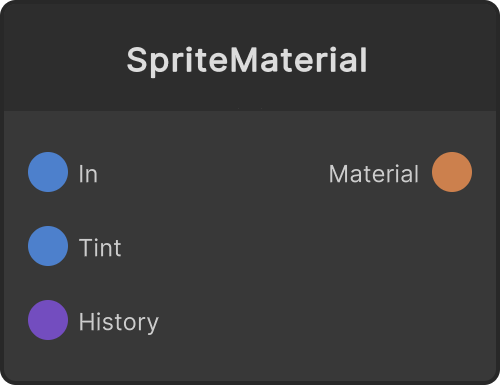
Places one Mesh at each point of the PointCloud and outputs it as a Scene (draw list). This node sits at the boundary between the point cloud pipeline and the rendering pipeline; from here on you connect to Render via SceneTransform / SceneRepeat. The matrix of each instance is built from the point’s Position / Rotation / Scale, and the Scale is further multiplied by the value of the Scale port. The point color is passed to the material as an instance color.
- Scale — a multiplier common to all instances (default 0.3, lower limit 0.0001)
When Mesh is not connected it falls back to Cube, and when Material is not connected it falls back to the default SRLit material. The design is such that a picture appears just by connecting a point cloud.
When PointCloud is not connected, or the point count is 0, nothing is drawn. When that state changes, a log for troubleshooting is printed to the console.
Input ports
| Port ID | Type |
|---|
Mesh | MeshInput |
PointCloud | PointCloudInput |
Material | MaterialInput |
Scale | float |
Output ports
| Port ID | Type |
|---|
Scene | SceneDataOutput |
Scriptable members
Synapse Apps (scripting)
await synapse.modules.create({ type: "CopyToPoints" })