Field Blend
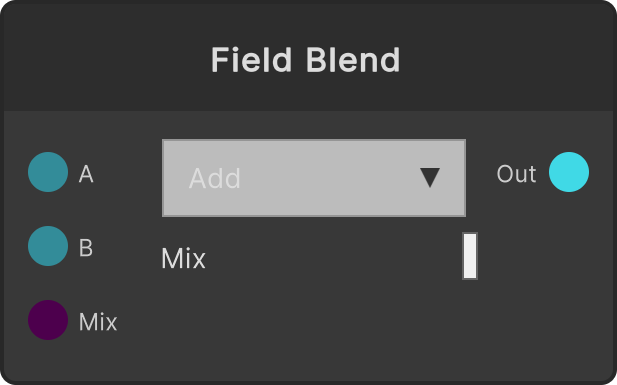
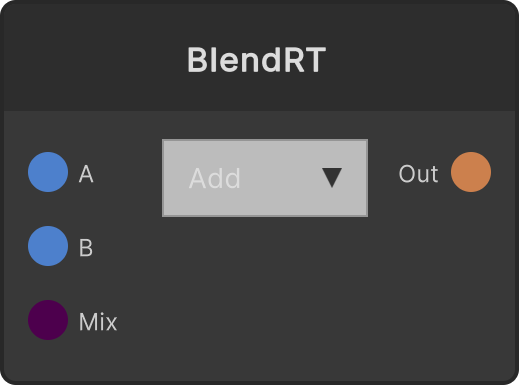
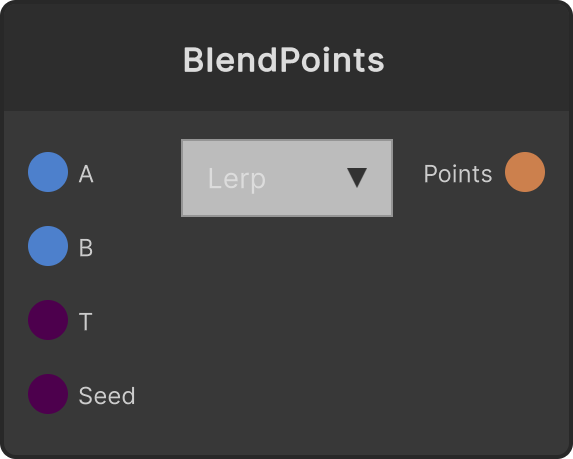
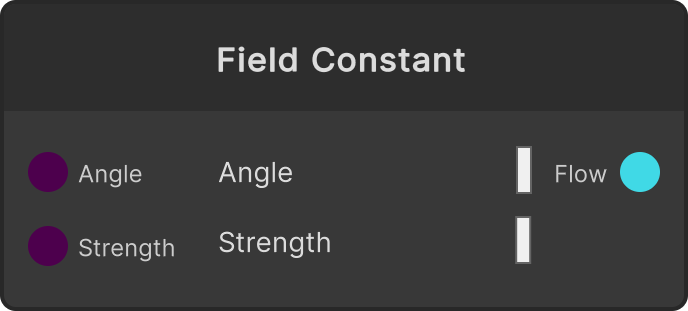
Blends two flow fields. A field is a signed vector (UV displacement per second), so Multiply/Screen/Difference from color blending have no meaning here, and it has only two modes, superposition (Add) and crossfading (Lerp). Its main use is layering fields with different characters, such as “direction (Field Constant) + fluctuation (Field Noise)”.
- Add (default) —
A + B × Mix. Unlike color it does not saturate, so it is output as is without clamping - Lerp —
lerp(A, B, saturate(Mix)). Even if Mix exceeds 1, Lerp treats it as 1 - Mix — clamped to 0-4, default 1 (
Mixinput /mixInput/currentMix). The upper limit is 4 so that B can be emphasized in Add
If only one side is connected, the connected field is passed through unchanged (so the output does not disappear and make the image jump while you are swapping things out). If both are disconnected, the output is cleared.
The output resolution matches the A input. B is read stretched with Bilinear, so fields of different resolutions can be mixed.
Input ports
| Port ID | Type |
|---|---|
A | FlowFieldInput |
B | FlowFieldInput |
Mix | float |
Output ports
| Port ID | Type |
|---|---|
Out | FlowFieldOutput |
Scriptable members
| Path | Type |
|---|---|
mixInput | float |
currentMix | float |
Synapse Apps (scripting)
await synapse.modules.create({ type: "FieldBlend" })