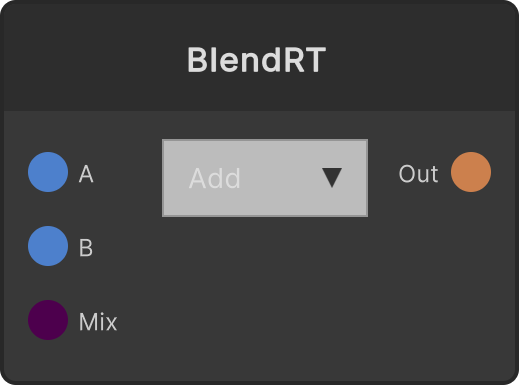
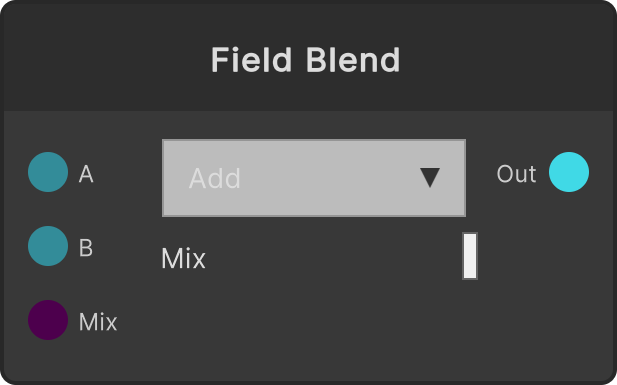
Composites B onto A as the base. There are 5 modes in the dropdown: Add (default) / Multiply / Screen / Difference / Subtract. Mix is the blend amount between A and the composited result: 0 gives A unchanged, 1 gives the composited result unchanged.
- Mix default 1 (clamped to 0-1)
- The output resolution is based on A (HDR supported). The alpha is output as 1
- Subtract is
max(A - B, 0), and Screen saturates before computing
When B is not connected, A is passed through unchanged (neither the mode nor Mix has any effect). Conversely, when A is not connected the compositing itself does not run, and the output stays cleared to black as of the moment A was removed.
Input ports
| Port ID | Type |
|---|
A | RenderTexture |
B | RenderTexture |
Mix | float |
Output ports
| Port ID | Type |
|---|
Render Texture | RenderTexture |
Scriptable members
Synapse Apps (scripting)
await synapse.modules.create({ type: "BlendRT" })