MediaBrowserIndex
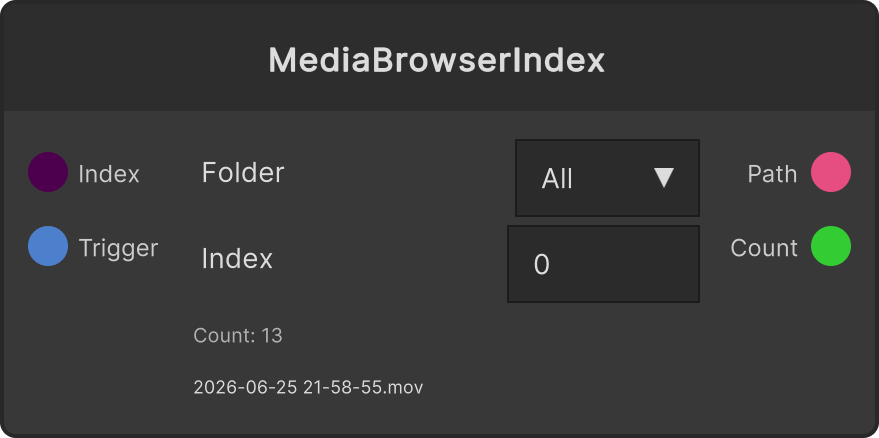
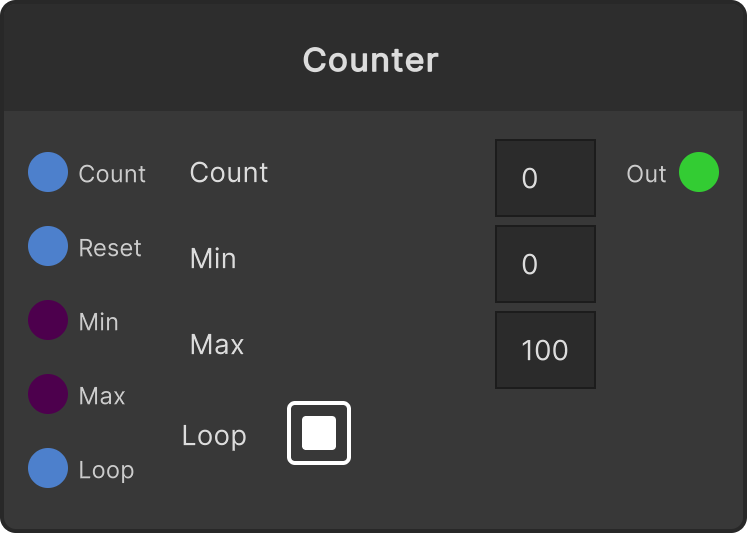
For the MediaBrowser folder selected in the dropdown on the node, it outputs the File Path at position Index and that folder’s Item Count. Combined with Counter, you can build a flow that switches material on every beat.
- All in the dropdown (the default) targets all MediaBrowser content rather than a specific folder
- Index wraps by modulo (
Index % Count; a negative Index wraps around to the end). Going past the item count only returns to the start; it is not clamped - Firing
Triggeroutputs again at the current Index, without changing Index - When the folder is empty,
File Pathis an empty string - The node shows the folder, Index, Count, and the name of the currently selected file
Switching folders resets Index to 0. A position you had been advancing with Counter or similar is not preserved.
Paths are available for Hap / Video / VLC / Image / Shader / Temp content. Other types give an empty string.
Input ports
| Port ID | Type |
|---|---|
Index | int |
Trigger | trigger |
Output ports
| Port ID | Type |
|---|---|
File Path | string |
Item Count | int |
Scriptable members
| Path | Type |
|---|---|
indexInput | int |
currentIndex | int |
selectedFolderGuid | string |
currentPath | string |
itemCount | int |
Synapse Apps (scripting)
await synapse.modules.create({ type: "MediaBrowserIndex" })