AbletonLink
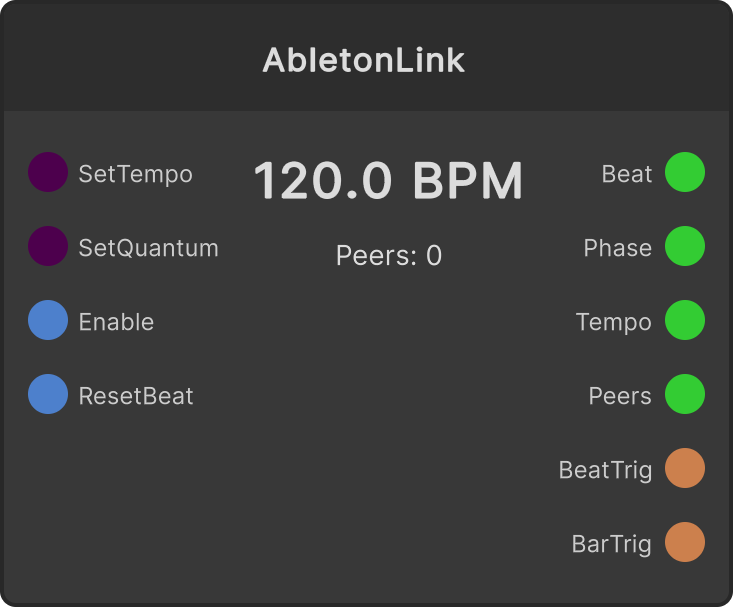
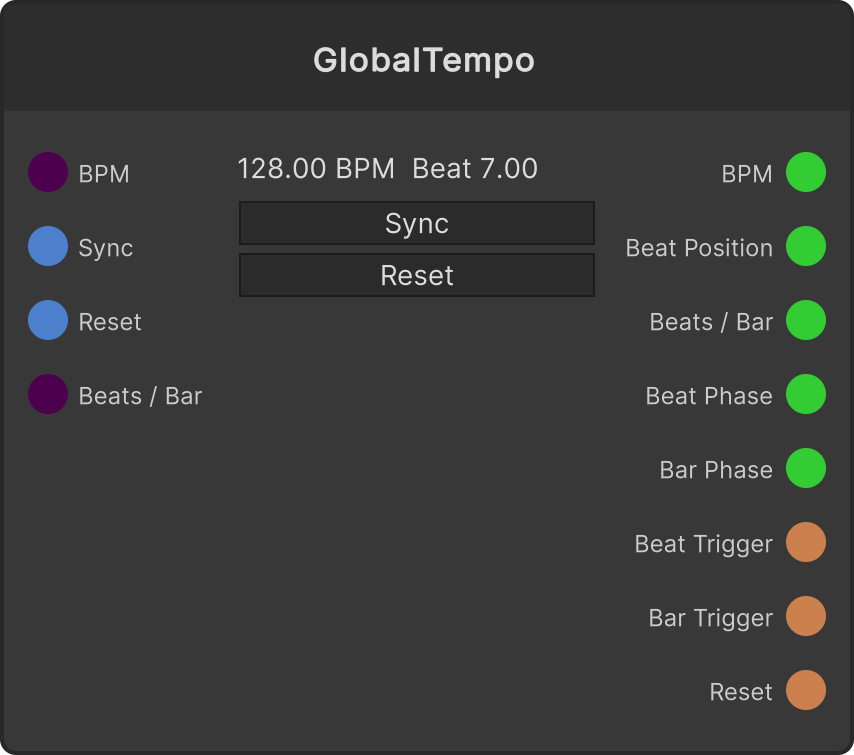
Shares tempo and beat with Link-enabled apps such as Ableton Live on the same network. While enabled, it reads the state of the Link session every frame and outputs Beat (running beat count), Phase, Tempo and Num Peers.
- Beat Trigger fires every time the beat changes, Bar Trigger fires every time the bar divided by Quantum changes
- Set Tempo / Set Quantum take effect only when the value is positive (0 and negative values are ignored)
- Reset Beat requests beat 0 from Link
- Defaults: Tempo 120 / Quantum 4 / Enable ON
When another peer changes the tempo, the node display and the Tempo output follow it as well.
There is only one Link session in the app (a singleton). Even if you place several AbletonLink nodes, the settings are shared, and the value set last takes effect everywhere.
Setting Enable to false stops the update processing itself, so the Beat / Phase / Tempo / Num Peers outputs also stop updating and stay at their last values.
Input ports
| Port ID | Type |
|---|---|
Set Tempo | float |
Set Quantum | float |
Enable | bool |
Reset Beat | trigger |
Output ports
| Port ID | Type |
|---|---|
Beat | float |
Phase | float |
Tempo | float |
Num Peers | float |
Beat Trigger | trigger |
Bar Trigger | trigger |
Scriptable members
| Path | Type |
|---|---|
setTempoInput | float |
setQuantumInput | float |
enableInput | bool |
isEnabled | bool |
numPeers | int |
Synapse Apps (scripting)
await synapse.modules.create({ type: "AbletonLink" })