HTTP Request
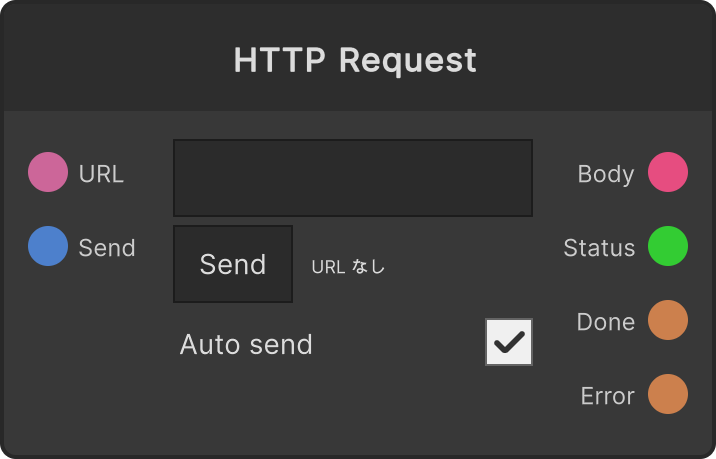
It GETs the URL you specify and emits the body of the response to Body as a string. GET is the only method, and there is no way to specify a request body or headers. The timeout is 10 seconds.
What triggers a send
Auto send(default ON) — sends automatically when the URL changes. Merely loading a project and having a saved URL restored does not send- The
Sendbutton — the button on the node sends the URL as it stands at that moment - The
Sendport — sends when a trigger fires. It works regardless of whetherAuto sendis ON or OFF
You can either write the URL in the field on the node body or feed it into the URL port, and the field on the body is committed with the Enter key or when the field loses focus (the instant it is committed is the “URL changed” timing).
If a new send starts while one is in flight, the previous request is cut off and only the latest one survives. That way you never get the ordering break where the song has changed but the previous song’s response arrives afterwards.
If the URL is not an absolute URL beginning with http:// or https://, nothing is sent and the node says so.
The four outputs
Body— the response body on success. It only comes out when the value differs from last timeStatus— the HTTP status code of the response. Also only on a changeDone— fires once when it succeeded and the body was emittedError— fires once on a connection failure, a timeout, or a 4xx/5xx
Even on failure, Body holds the last successful value (so the text does not disappear from the screen). A request that ran to the end fires exactly one of Done or Error. A request that was cut off partway fires neither.
The small text on the node shows that a request is in flight, the status of the response and the character count of the body, and the reason for a failure.
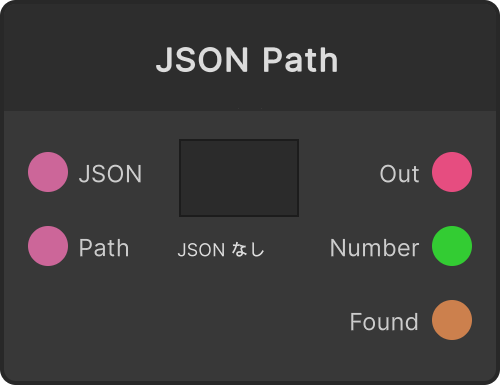
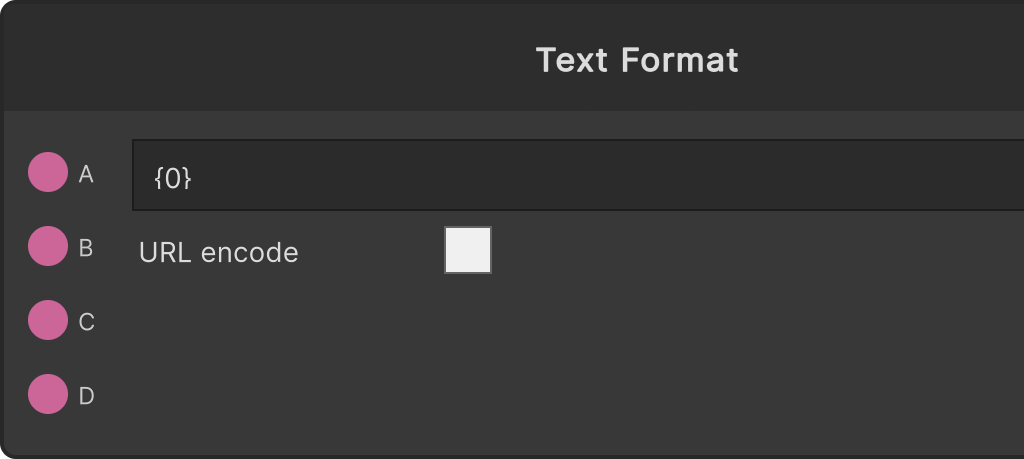
Combine it with Text Format for assembling the URL and JSON Path for pulling values out of the JSON that comes back, and you can run an external API along a single line.
Input ports
| Port ID | Type |
|---|---|
URL | string |
Send | trigger |
Output ports
| Port ID | Type |
|---|---|
Body | string |
Status | int |
Done | trigger |
Error | trigger |
Scriptable members
| Path | Type |
|---|---|
urlInput | string |
currentUrl | string |
currentAutoSend | bool |
Synapse Apps (scripting)
await synapse.modules.create({ type: "HttpRequest" })