Text Format
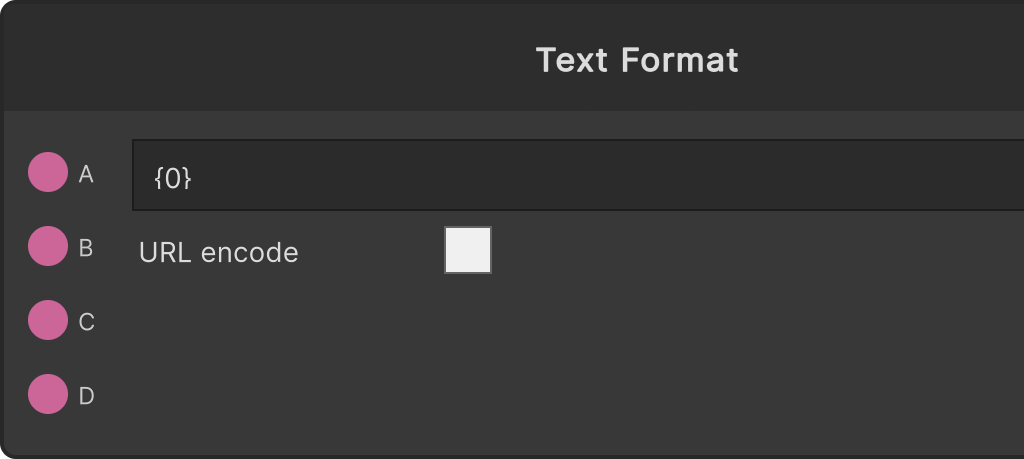
It fills the holes in the template written on the node body with the input strings and sends the result to Out. You can use it both for assembling display text and for assembling URLs for web APIs.
The template format
There are four holes, {0} {1} {2} {3}, corresponding to A, B, C and D respectively. The template defaults to {0}.
- Replacement happens only on an exact match of these four spellings. A format specifier such as
{0:F2}or a named one such as{name}is not treated as a hole and stays in the text as it is - Write the same hole several times and all of them get the same value
- Inputs for holes that do not appear in the template are simply not used
- A hole whose input is empty is replaced with an empty string (the characters
{0}are never left behind) - The template field is a multi-line input with a fixed height, wrapping and vertical scrolling. You can write templates that contain line breaks
URL encode
Turning URL encode ON URL-encodes each of the A-D input values before filling them in. The strings in the template itself are not encoded (a skeleton such as https://…?q= stays as it is, and only the values are put into a safe form). Use it when you are hitting an API where the query values contain spaces or non-ASCII text.
Output timing
It reassembles the result every time any of A-D, the template or URL encode changes, and emits Out only when the result differs from last time.
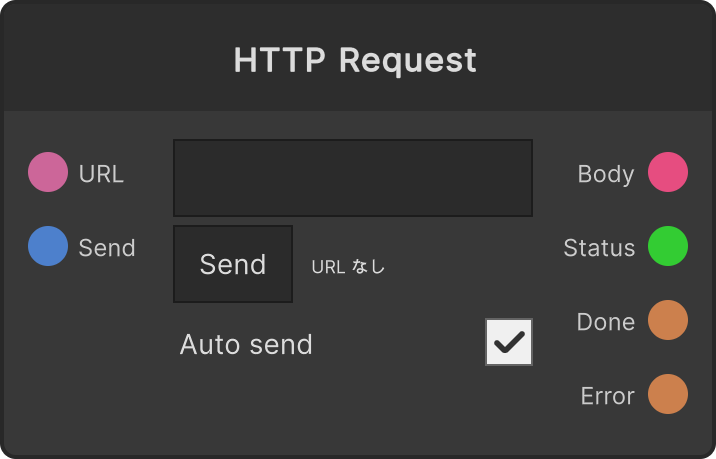
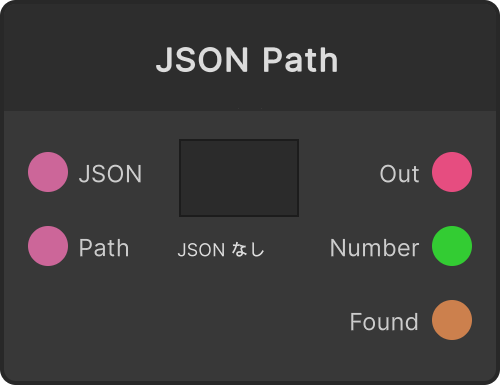
Once you have assembled a URL, passing it to HTTP Request and the JSON that comes back to JSON Path makes one continuous flow.
Input ports
| Port ID | Type |
|---|---|
A | string |
B | string |
C | string |
D | string |
Output ports
| Port ID | Type |
|---|---|
Out | string |
Scriptable members
| Path | Type |
|---|---|
inputA | string |
inputB | string |
inputC | string |
inputD | string |
template | string |
currentUrlEncode | bool |
Synapse Apps (scripting)
await synapse.modules.create({ type: "TextFormat" })