Jog Wheel
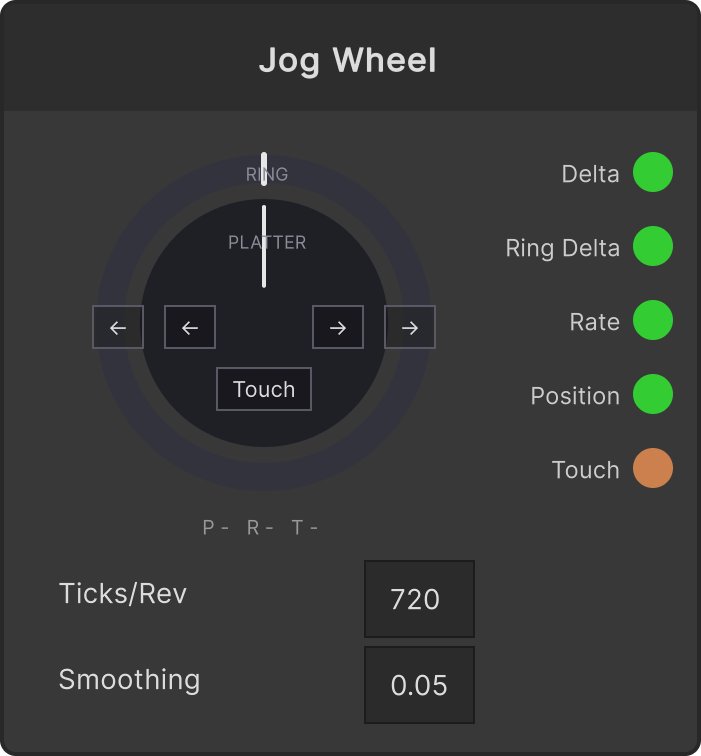
A node that receives a DJ controller’s jog wheel. Unlike an ordinary knob, a jog sends relative input where “one message = the amount turned”, so instead of a normal MIDI assign you assign it with this node’s Learn button. Development is verified on a DDJ-400.
Assigning (Learn)
Above the wheel drawn on the node are 5 buttons corresponding to positions on the real hardware.
| Button | Signal it learns |
|---|---|
| Outer ← | Turning the ring (outer) left |
| Outer → | Turning the ring (outer) right |
| Inner ← | Turning the platter (top surface) left |
| Inner → | Turning the platter (top surface) right |
| Touch | The Note for touching the top surface (touch sensor) |
The procedure is simply “press the button → keep turning in that direction for about 1 second”. The number is fixed from the first signal, then about 0.8 seconds’ worth of values are gathered and finalized. Press the same button again to stop learning (it shows red while learning; stopping partway does not change the existing assignment). Touch is fixed with a single event the instant you touch it.
- The signal scheme (Pioneer-style “64-center” or Numark / Hercules-style “7-bit two’s complement”) is judged automatically from the gathered values. Even on units where the rotation direction comes out reversed, it is automatically flipped based on whether you learned it with the → or ← button
- The device name that sent the learned signal is remembered too. From then on only signals from that same device are accepted (another controller sending the same number will not react)
- An assigned button gets a blue frame, and the assignment is shown below the wheel like
P ch1 cc34 R ch1 cc33 T n54
On the DDJ-400, the top surface’s CC number changes with the Vinyl button’s ON / OFF. Learning → with Vinyl ON and ← with Vinyl OFF picks up both numbers. Normally it is enough to learn both with Vinyl ON.
Output
All rotation amounts are in units of “revolutions”. This node absorbs the per-model resolution (signals per revolution) via Ticks/Rev, so downstream nodes never need to know the difference between controllers.
| Output | Contents |
|---|---|
| Delta | The platter’s (top surface’s) signed rotation amount (revolutions). It flows only on frames where it is turning, and 0 flows exactly once right after it stops |
| Ring Delta | The ring’s (outer’s) signed rotation amount (revolutions). Same as above |
| Rate | The platter’s rotation speed. 1.0 is the speed of turning at 33⅓rpm. Smoothed by Smoothing (seconds, default 0.05), and falls to 0 when you stop your hand |
| Position | The platter’s cumulative rotation count (1.0 = 1 revolution) |
| Touch | Whether the top surface is being touched |
Parameters
- Ticks/Rev (default 720) — the number of signals per revolution. The DDJ-400 is 720
- Smoothing (default 0.05) — the time constant (seconds) for smoothing Rate. 0 is the raw value
Notes on behavior
- The drawn wheel turns to match the input, and the side it is turning toward lights up blue. The platter gets an outline while touched
- If the controller is unplugged or disabled, a Touch that was stuck held down is released
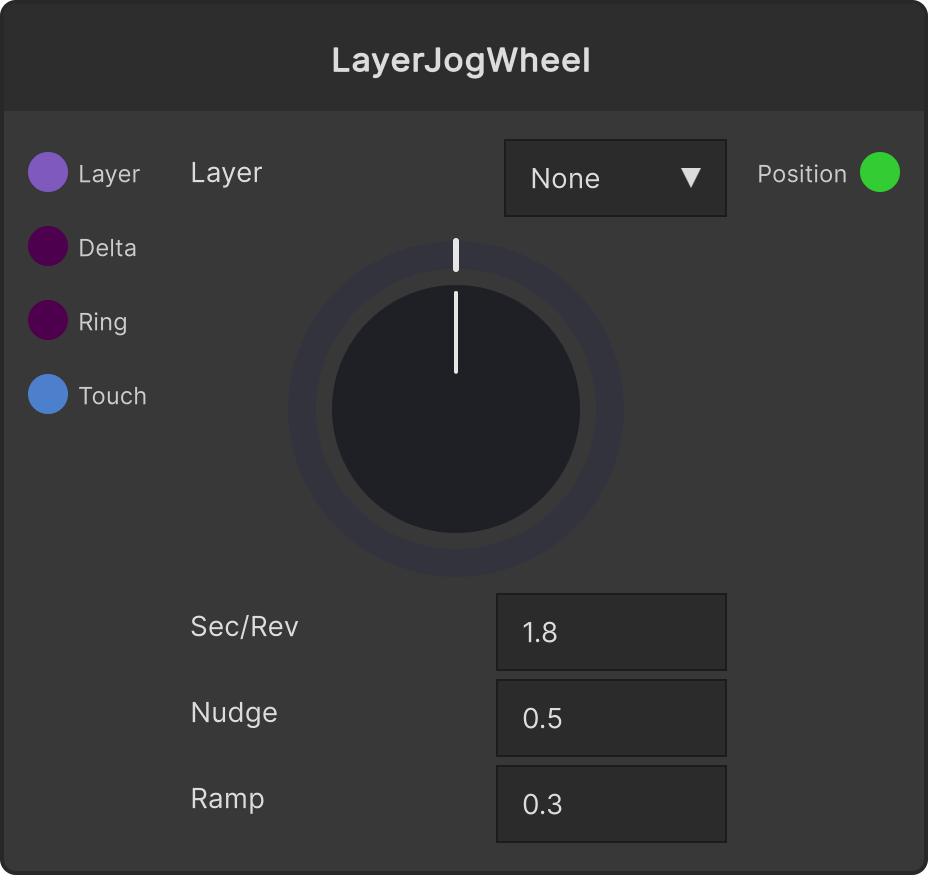
- To connect the output to playback, use Layer Jog Wheel. Plug Delta / Ring Delta / Touch straight in
Input ports
None
Output ports
| Port ID | Type |
|---|---|
Delta | float |
RingDelta | float |
Rate | float |
Position | float |
Touch | bool |
Scriptable members
| Path | Type |
|---|---|
ticksPerRev | int |
smoothing | float |
Synapse Apps (scripting)
await synapse.modules.create({ type: "midi_jog_wheel" })