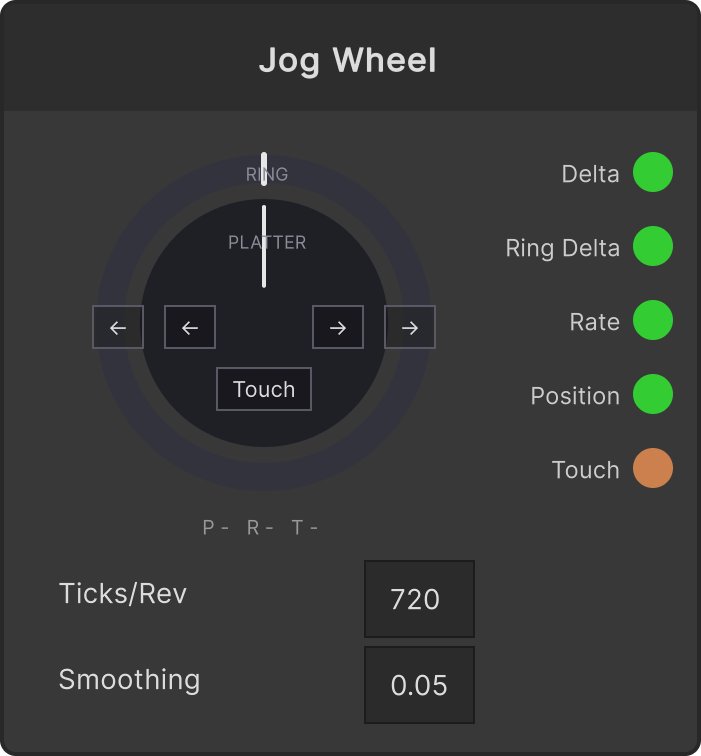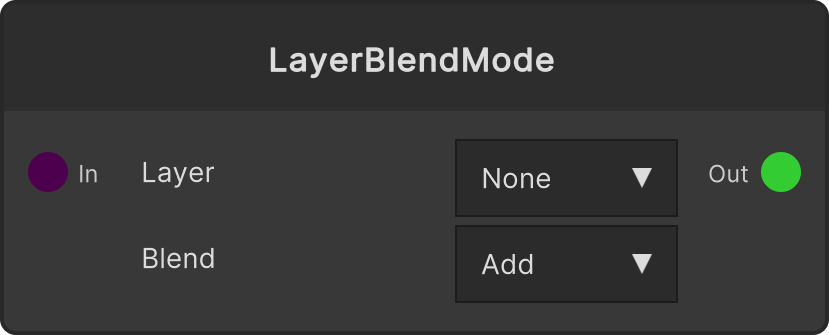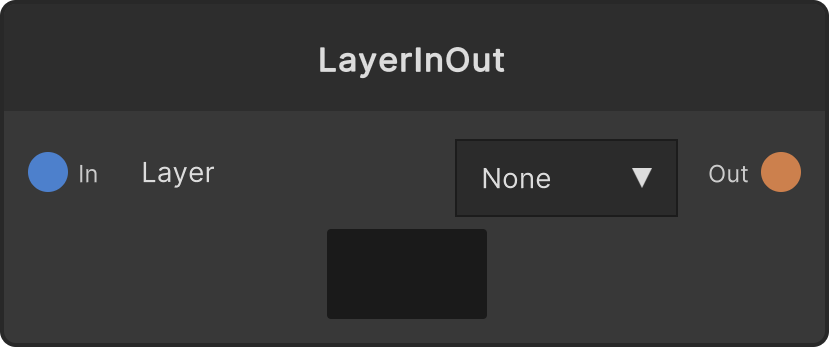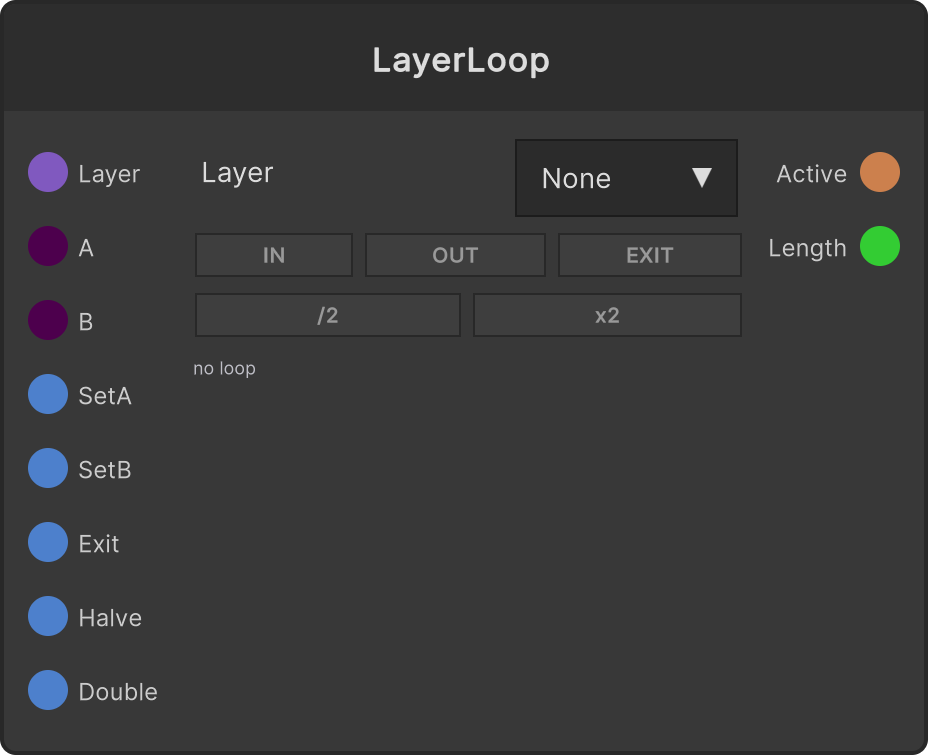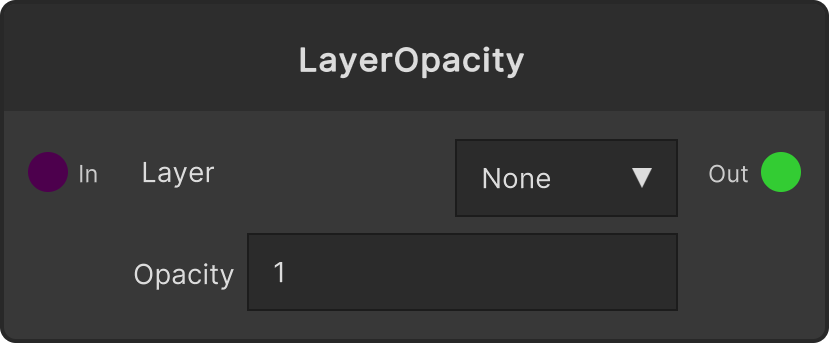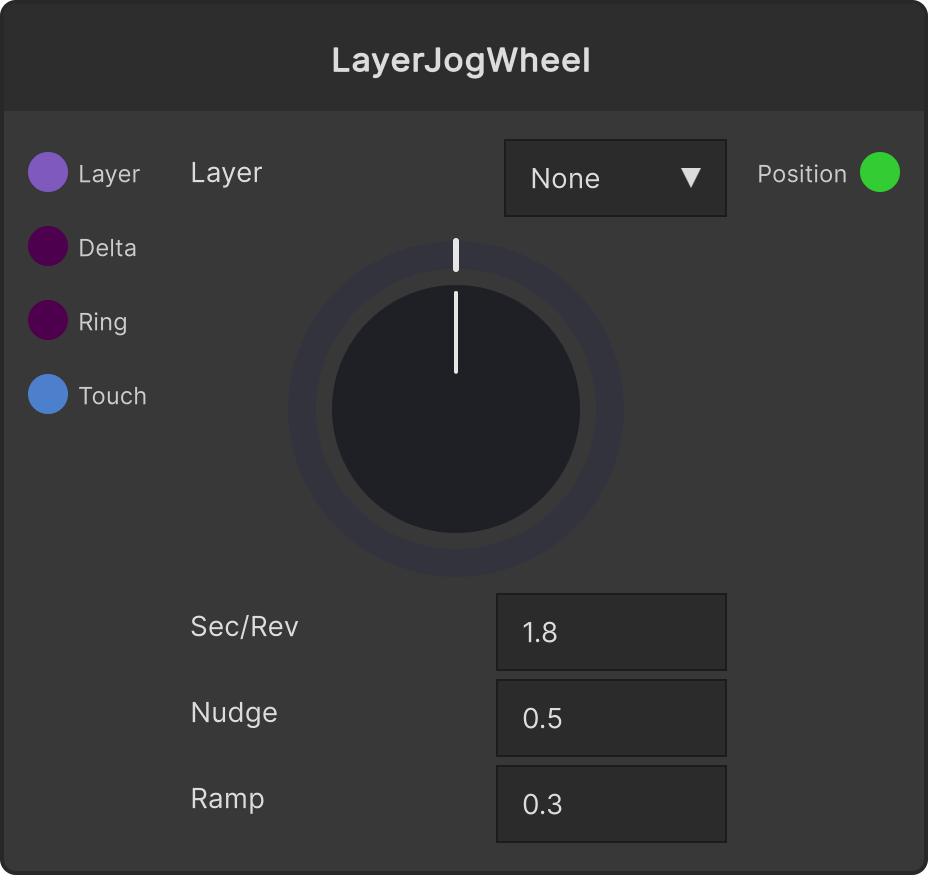
Takes the output of Jog Wheel and uses it to jog the playback of the selected layer. The basic wiring is to plug Delta / Ring Delta / Touch straight in. Even without a controller, you can do the same thing by dragging the wheel on the node sideways (also works when placed in the WidgetPanel’s Node View).
Three states
| State | When | Behavior |
|---|
| Scratch | While touching the top surface | Stops playback, and moves the playback position by the amount turned. One revolution advances Sec/Rev seconds’ worth. At the ends it wraps around to the other side |
| Coast | After releasing | If the controller is still sending rotation signals, follows them; once they stop, ramps back toward the original playback speed over Ramp seconds, resuming playback once they match. Throw it and it coasts on in the direction you threw it; throw it the other way and it winds back while returning |
| Nudge | While not touching | Multiplies the ring’s (and, while not touched, the top surface’s) rotation speed by Nudge and adds it on top of the playback speed. Returns to the original speed when you stop your hand |
- If the speed at the moment you release is small, no coast is generated and it returns to playback right away
- Touching again during coast returns to scratch
- If the speed is changed by something like LayerSpeed during a nudge, that value becomes the new baseline
- If playback was not running before you started a scratch, releasing does not start playback
- Right after resuming playback it seeks once to the current position, to re-align audio and video
Ports
| Port | Contents |
|---|
| Layer (input) | The target layer. Connecting it from Layer Select disables the node’s dropdown while connected, so the wiring takes priority |
| Delta (input) | The platter’s rotation amount (revolutions). Plug in Jog Wheel’s Delta |
| Ring (input) | The ring’s rotation amount (revolutions). Plug in Jog Wheel’s Ring Delta |
| Touch (input) | Whether the top surface is being touched. Plug in Jog Wheel’s Touch |
| Position (output) | The target layer’s playback position (0–1). 0 when nothing is selected |
Parameters
- Sec/Rev (default 1.8) — how many seconds of playback one wheel revolution equals. 1.8 seconds matches one revolution of a record at 33⅓rpm
- Nudge (default 0.5) — how strongly nudging acts. The multiplier applied to rotation speed when adding it to playback speed
- Ramp (default 0.3) — the time constant (seconds) for coast to return to the original speed. Lengthening it stretches out the coast
Target layer
Chosen via the node’s dropdown (None at the top), the Layer input port, or the layer specification from WidgetPanel / MIDI / OSC. Group layers cannot be targeted (selecting one leaves it unselected). Deleting the target layer returns it to unselected, and Position becomes 0.
Video
Input ports
| Port ID | Type |
|---|
Layer | LayerRef |
Delta | float |
RingDelta | float |
Touch | bool |
Output ports
| Port ID | Type |
|---|
Position | float |
Scriptable members
| Path | Type |
|---|
deltaInput | float |
ringInput | float |
touchInput | bool |
secondsPerRev | float |
nudgeGain | float |
rampSeconds | float |
Synapse Apps (scripting)
await synapse.modules.create({ type: "LayerJogWheel" })