Bloom Legacy
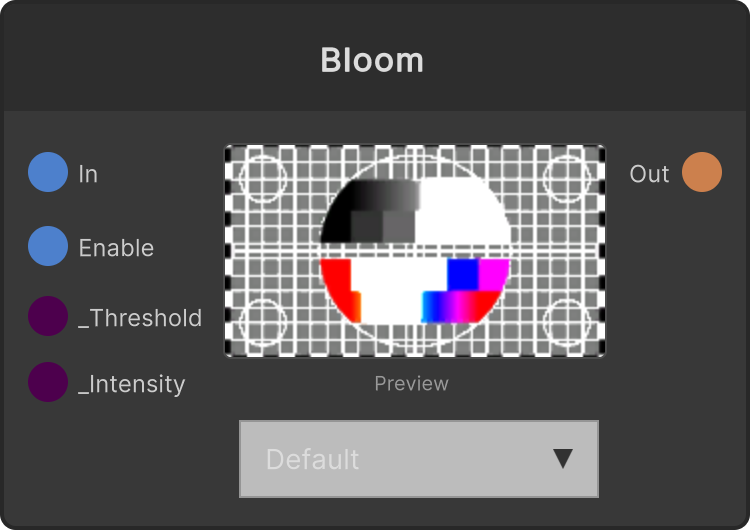
An effect that lifts the bright parts of the video to be even brighter (toward white).
It computes the brightness (perceived luminance) of each pixel, builds a mask that rises smoothly from Threshold to Threshold + 0.1, and adds mask × Intensity directly to RGB. Alpha is unchanged.
- Threshold — pixels above this brightness are affected (the transition width is fixed at 0.1, default 0.5)
- Intensity — the amount added. The higher it goes, the closer the affected parts get to white (default 1.0)
Because it is a single-pass additive operation, it is not the type of bloom where light bleeds into its surroundings (spreading via a blur). It is an effect that lifts bright areas per pixel.
FxShader nodes are used chained together through the
FxIn/FxOutports. For how to build a chain, see the FxShader category.
Input ports
| Port ID | Type |
|---|---|
FxIn | FxChainChangedData |
Enable | bool |
Output ports
| Port ID | Type |
|---|---|
FxOut | FxChainChangedData |
Scriptable members
| Path | Type |
|---|---|
enableInput | bool |
Synapse Apps (scripting)
await synapse.modules.create({ type: "fx.fx.bloom" })