Fx Apply
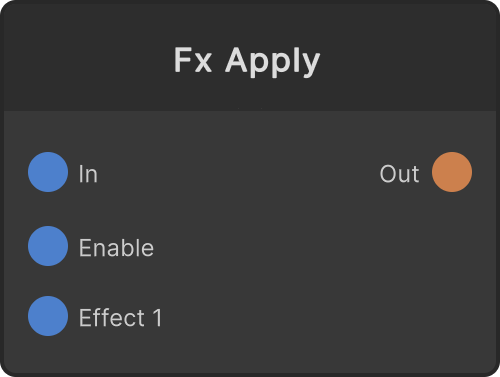
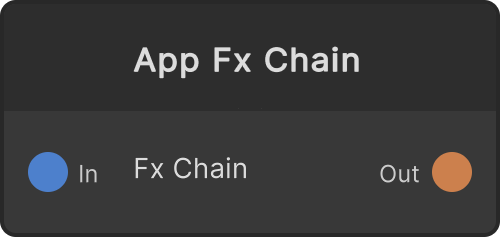
Applies a chain of FxShaders to a RenderTexture. It is a node that does what LayerFx does to a layer’s camera, but at an RT-in / RT-out boundary. Plugging into the Effect slots is the same operation as with LayerFx, only the destination is an RT, so existing ISF/shader assets can be used as material for the node graph as they are.
- Effect 1, 2, 3… — Slots for FxShaders that grow dynamically. When the last slot is filled, the next slot automatically grows. The limit is 16
- Enable — When OFF, the chain is skipped and it becomes a passthrough. Default ON (
Enableinput /enableInput/currentOn)
Both the size and the format of the output RT follow the input. While the input is not connected it is allocated at the global resolution and its contents are cleared to transparent.
So that the first stage of the chain gets the same edge handling as the later stages (wrapMode=Repeat), the input is first copied into an internal buffer before being passed along. Use the Edge parameter on the FxShader side to specify edges individually.
When a slot’s connection is removed, that slot is compacted one frame late (so that it is not deleted in the middle of swapping an edge). One empty slot always remains at the end.
What is saved is the slots’ PortID sequence, so even if a slot in the middle is deleted and the numbering has gaps, the connections are restored on load.
Input ports
| Port ID | Type |
|---|---|
In | RenderTexture |
Enable | bool |
Output ports
| Port ID | Type |
|---|---|
Out | RenderTexture |
Scriptable members
| Path | Type |
|---|---|
enableInput | bool |
currentOn | bool |
Synapse Apps (scripting)
await synapse.modules.create({ type: "FxApply" })