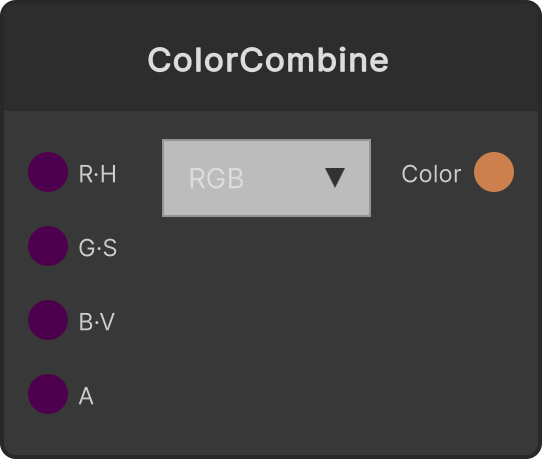
ColorSplit
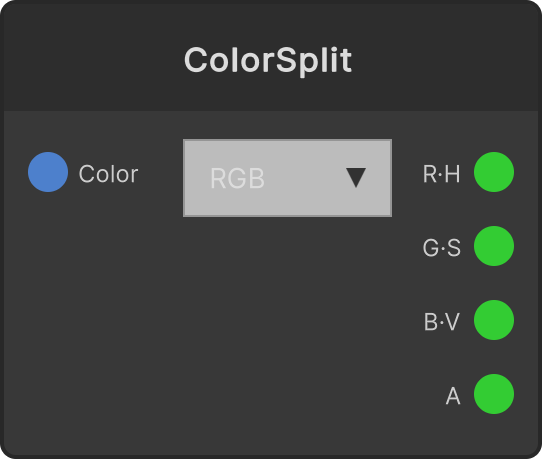
Splits the input color into four float outputs. The dropdown on the node switches between RGB (default) and HSV, and the output port names R or H / G or S / B or V are exactly their meanings in each mode. Alpha always outputs the input’s alpha unchanged, regardless of mode. It is the counterpart to ColorCombine, letting you take a color out as numbers and feed it into the control of other parameters.
- RGB mode — outputs R, G and B unchanged
- HSV mode — converts to hue, saturation and value and outputs them (all 0-1)
The outputs are recalculated the moment the mode is switched as well (it does not wait for a color input to arrive).
Input ports
| Port ID | Type |
|---|---|
Color | Color |
Output ports
| Port ID | Type |
|---|---|
R or H | float |
G or S | float |
B or V | float |
Alpha | float |
Synapse Apps (scripting)
await synapse.modules.create({ type: "ColorSplit" })