Field Visualize
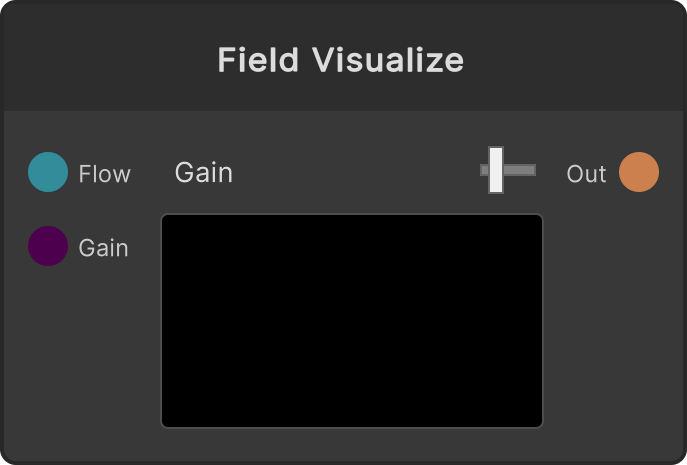
A node that converts an invisible flow field into an image so you can check it. It assigns the angle of the vector atan2(y, x) to hue and its length saturate(|v| × Gain) to brightness (saturation is always 1). It works for debugging while you are building a field, and can also be used as an image in its own right.
- Gain — the brightness scale. Clamped to 0-10, default 2 (
Gaininput /gainInput/currentGain). Raise it when the field is weak and looks pitch black
The output is a RenderTexture, and its resolution is the same as the input field (which in most cases means 1/4 to 1/8 of the global resolution). A preview is shown in the node UI.
If the input is disconnected, the output is cleared to black.
Input ports
| Port ID | Type |
|---|---|
Flow | FlowFieldInput |
Gain | float |
Output ports
| Port ID | Type |
|---|---|
Out | RenderTexture |
Scriptable members
| Path | Type |
|---|---|
gainInput | float |
currentGain | float |
Synapse Apps (scripting)
await synapse.modules.create({ type: "FieldVisualize" })